TOOBOM VOICE RECORDER
E: support@toobomworld.com W: http://toobomworld.com
Switch on your voice recorder, it will show “recordings”
Press UP /DWON button to select “Set”, press PLAY enter setting menu
Find “ Factory Settings “, press PLAY button, enter enter it
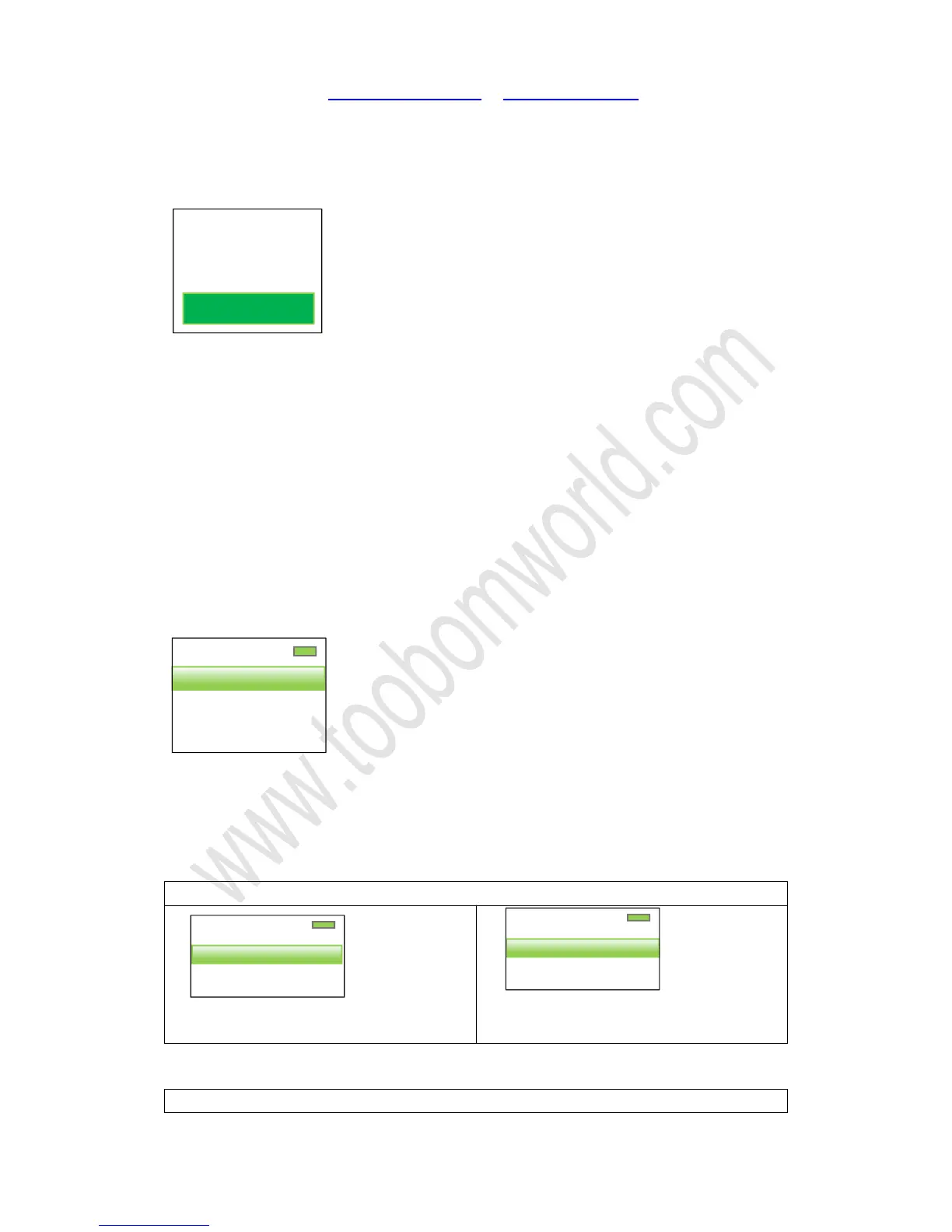
Screen will show
Select “Yes”, press PLAY button, confirm it
Screen will show “Restored!”
All the settings will be restore to default
16. Set system time for the recorder
Switch on your voice recorder, it will show “recordings” (if at other menu, press MODE
button, return to First Level Menu)
Press UP /DWON button to select “Set”, press PLAY enter setting menu
Find “ Date and time “, press PLAY button, enter enter it
Screen will show
Set time:
Press PLAY enter “time settings”, so it could set “set time format” , “Set time”
1) Select “set time format”, press PLAY
2) Press UP/DOWN to select time
format, and press PLAY button to confirm
1/2
Set time format
Set time
Restore factory
settings?
Yes
1/2
Time settings
Date settings


 To Next Page