TOOBOM VOICE RECORDER
E: support@toobomworld.com W: http://toobomworld.com
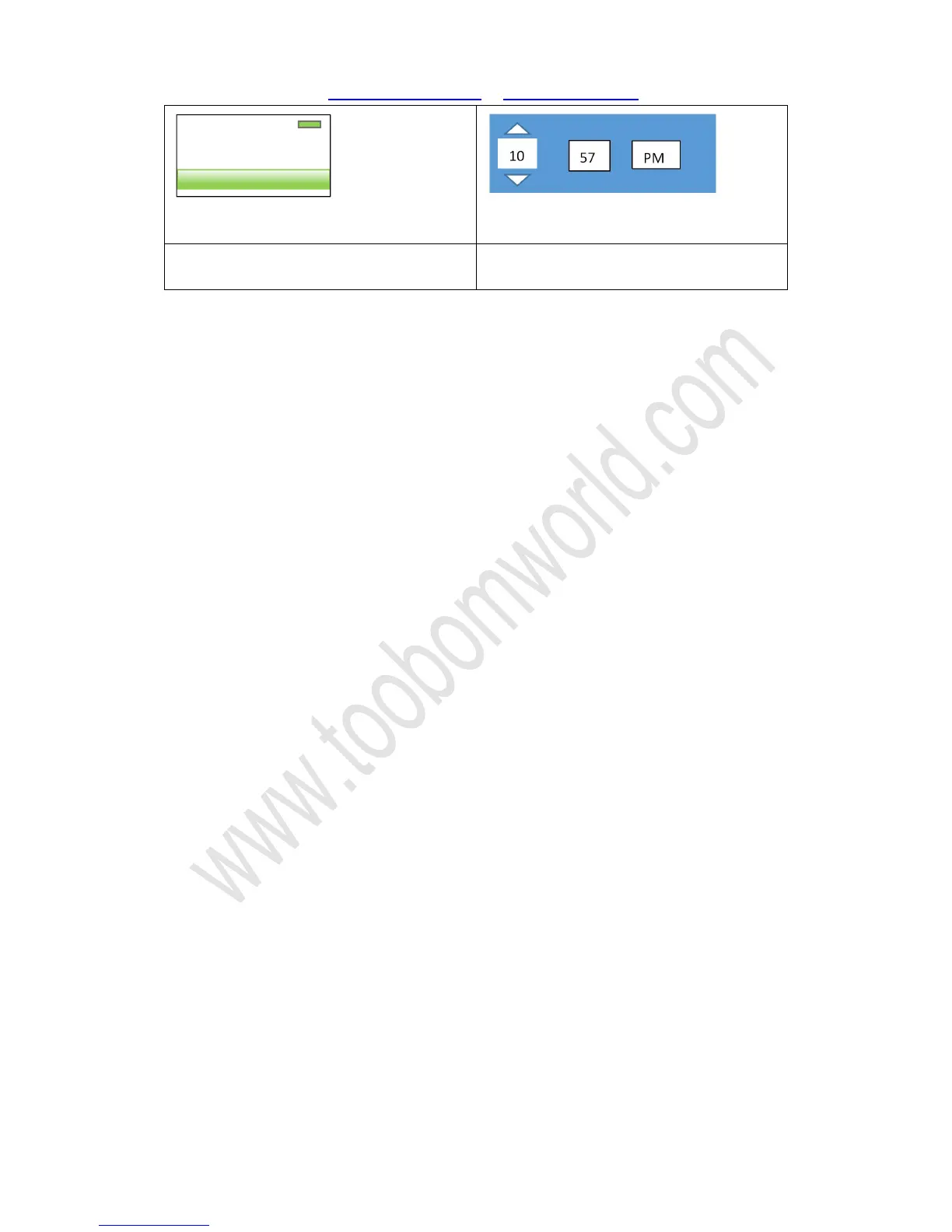
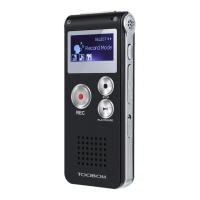
1) Select “ set time”, press PLAY enter it
2) Press UP /DOWN adjust “Hour”
3) After set correct hour, press VOL
button move to next set “Minute”
4) After set correct hour, press VOL
button move to next set “PM / AM”
Set Date:
The similar procedure like setting time
Select “Set date”, press PLAY enter it
It could set “Set date format” and “Set date”
After Year, Month and day set, press PLAY confirm the settings
NOTE:
Press PLAY confirm your settings, or it will not save your time and date settings
2/2
Set time format
Set time


 To Previous Page