your computer
And open your voice recorder
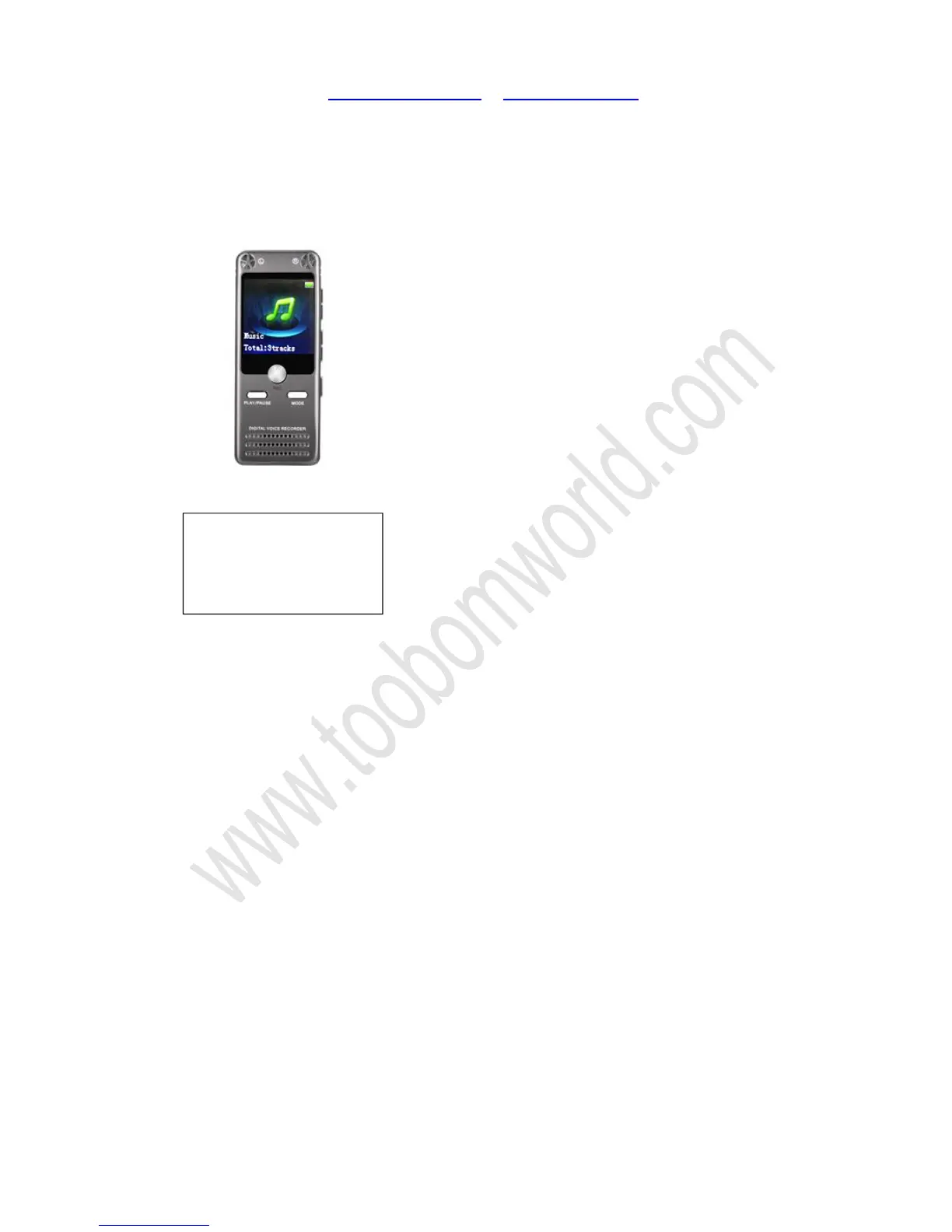
Press the UP/DOWN buttons, switch it to music menu
Just press PLAY button, it will show
“
”
The recorder will automatically sort songs in this 4 groups, so just select “All songs”
press PLAY, enter it
So you could select which song to play
Do not create too many folders or copy files to the recorder that cannot support.
When too many folders on the R63 recorder drive, it will cause error to the recorder.
If this happened, please kindly make a copy of your important files in the recorder,
and then format the recorder
Except to press and hold UP /DOWN to Fast Forward / Rewind during playing, it also
support playback at different speed
During playing, press and hold MODE button, it will enter play setting menu, so we


 To Next Page