TOOBOM VOICE RECORDER
E: support@toobomworld.com W: http://toobomworld.com
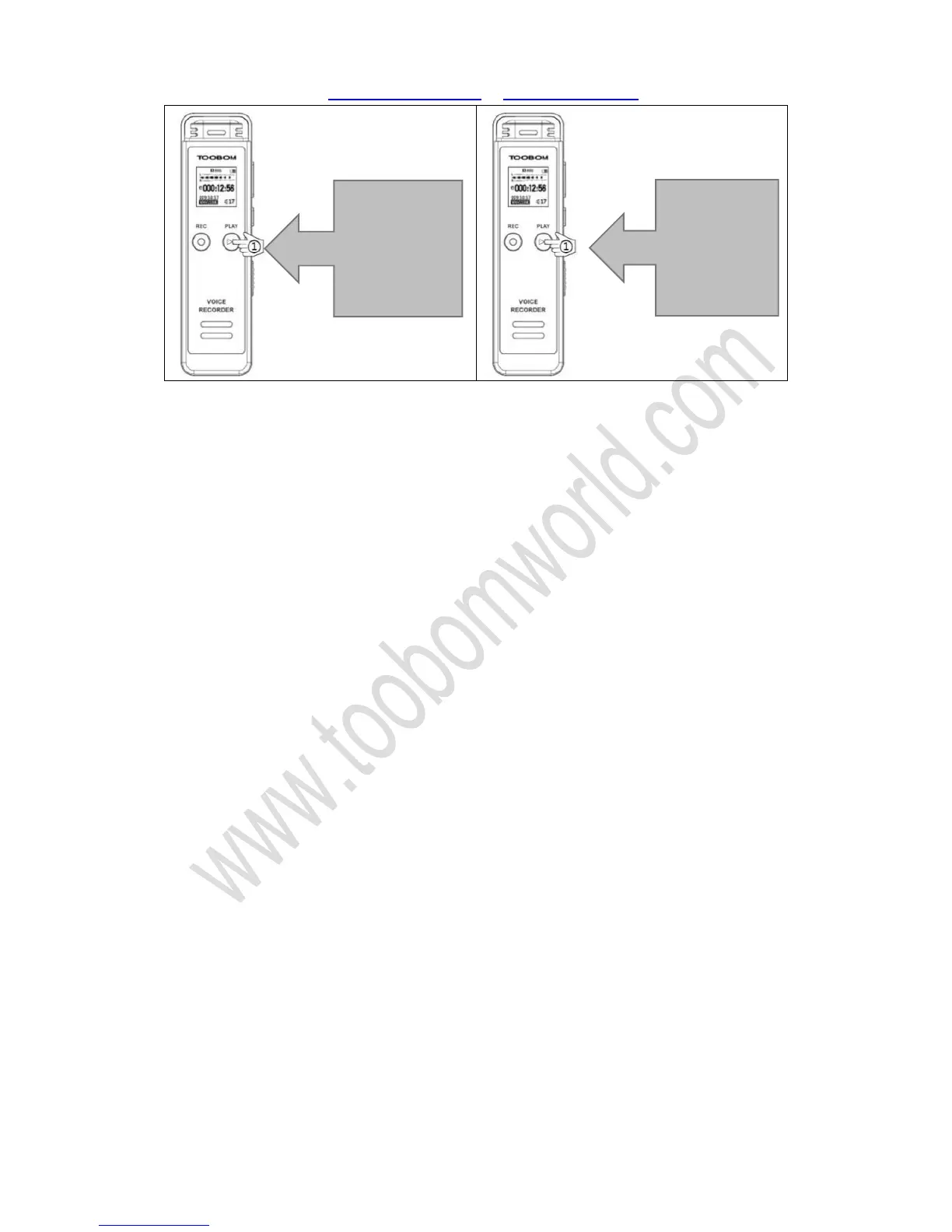
If you want to pause the recording, press PLAY, it will pause recording
Press PLAY again, it will resume to record
5. How to playback recording
Switch on voice recorder, in default it will reads the recordings file folder
Press PLAY button, it will play, pause recordings
6. How to delete a recording
If you want to delete the recordings, press down, hold M (menu) button. Enter menu
Press FF/REW select delete, press M (menu) enter delete
Now you could select delete or delete all
And press M (menu), it will ask you select YES, once you confirm YES
It will delete
Delete: delete single recordings
Delete All: it will delete all recordings on the recorder
NOTE: when delete file, it cannot be restored, be careful with this.
7. How to download recordings to computer
①Press PLAY
button, pause
record
①Press PLAY
button again,
resume to
record


 To Next Page