@ToolkitRC 2019
Channel setting
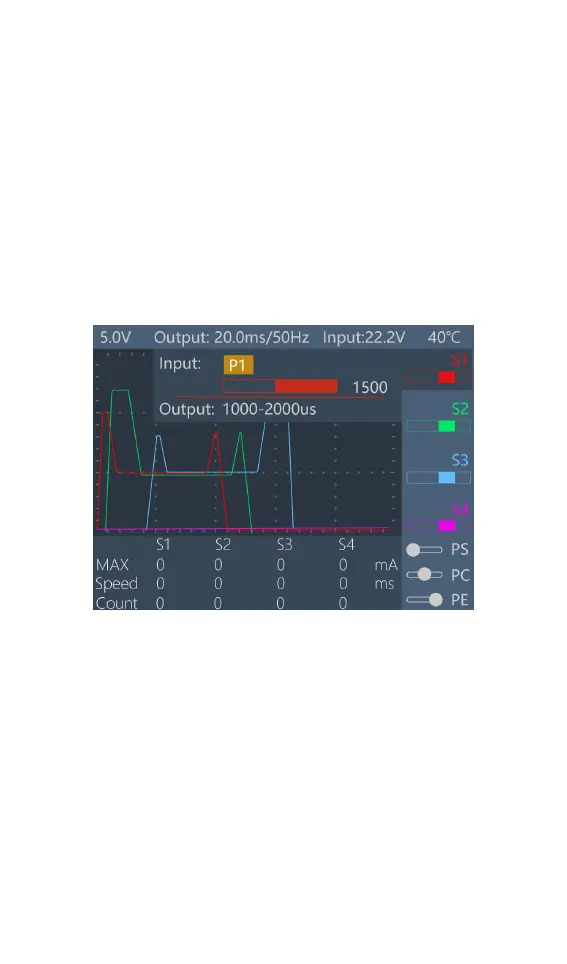
After selecting a channel in the main interface, press
[OK] to pop up the setting options of the selected
channel, and the following interface is displayed.
1,Signal source setting
Rotate the [Knob], move the cursor to the [Input] [P1]
position, press [OK] to modify the source setting.
Channel 1 can be set to P1, S5, internal signal, button,
and 4 sources. Channels 2-4 can be set to P1, S5,
internal signals, buttons, channels 1, and 5 sources. After
selecting the appropriate source. Short press [OK] and
[Exit] to take effect.
2,P1 source setting



 To Next Page