@ToolkitRC 2019
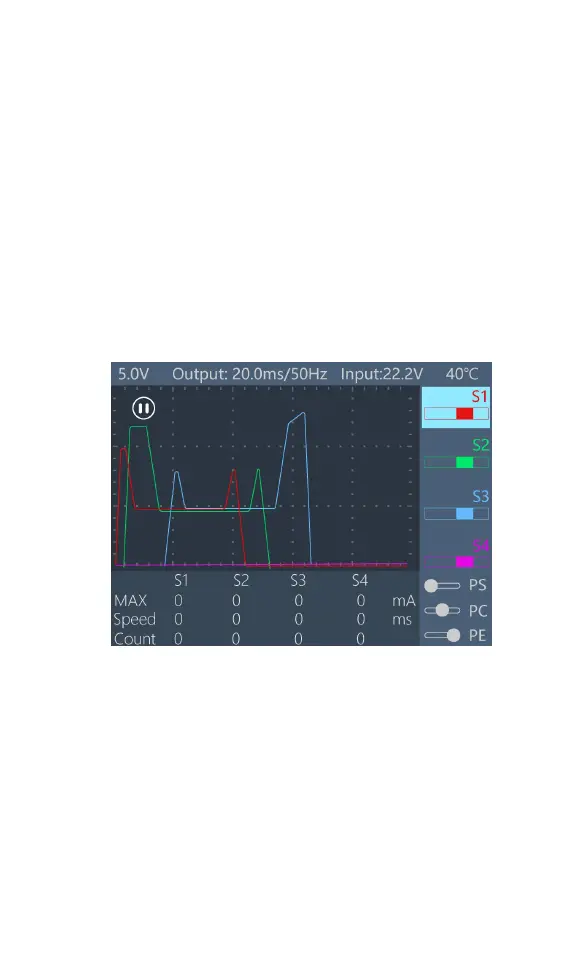
Pause interface
After booting up or pressing [Exit] on the main
interface, you can enter the pause interface, as shown
below:
When paused, the current curve is paused and the
PWM signal is maintained at a fixed value. Rotate [Knob]
to adjust the timeline to view the saved current curve.
Press [Exit] to exit the pause interface.


 To Next Page