8 Topcom Twintalker 5010
Topcom Twintalker 5010
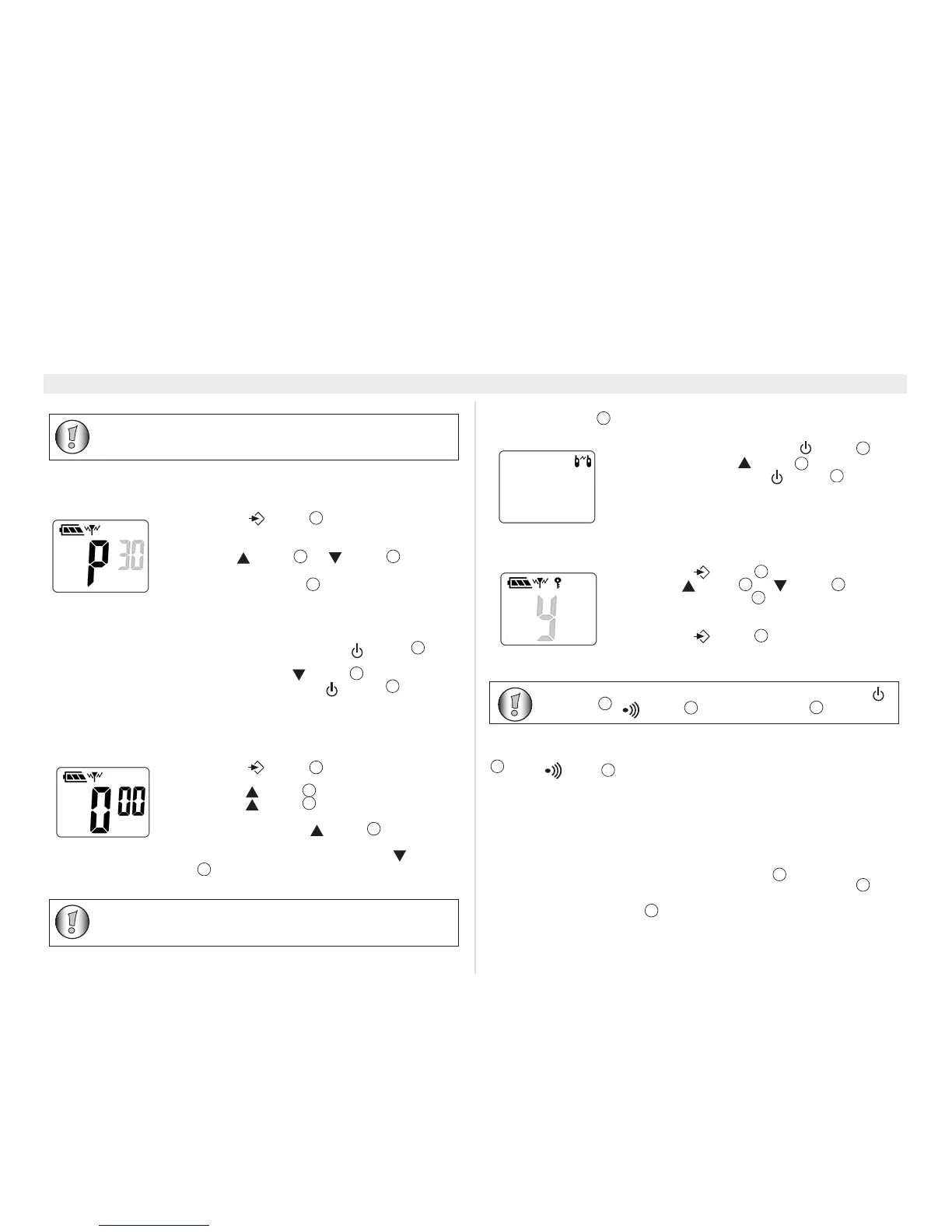
13.12 Automatic power off (APO)
To save energy, you can activate the automatic power off function. In case you forgot
to power off the unit, it will switch off automatically after the set time.
13.13 Key tone on/off
When a button is pressed, the unit will beep briefly.
13.14 Stopwatch
The Twintalker 5010 has a stopwatch function (mm:ss).
13.15 Roger beep on/off
After the PTT-button is released, the unit will send out a roger beep to confirm
that you have stopped talking.
13.16 Key lock
13.17 Display back light
To activate the backlight of the LCD display, press any button except the PTT-button
or the button
The LCD backlight will light up for 5 seconds.
14 Earpiece connection
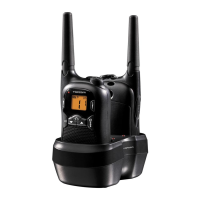
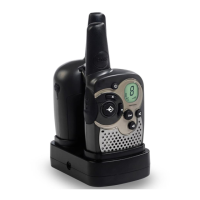
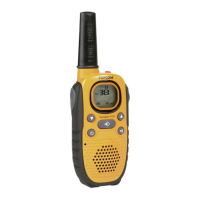
The Twintalker 5010 can be used with an optional earpiece.
The connector is located under the protective rubber cover on the top of the unit.
To attach the earpiece, remove the rubber flap to expose the connector.
Insert the earpiece plug into the connector (2,5mm jack) .
The small button on the earpiece has the same function as the PTT-button
on the
unit.
When you use the PTT-button
from the Earpiece, you must also use the
microphone from the earpiece wire.
• Press the -button
four times, the current
power off time flashes on the display. (0, 30, 60 or 90
minutes).
• Use the -button
or -button to change
the time. Select ‘0’ to disable the APO feature.
• Press the PTT-button
to confirm and return to
stand-by mode.
• Switch off the PMR (press the -button for
three seconds).
• Press-and-hold the -button
while switching on
the PMR by pressing the -button for three
seconds.
• The key tone will be switched.
• Press the -button
five times. The counter is
displayed.
• Press the -button
to start counting.
• Press the -button again to stop counting and
see the lap time. The counter continues in the
background. Press the -button
to proceed
counting.
• When the counter is stopped, press the -button
to reset the counter.
• Switch off the PMR (press the -button )
• Press-and-hold the -button while switching on
the PMR by pressing the -button
.
• The roger beep function will be switched on or off.
• If the roger beep icon appears in the display, it means
that this function is on.
• Press the -button eight times.
• Use the -button or -button to select Y.
• Press the PTT-button to confirm and return to
stand-by mode.
• Press the -button for four seconds to disable
the key lock.
12
9




 To Next Page