Topcom Webt@lker 200 13
Topcom Webt@lker 200
ENGLISH
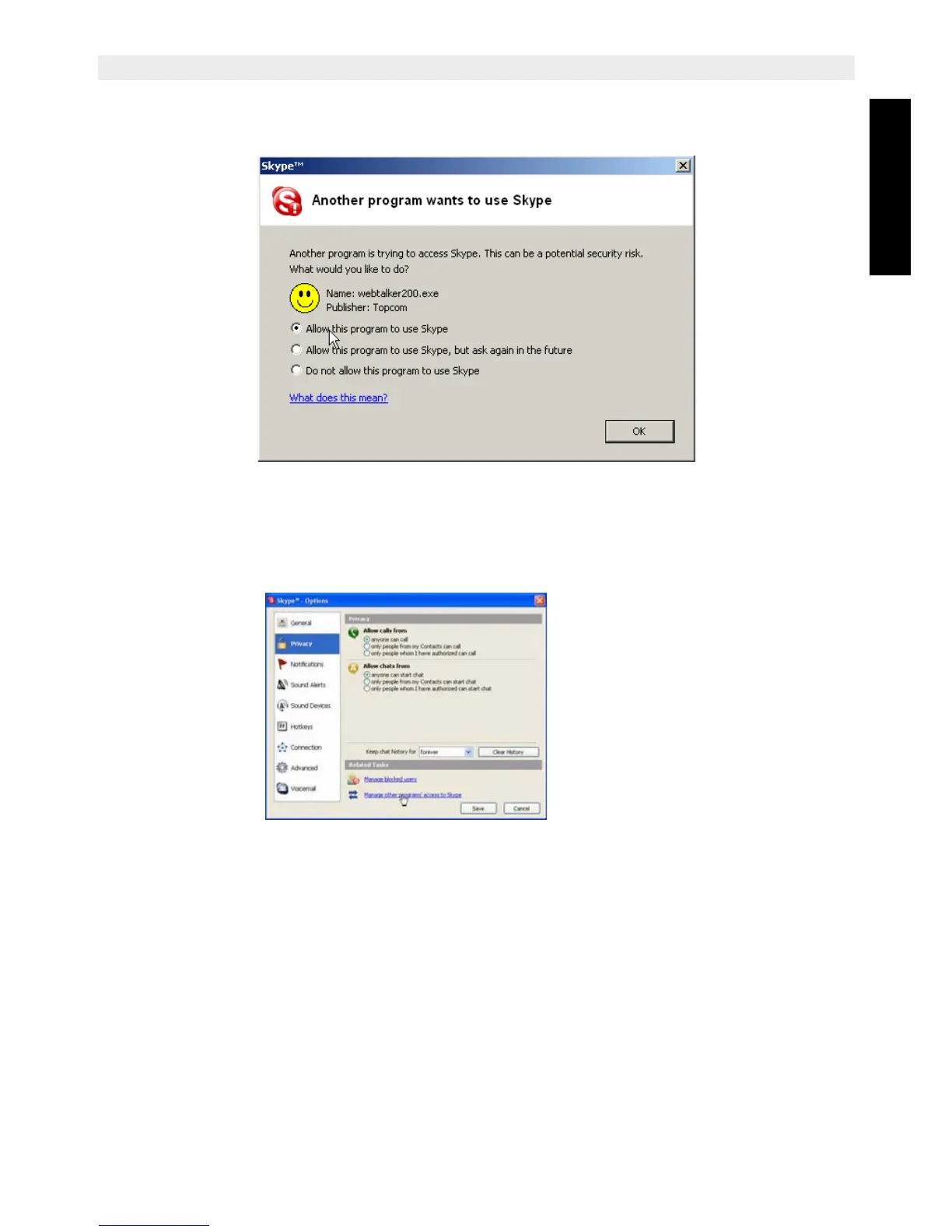
6. When the following screen appears, select ‘Allow this program to use Skype’ and
click ‘OK’.
If you accidentally select the do not allow this program to use Skype option, open Skype
window and take the next steps:
• Click Tools > Options > Privacy > Manage other program's access to Skype.
• Select WEBTALKER 200.EXE and click ‘Change’, then re-select a proper option to let
the provided program access Skype.



 To Next Page