10 Topcom Webt@lker 200
Topcom Webt@lker 200
6.2 Webt@lker 200 Utility installation
To insure that the Webt@lker 200 is functioning optimal with Skype, the utility must be
installed.
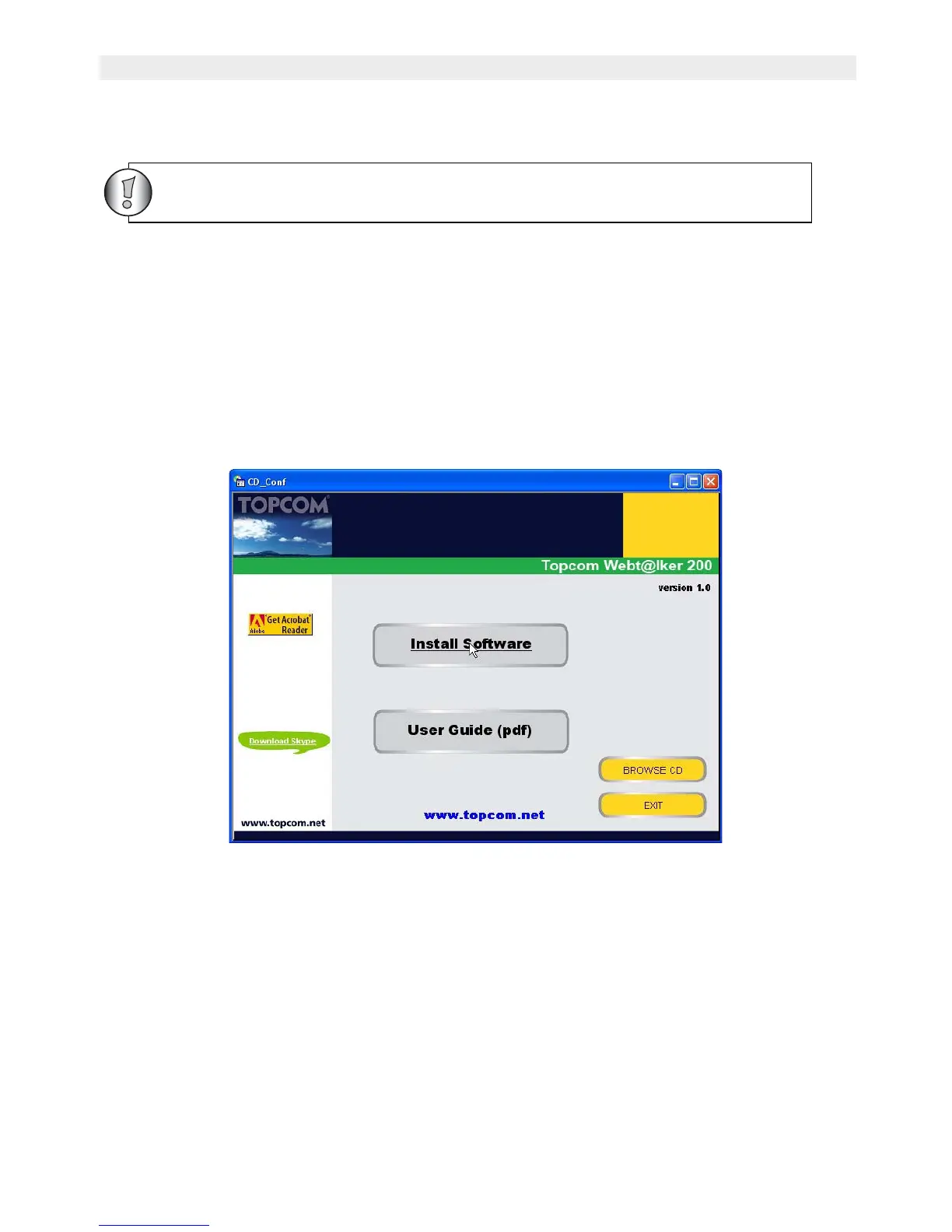
Insert the Topcom Webt@lker 200 CD-ROM into your CD-ROM drive. The setup menu would
start up automatically.
If the program doesn’t run automatically, click on START in the toolbar and select Run.
Enter D:\CD_Start.exe (if D in not your CD-ROM drive, enter the appropriate letter)
1. Once the auto run screen appears, click ‘Install Software’.
For the latest version of the utility software please look at our website:
http://www.topcom.net/support/downloads.php



 To Next Page