1-12
P/N: 1069122-01 (JS 31301)
WEEE Recycling Passport
FC-6400 ULTRA-RUGGED TABLET
Final Disassembly
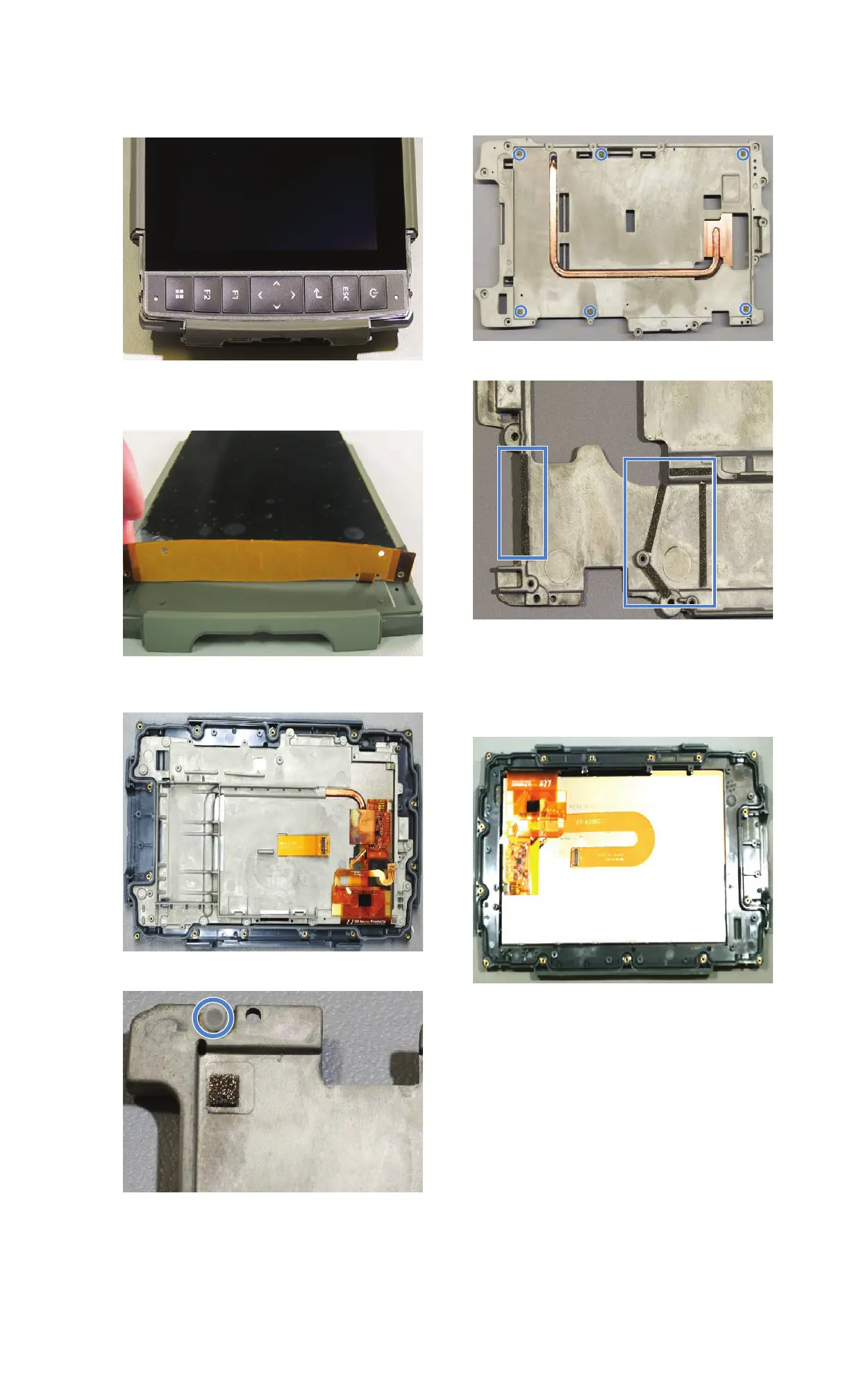
1. Pull keypad cover away from unit.
2. Pull keypad flex away from unit.
3. Remove flex tail from case front.
4. Remove screws from perimeter of frame
with a T5 driver and remove frame.
5. Remove light pipe from mag frame.
6. Remove heat pipe from mag frame.
7. Remove six
grounding pads.
8. Remove ground tape strips from mag frame.
9. Remove display flex.
10. Remove display from case front.
11. Remove pressed-in hardware from case
front.


 To Next Page