3
1-866-4TOPCON www.topcongps.com
To enable Daisy Chain using HyperTerminal, take the
following steps:
Step 1. To open HyperTerminal, click Windows Start menu
( ), point to Programs, and then choose
Accessories X Communications X HyperTerminal.
Alternatively, you can enter
hypertrm.exe
in the
Windows Run menu to start the program.
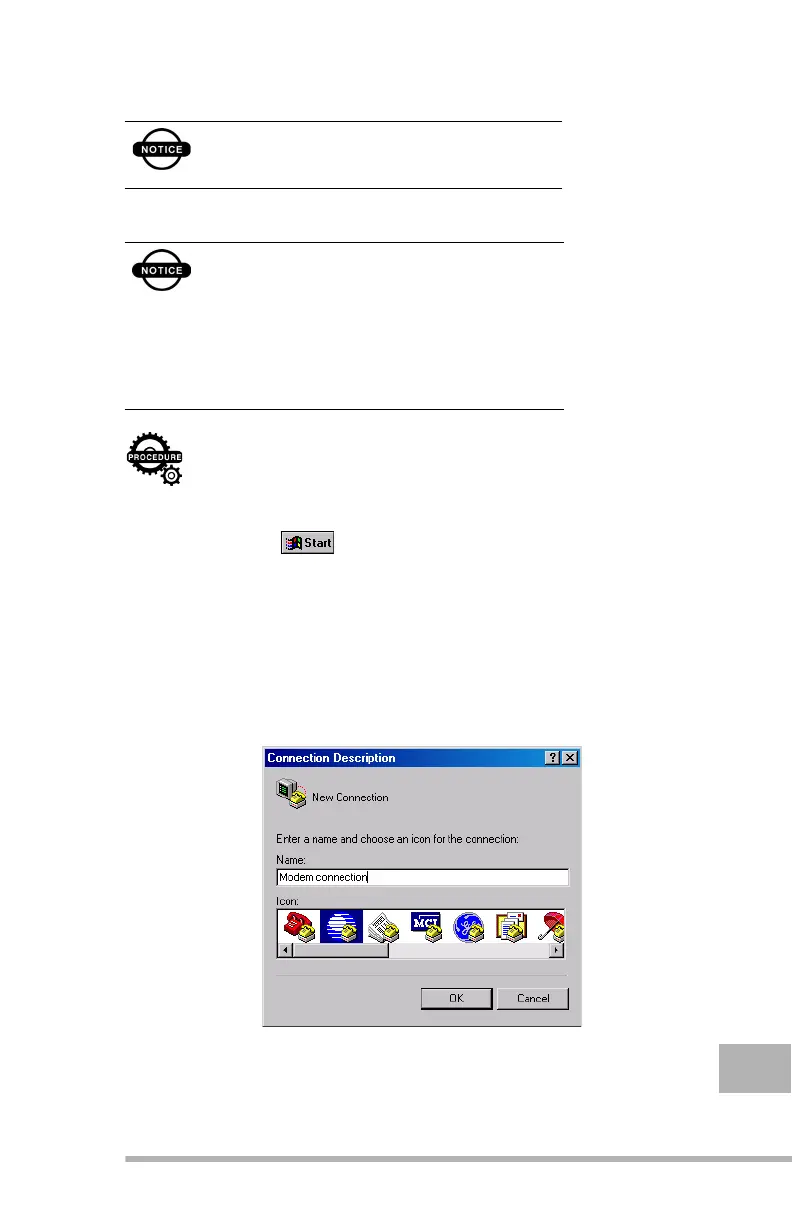
Step 2. The Connection Description window appears. Type in
a name for the connection (for example,
Modem
connection
) in the Name field and select an icon to
symbolize your connection type (see Figure 1-1). Click
OK.
Figure 1-1.
Connection Description window
Before activating Daisy Chain please refer to
the next topic to learn how to bring the ports
back to command mode
Currently there is a limitation to the daisy
chaining support: It is strongly recommended
that you do not use PC-CDU’s terminal (i.e.,
the Manual Mode window) for sending the
commands, documented above, to the
receiver.You should use a communication
program like HyperTerminal which comes with
Microsoft Windows.



 To Next Page