Topcon FH915/2400 Commands Reference Manual
4
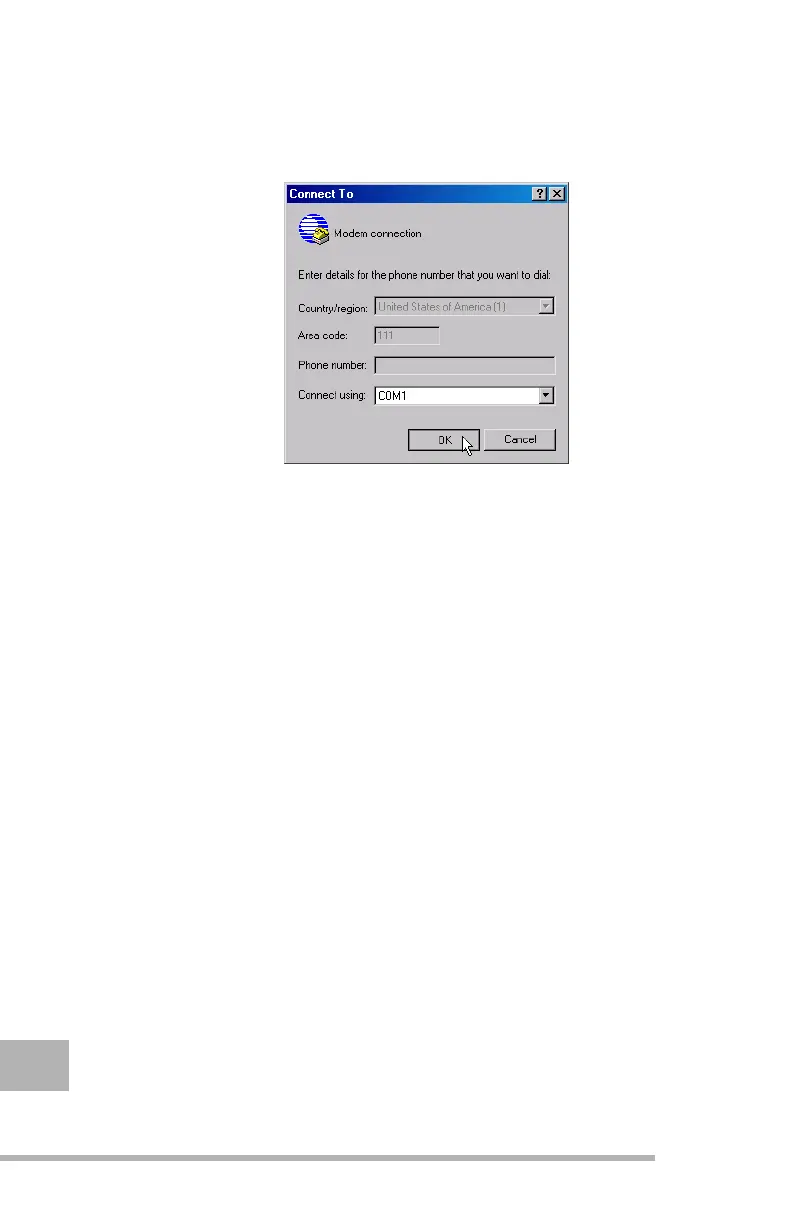
Step 3. The Connect To window will appear. From the Connect
using drop down list, select
COM#
(where
#
is the computer
serial port your receiver is connected to) and then click
OK (Figure 1-2).
Figure 1-2.
Connect To window
Step 4. The COM# Properties window appears. Verify the
settings on the Port Settings tab. They should be as
follows:
• Bits per second -
115200
• Data bits -
8
• Parity -
None
• Stop bits -
1
• Flow control -
None



 To Next Page