7 2031005555 Revision B, 04/14
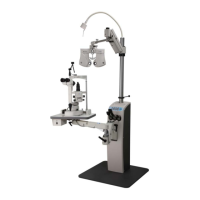
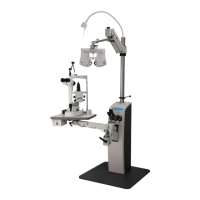
Figure 3.3: IS-5000 Connector Locations
3.4 Power Up
1. Plug in the power cord, and push the power button on the console.
The green light in the switch will light when powered.
2. Check the functionality of all the components.
Final adjustments will be performed in Section 5: Adjustments.
3. Once satisfied with the connections of all the instruments, install the back cover of the
IS-5000. To install the removable back shroud cover, carefully push the cover forward
into place and securely install the seven (7) Phillips screws.
Peel and discard the protective clear tape from floorplate.
Well Cable
Up/Down Switch
Low Voltage Lamp Fuse
3A Automotive with LED
(120V & 240V units)
O/H Lamp
Chair Fuse
5A 250V Normal Blow (120V units)
3A 250V Normal Blow (240V units)
Duplex Fuse
5A 250V Normal Blow (120V units)
3A 250V Normal Blow (240V units)
Chair
AC Power Input
Duplex
Chair Control


 To Next Page