Operation
LS-B2 Operator’s Manual
13
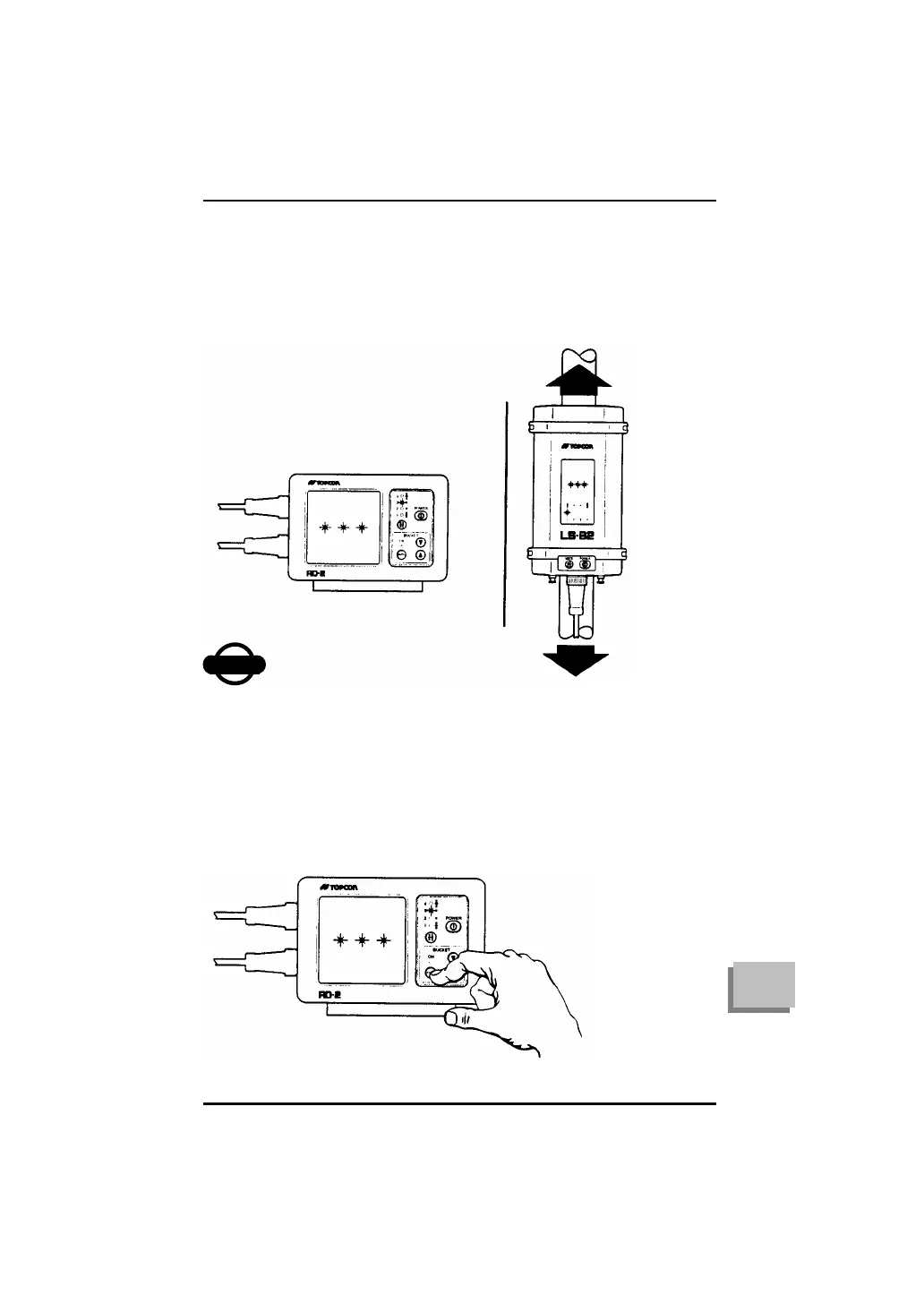
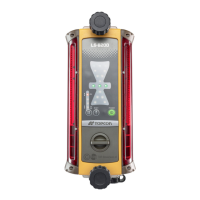
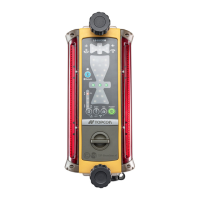
7 Move the LS-B2 up or down until the on-grade symbol
appears in the display (LS-B2 indicates on-grade by
flashing a horizontal bar across the center of its display).
8 Affix the LS-B2 firmly to its mounting pipe or pole.
The RD-2 will flash all four display panel lights if it is not
receiving communication from the LS-B2. If this occurs
while you are using the infrared option, an adjustment to
the position of the IR-2 may be necessary.
To Use the RD-2 Automatic Controls
If you or your dealer has connected the RD-2 to your machine’s
hydraulic valves, you can switch from manual to automatic control
and the reverse by pressing the RD-2 AUTO button.
2. MOVE LS-B2 UP AND DOWN UNTIL “ON -
GRADE” SIGNAL APPEARS
3. TIGHTEN LS-B2 TO BRACKET



 To Next Page