Operation
LS-B2 Operator’s Manual
14
Also, if you have connected the RD-2 to your machine’s hydraulic
valves, you can raise or lower the machine’s cutting edge by
pressing the “Bucket” up/down switch on the RD-2 control panel.
Grade Display Signals
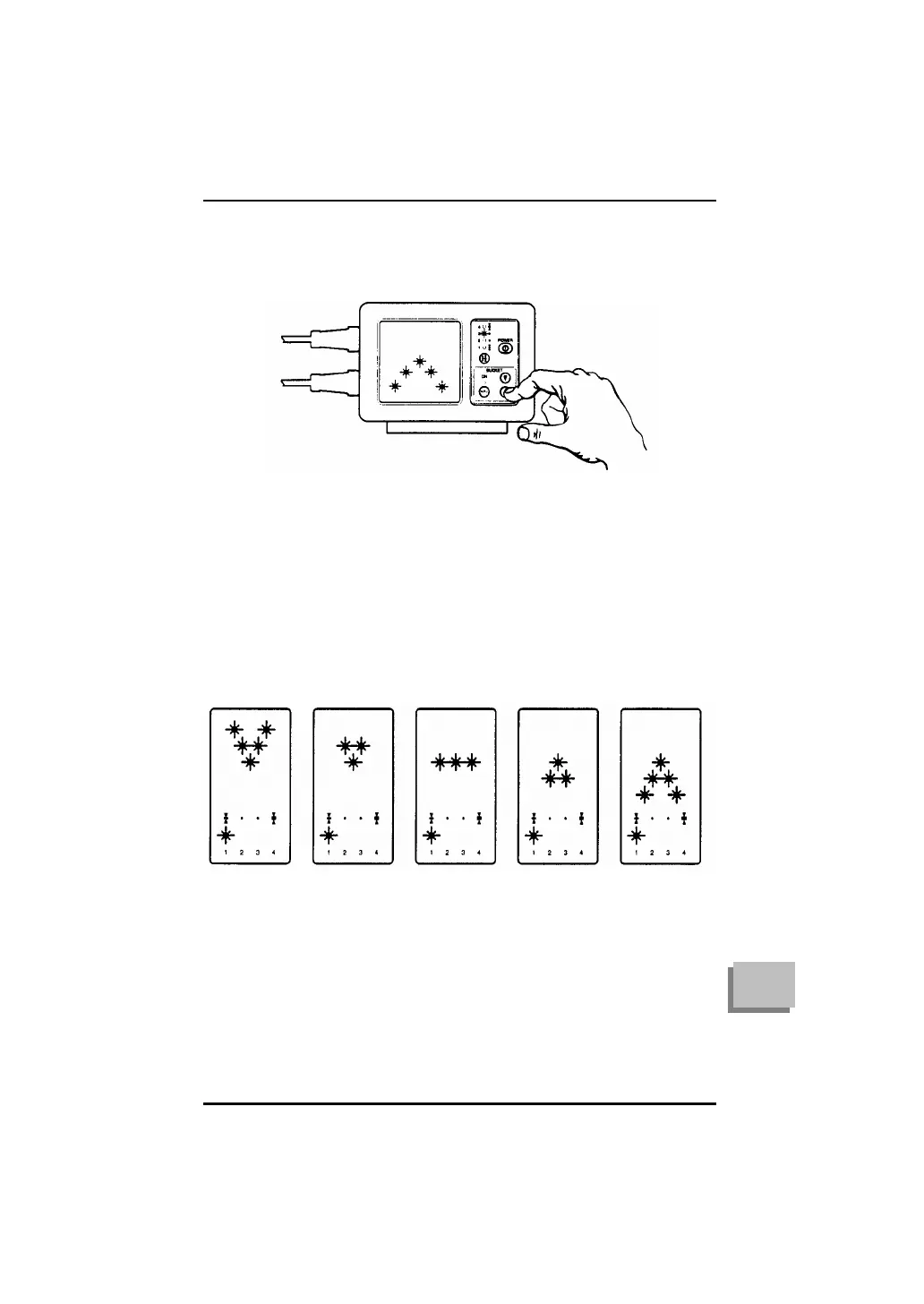
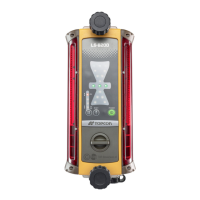
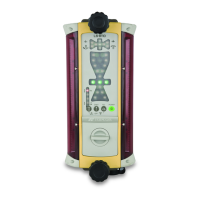
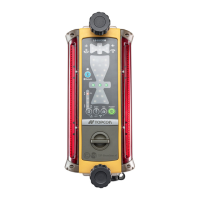
Both the LS-B2 and RD-2 have grade displays which show the
direction of adjustment needed to reach grade. The display consists
of grade arrows if a correction is required and a horizontal bar
signal when on-grade.
Note which adjustments correspond to which grade indicate display
signals:
TOO HIGH
A LITTLE TOO
HIGH
ON GRADE
A LITTLE TOO
LOW
TOO LOW
LOWER
CUTTING
EDGE
TO REACH
GRADE
SLIGHTLY
LOWER
CUTTING
EDGE
TO REACH
GRADE
SLIGHTLY
RAISE
CUTTING
EDGE
TO REACH
GRADE
RAISE
CUTTING
EDGE
TO REACH
GRADE
The LED
arrow is
solid
The LED
arrow flashes
The LED
arrow flashes
The LED
arrow flashes
The LED
arrow is
solid



 To Next Page