4 5
EN
Features
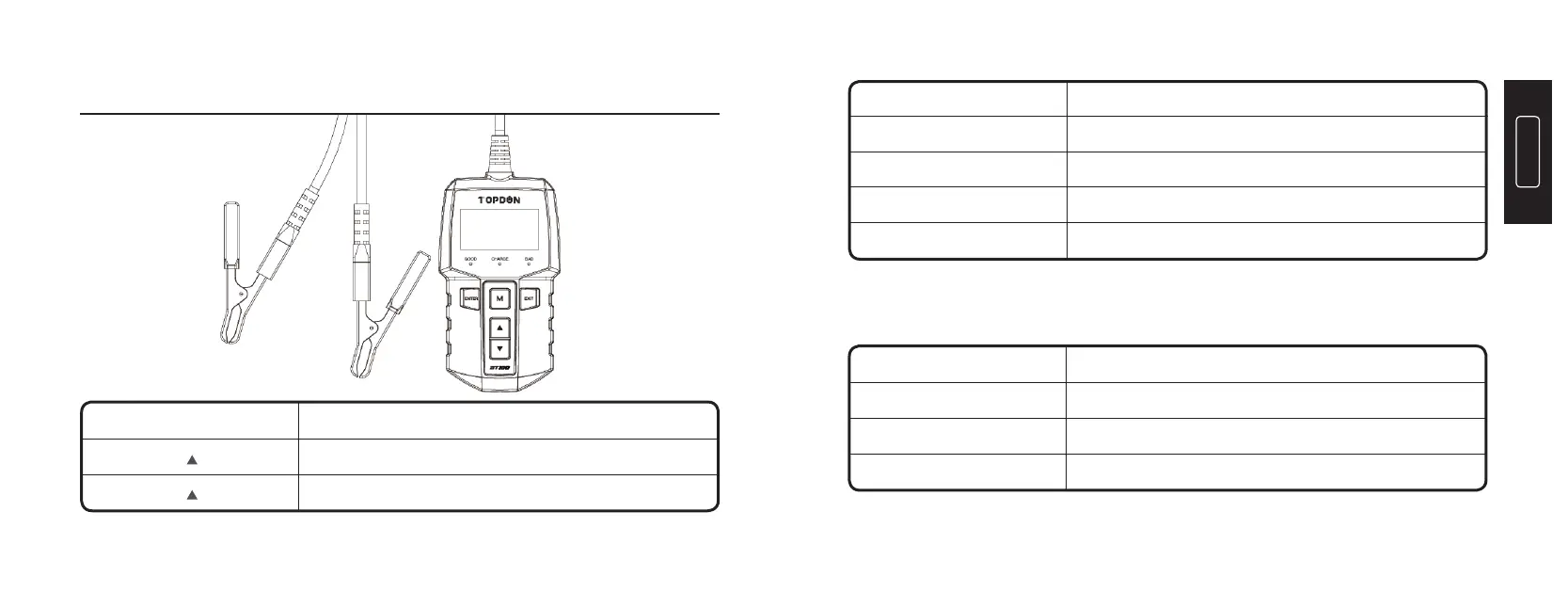
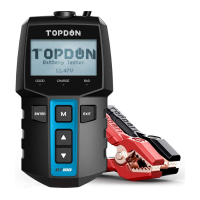
Indicator Display
Page up, or increase the battery rating values
Page down, or decrease the battery rating values
Cancel; Return to the previous page
Conrm; Enter and proceed
Display Main menu
Connect to the negative terminal of the vehicle battery
Connect to the positive terminal of the vehicle battery
Exit
ENTER
M
Black Smart Clamp
Red Smart Clamp
OperationButtons
< >
< >
Good (> 80% Capacity)
Recharge (50~80% Capacity)
Replace (< 50% Capacity)Red LED On
Green LED On
Yellow LED On
Battery StatusLED Indicator


 To Next Page