EN I 21
Settings
• Feedback: If you have any doubts or suggestions, write a feedback to TOPDON
technical team for support.
• Firmware upgrade: Tap it to check if any available upgrade has been released.
Bluetooth Connection
Only after connecting the APP with the Bluetooth of the battery tester can tests via
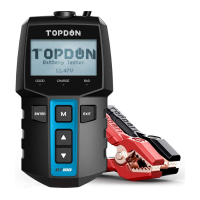
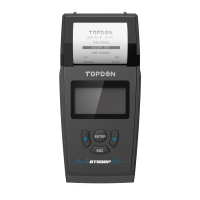
the APP be done. Tap the Bluetooth icon on the upper right to search BT100W and
connect.
Note:
Once the Bluetooth is connected, all buttons except Exit on the tester will stop
working. Pressing Exit will terminate the test on the APP and resume the
functions of buttons on the tester. After that, automatic Bluetooth connection
will be not possible. You can only manually connect it again.
Note:
1) Turn off the engine and all accessories.
2) Turn on the vehicle headlamps for 10 seconds until the battery voltage drops
back to normal value if the battery is just fully charged.
3) The test only applies to 12V lead-acid batteries.
3. Battery Test
Test Steps:
1) Tap "Battery Test" to initiate the test.


 To Next Page