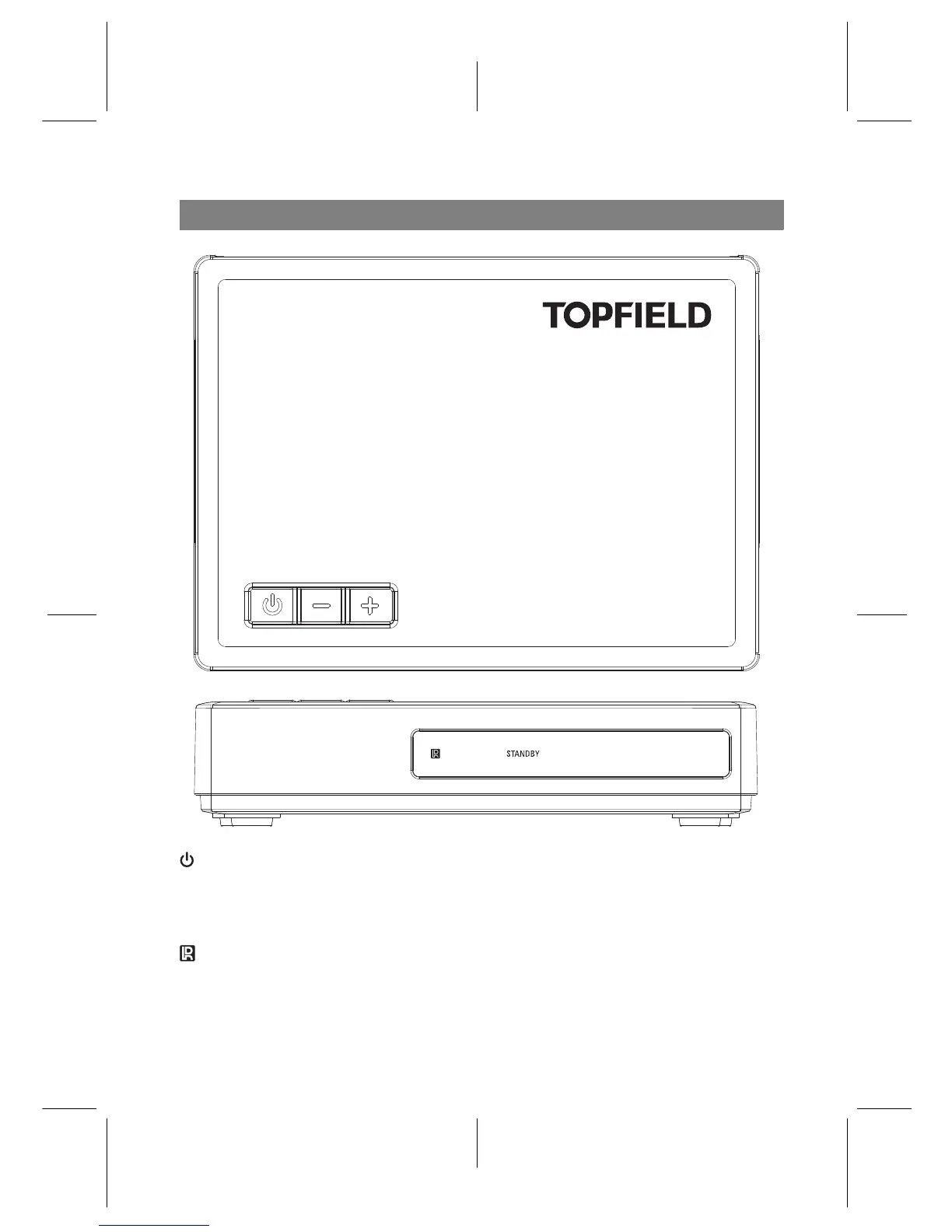
Front Panel
button switches the digital receiver between standby mode and
active mode.
CHANNEL −, + buttons switch to the previous or next service. They are also used
to navigate in menus and interactive screens.
light blinks every time you press a button on the remote control.
STANDBY light lights up while the digital receiver is in standby mode.
3














 To Next Page