First Time Installation
1 After having connected the appropriate cables from the digital receiver to your
TV, make sure the power cord of the digital receiver is plugged into a wall socket
and turn the unit ON using the switch on the back of the unit.
2 Check that your TV set is turned on.
3 Check that your TV set is on the correct video channel so that you can see the
Menu from the Digital Receiver.
4 Insert the batteries into the remote control.
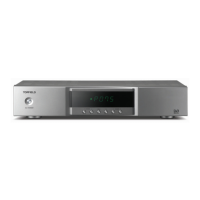
5 Press the button on the remote control or the button on the top-left side
of the unit to turn the Digital Receiver on.
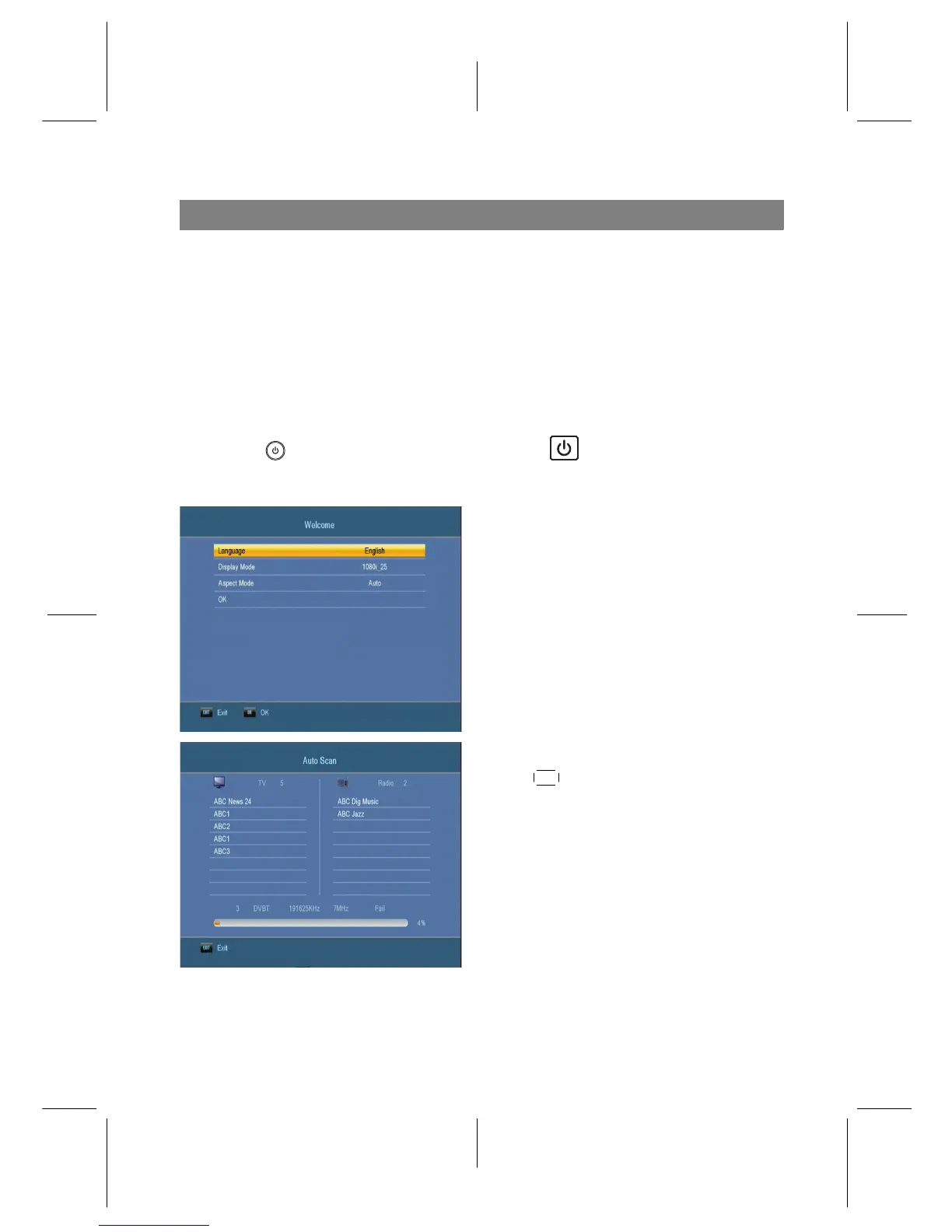
6 The welcome screen will appear on
your screen.
Set the options as you need.
7 Press
OK button to start the search.
Now AutoScan will start searching for
services automatically.
8










 To Next Page