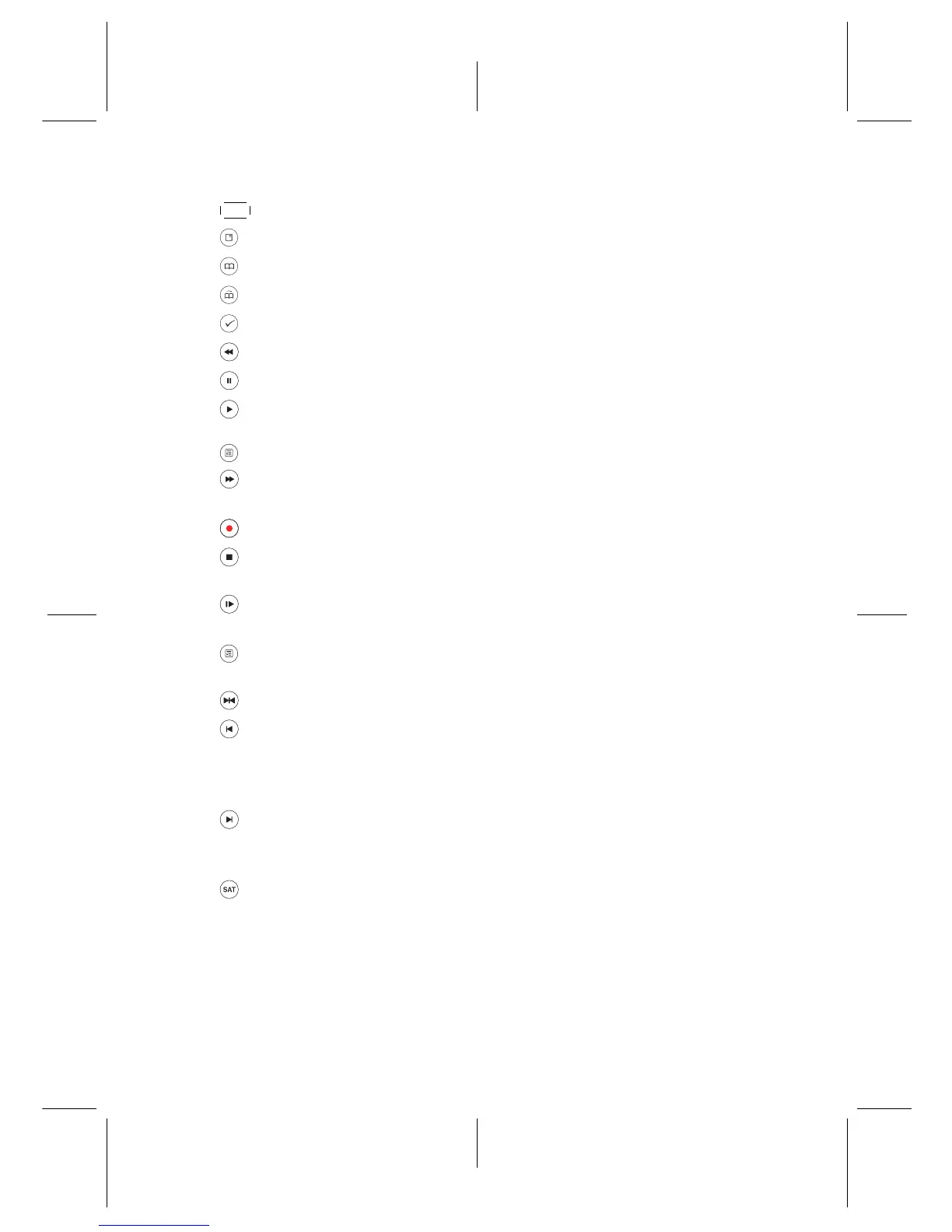
•
FAV displays the favourite list.
• has different functions per menu. [Red Button]
• has different functions per menu. [Green Button]
• has different functions per menu. [Yellow Button]
• has different functions per menu. [Blue Button]
• starts reverse playback. Subsequent presses increase the rewind speed.
• pauses live television or playback of a recorded programme.
• resumes normal playback speed, or displays the progress bar for naviga-
tion on playback or time-shift. To play a recorded programme, see button
.
• starts fast forward playback. Subsequent presses increase the playback
speed.
• starts recording.
• stops playback, stops recording, or jumps back to live television from time-
shifted television.
• starts slow motion playback. Subsequent presses change the playback
speed.
• displays the list of recorded programmes that are stored in the external
hard drive.
• has different functions per menu.
• during recorded file playback: jumps back for a certain duration of time
as setted.
during media file playback: starts playing the previous file from the USB stor-
age.
• during recorded file playback: jumps forward for a certain duration of time
as setted.
during media file playback: starts playing the next file from the USB storage.
• has different functions per menu.
Functions of the colour buttons will be guided on the screen.
7










 To Next Page