1.2 Controlling the digital receiver 3
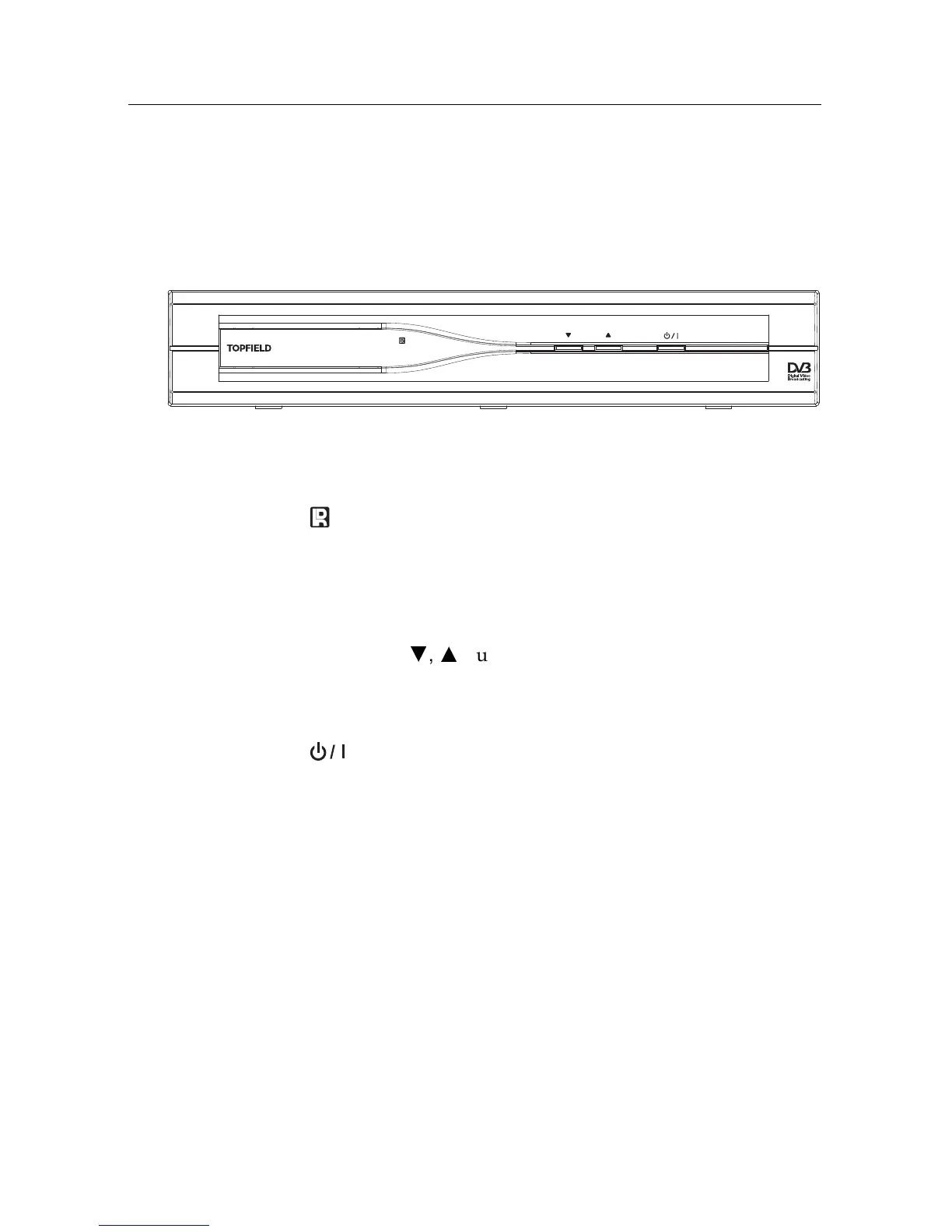
1.2.1 The front panel
The front panel of the digital receiver has buttons to control
the digital receiver, specific lamps and a display to indicate its
status. The following indicates what they mean.
Front display
shows the current time in standby mode, and
displays the current service in operation mode.
lamp blinks whenever you press a button on the remote
control.
STANDBY
lamp lights up while the digital receiver is in
standby mode.
CHANNEL
c
,
a
buttons switch to previous or next service.
They are also used to navigate in menus and interactive
screens.
button switches the digital receiver between standby
mode and operation mode.



 To Next Page