2.6 Station Settings 17
2.6.5 Editing The Transponder List
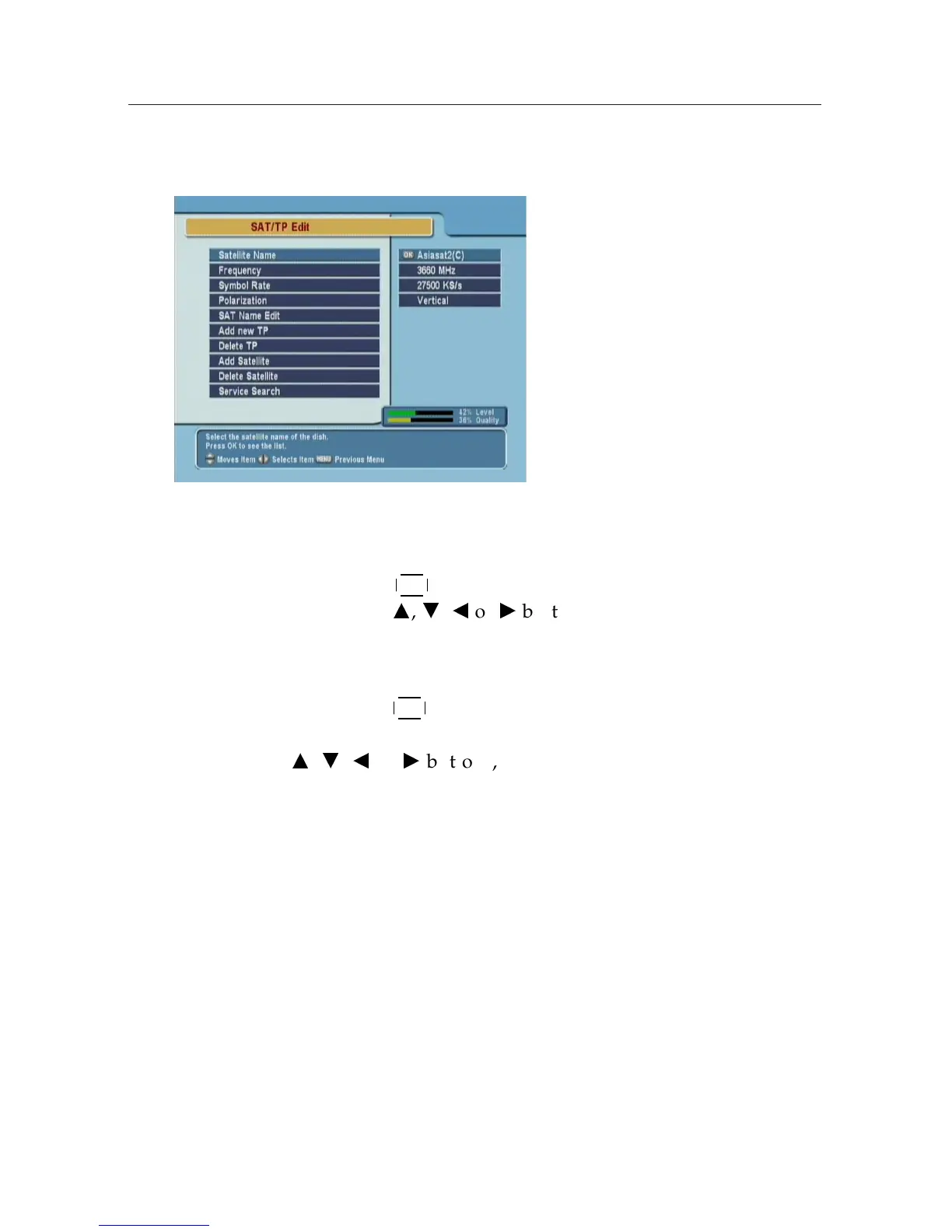
To edit the transponder list, se-
lect the Installation > SAT/TP
Edit menu.
Satellite Name
By pressing
¤
£
¡
¢
OK button, you can see the listed satellite names.
Then,using
a
,
c
,
b
or
d
buttons, you can select satellite.
Frequency
By pressing
¤
£
¡
¢
OK button, you can see the all frequencies of transpon-
ders of a satellite and can select a frequency. Or, by pressing
a
,
c
,
b
or
d
buttons, you can select and view a frequency
one by one.
Symbol Rate
You can see the symbol rate of specified satellite on the right
side of the menu.
Polarization
You can select the polarization from Horizontal and Vertical
modes.











 To Next Page