22 Preference Settings
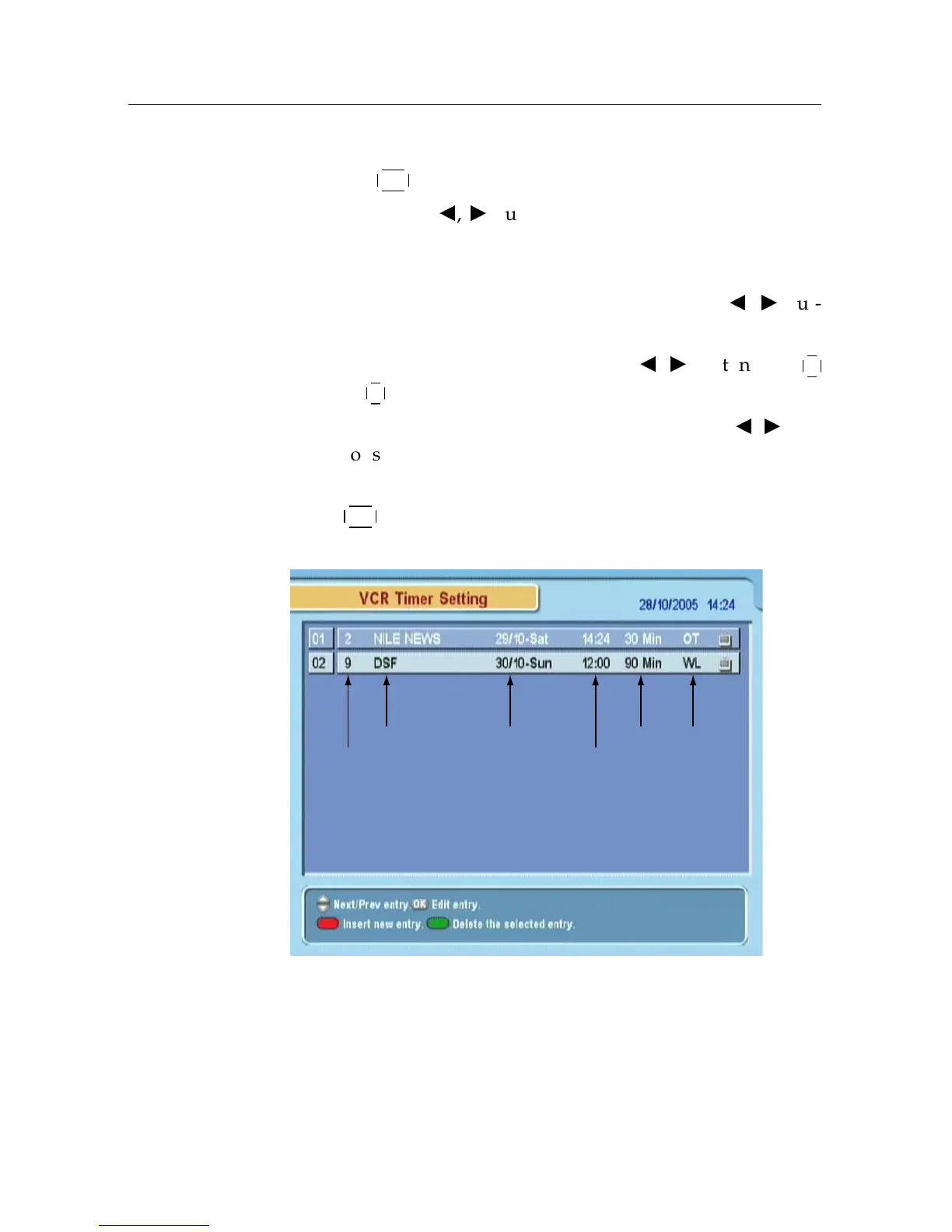
Service: Select the service to be reserved for recording by press-
ing
¤
£
¡
¢
OK button.
Mode: By using
b
,
d
buttons, select one among One Time,
Everyday, Every Weekend, Weekly, and Every Week-
day.
Date: Select the recording start date by pressing
b
,
d
but-
tons.
Wakeup Time: Select the wakeup time.
b
,
d
buttons and
¤
£
¡
¢
0
to
¤
£
¡
¢
9 buttons are available.
Duration: Select the recording duration by pressing
b
,
d
but-
tons.
OK: To confirm the setting for the reserved recording, press
¤
£
¡
¢
OK button.











 To Next Page