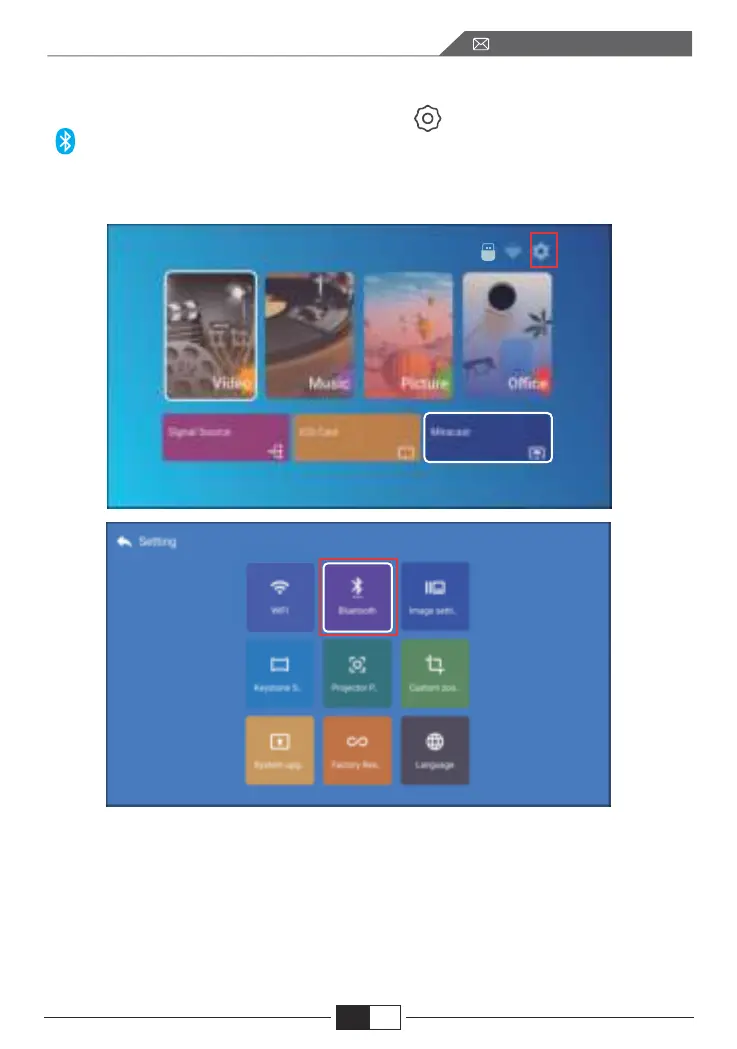
4.Bluetooth-Einstellung
Zur Startseite gehen -- Wählen Sie das Menü[ ] -- Wählen Sie die Option
[ Bluetooth ] -- Öffnen Sie die Bluetooth-Funktion und Ihr Bluetooth-Gerät --
Scannen Sie die Bluetooth-Geräte in der Nähe automatisch -- Wählen Sie das
gewünschte Bluetooth-Gerät -- Es wird automatisch gekoppelt und verbunden.
Hinweis:
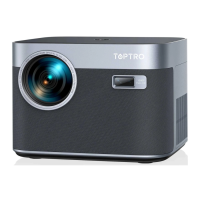
1. Der X3-Projektor ist kompatibel mit Bluetooth-Headsets, Bluetooth-Lautspre-
chern und Airpods, aber nicht mit Bluetooth-Tastaturen oder Bluetooth-Telefonen.
2. Wenn Sie eine Frage haben, bitte zögern Sie nicht, TOPTRO per E-Mail über:
service@toptro.com.
EN
DE
96
service@toptro.com


 To Next Page