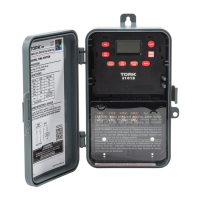
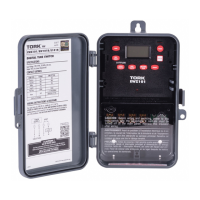
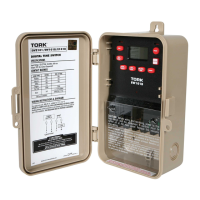
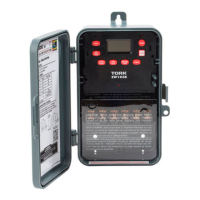
Need help?
Do you have a question about the Tork E103B and is the answer not in the manual?
Instructions for installing the time switch unit into its enclosure.
Details on 24-hour scheduling, ON/OFF points, DST, display, and power outage.
Explains the function of various buttons like MODE, ENTER, DAY/YEAR, etc.
Instructions to set or modify the current time using HOUR and MIN keys.
Instructions to set or modify the current date using MONTH, DATE, YEAR keys.
Press MODE to DATE, then MONTH, DATE, YEAR to modify, then ENTER.
Modify starting and ending DST dates, including week and day of week.
Instructions for entering the schedule set mode.
How to set ON/OFF times for the schedule entries.
Procedures to manage existing schedule entries and settings across modes.
Explanation of how the override feature works in AUTO and manual modes.
Important notes on MAN mode, memory clearing, power up, and low supercap.
 General
| Contact Type | SPDT |
|---|---|
| Amperage | 15 A |
| Enclosure | NEMA 1 |
| Number of Pins | 3 |
| Material | Plastic |
| Color | Gray |
| Current Rating | 15A |
| Mounting Type | Wall |


 To Next Page