Need help?
Do you have a question about the Tork EW101B and is the answer not in the manual?
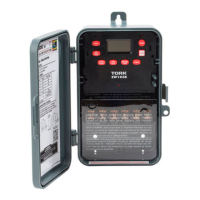
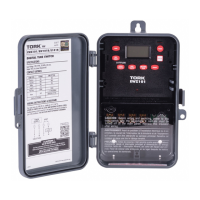
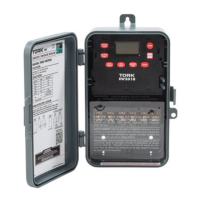
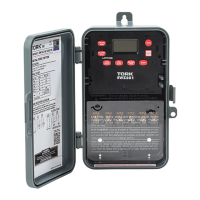
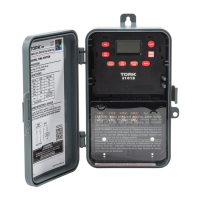
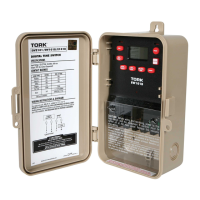
Guides for safely installing the digital time switch unit.
Details the time switch's 7-day scheduling and set point capabilities.
Outlines key features like Daylight Saving, LCD display, and power outage handling.
Navigation keys to change modes and save entries.
Toggles load status between AUTO and MANUAL modes.
Deletes entries or decrements selected values.
Buttons used for setting clock, date, DST, and schedule parameters.
Selects ON/OFF for schedules or updates load status.
Instructions for setting and adjusting the current time.
Procedure for setting and updating the current date.
Configuration for automatic or manual Daylight Saving Time.
Steps for setting ON/OFF times and days for schedules.
Process for managing existing schedule entries.
Explains how the OVR function works in AUTO and MANUAL modes.
Using the EVENT key to update the load status in RUN mode.
Information on MAN mode, auto-return to RUN, memory clearing, and power failure indications.
 General
| Brand | TORK |
|---|---|
| Type | Electronic |
| Voltage | 120-240VAC |
| Display | LCD |
| Category | Timer |

 To Next Page