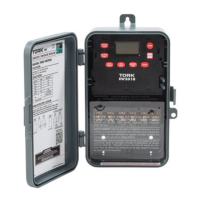
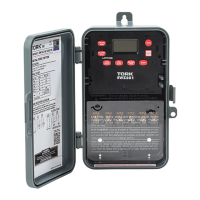
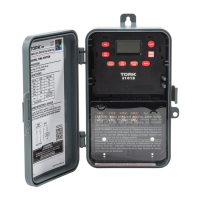
1.0 KEY FUNCTIONS:
Unit should be program with AC power. Do not
program under super cap back up power.
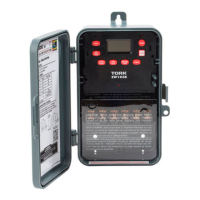
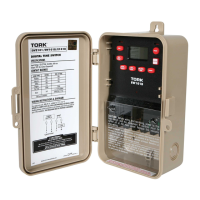
Mode: Press to go to the next mode.
Enter: Stores or saves current entry.
OVR:
a. Press to change the load status in the AUTO (auto-
matic) and the MAN (manual) mode.
DEL/PREV:
a. Press to deletes the displayed entry in the SCH
(schedule) mode.
b. Decrement the last selected entry.
HOUR/MONTH:
a. Press to set hour in CLK (clock) mode and the SCH
(schedule) mode.
b. Press to set month in the DATE mode and DST
(Daylight Savings Time) mode.
MINUTE/DATE:
a. Press to set minutes in CLK (clock) mode and SCH
(schedule) mode.
b. Press to set DATE in the date mode.
c. Press to select the week of the month in DST
(Daylight Savings Time).
SEC/DAY/YEAR:
a. Press to set the YEAR in the DATE mode.
b. Selects the desired day of the week in the DST
(Daylight Savings Time) mode.
c. Press to select the desired day or days in the SCH
(schedule) mode.
EVENT:
a. Press to select ON/OFF in the schedule.
b. Press to update the load status In the AUTO (auto-
matic) mode.
2


 To Next Page