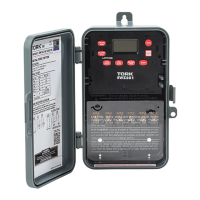
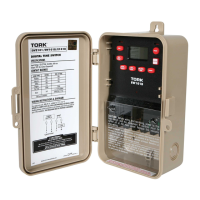
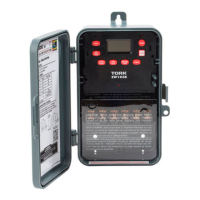
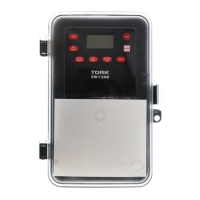
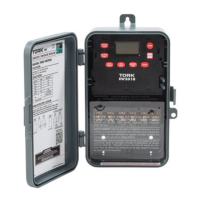
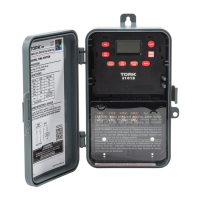
Need help?
Do you have a question about the Tork EWZ101 and is the answer not in the manual?
Step-by-step guide for removing, mounting, and wiring the TORK digital time switch unit.
Overview of the time switch's 7-day scheduling, astronomic options, and other key operational features.
Instructions for setting the current time, date, and AM/PM on the digital time switch.
How to configure Daylight Saving Time, including enabling, disabling, and modifying settings.
Guides for setting ON/OFF times and days for programmable schedule events.
Details for setting automatic ON/OFF based on sunset and sunrise times using latitude.
Explains manual override functions and how to use the EVENT key to update load status.
Procedures for reviewing, modifying, and deleting settings, plus important operational notes.
 General
| Type | Electronic |
|---|---|
| Voltage | 120-277 VAC |
| Amperage | 20A |
| Number of Channels | 1 |
| Enclosure | Plastic |
| Mounting Type | DIN Rail |
| Mounting | Surface/DIN Rail |
| Current Rating | 20 A Resistive, 20 A Inductive, 1 HP @ 120 VAC, 2 HP @ 240 VAC |
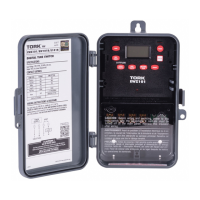

 To Next Page