1. Push and hold the collet open button on the side of the ATC.
The collet opens.
2. Load a tool into the spindle.
3. Release the button.
The collet closes.
3.1.5 Manually Unload a Tool From the Tool Tray
1. From the PathPilot interface, on the ATC tab, in the Insert
DRO field, type the tool number. Then select the Enter key.
2. Select Go To Tray Load Position.
The spindle head moves up and the ATC moves into the door
open position.
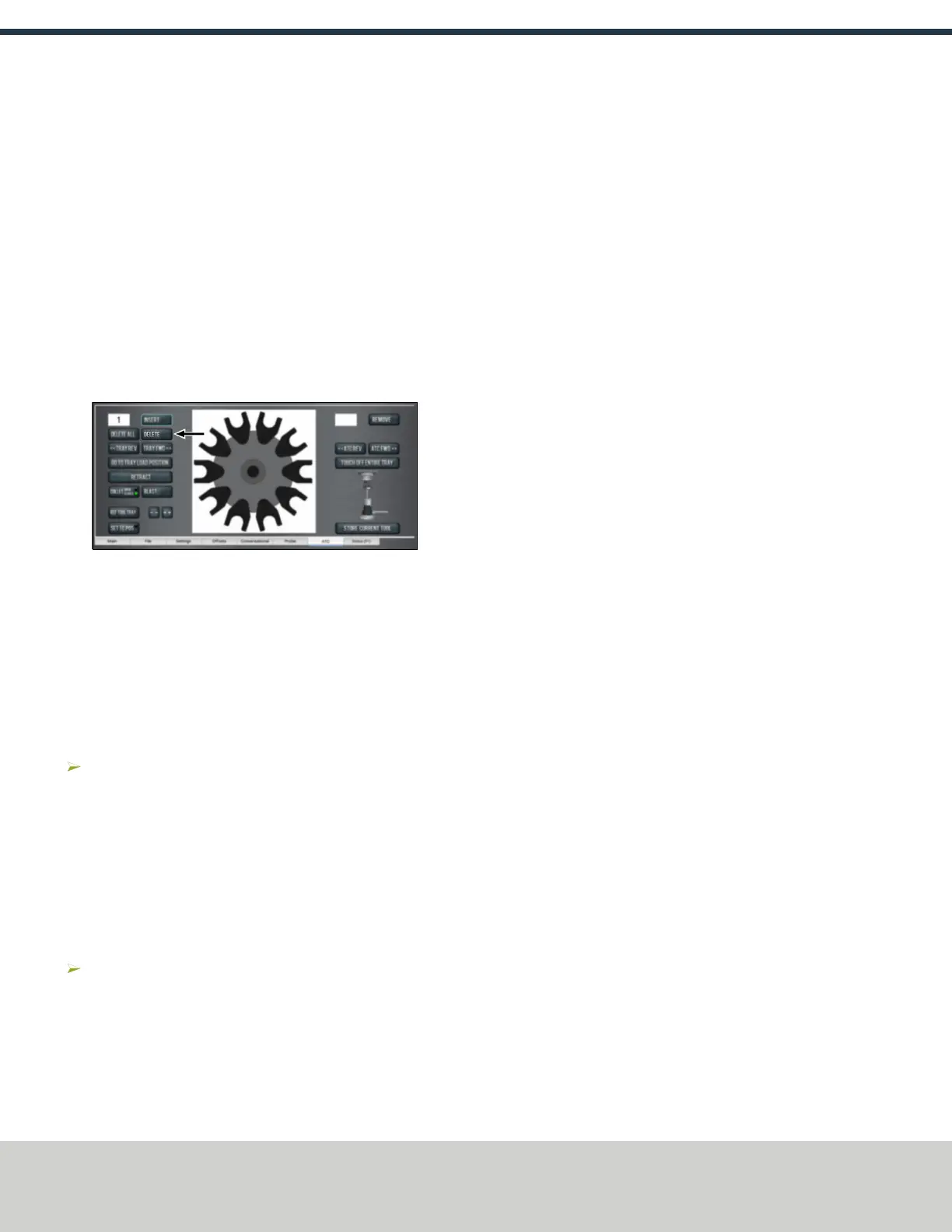
3. Select Delete.
Figure 3-5: Delete button on the ATCtab.
The tool is unassigned from the tray and the tray moves to
that tool.
4. Select Tray FWD or Tray REV.
The tray moves to the next slot location.
5. Select Retract.
The tray returns to the machining position.
3.1.6 Retrieve a Tool From the Tool Tray
Depending on your workflow, do one of the following from the
PathPilot interface:
o
Type the command directly into the MDILine DROfield
using the following format:T[TOOL NUMBER] M06
For example, T1 M06
o
Type the tool number in the Tool DRO field. Then select the
Enter key.
3.1.7 Switch to Manual Tool Changes
From the PathPilot interface, on the Settings tab, select the
Manual Tool Change radio button.
The Automatic Tool Changer (ATC) is prevented from making
tool changes.
Page 13
©Tormach® 2019
Specifications subject to change without notice.
tormach.com
TD10627: Owner's Guide: 770MX Automatic Tool Changer (ATC) (1019A)
TECHNICAL DOCUMENT



 To Previous Page