3.1 OPERATION
Note: Make sure that there's always a tool holder in the
collet while the machine is not in use. Retracting the
Power Drawbar to the clamped position with no tool holder
in the collet will eventually fatigue the collet, and may
shorten its service life. For more information, refer to the
Power Drawbar documentation.
Read the following sections to understand how to operate the ATC:
3.1.1 Assign Tool Numbers 12
3.1.2 Automatically Load a Tool into the Tool Tray 12
3.1.3 Automatically Unload a Tool From the Tool Tray 12
3.1.4 Load a Tool into the Spindle 12
3.1.5 Manually Unload a Tool From the Tool Tray 13
3.1.6 Retrieve a Tool From the Tool Tray 13
3.1.7 Switch to Manual Tool Changes 13
3.1.1 Assign Tool Numbers
Use any tool number, from 1-1000, to assign a position in the
tool tray.
3.1.2 Automatically Load a Tool into the Tool Tray
1. Load a tool into the spindle.
2. From the PathPilot interface, on the ATC tab, type the tool
number in the Tool DRO field. Then select the Enter key.
3. Select Store Current Tool.
Figure 3-1: Store Current Tool button on the ATC tab.
The tool is assigned to the nearest open slot. The ATC fetches
the tool from the spindle and stores the tool in the tray. When
stored, the tool number displays on the tray image in the
center of the screen.
4. Click Retract.
Figure 3-2: Retract button on the ATC tab.
The tray returns to the machining position.
3.1.3 Automatically Unload a Tool From the Tool Tray
Note: Typing a new tool number in the Tool DRO field
doesn't remove the tool from its tray assignment.
1. From the PathPilot interface, on the ATC tab, type the tool
number in the Remove DRO field. Then select the Enter key.
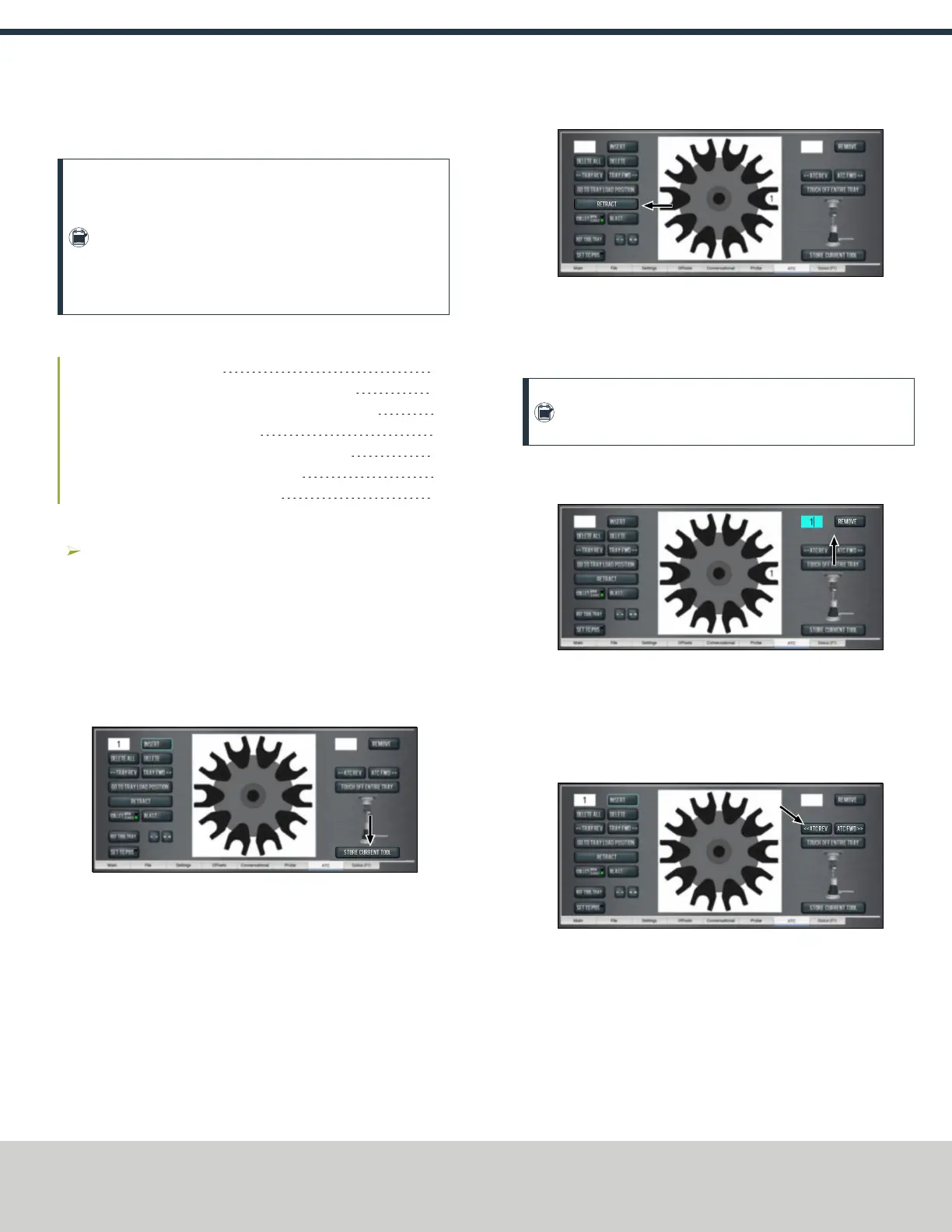
Figure 3-3: Remove DROfield on the ATC tab.
2. Select Remove.
The ATC fetches the tool from the tray.
3. Unload the tool from the spindle.
4. From the ATC tab, select ATC FWD or ATC REV.
Figure 3-4: ATCREV and ATCFWD buttons on the ATC tab.
The tray moves to the next location and fetches another tool.
5. Select Retract.
The tray returns to the machining position.
3.1.4 Load a Tool into the Spindle
Load a tool into the spindle:
Page 12
©Tormach® 2019
Specifications subject to change without notice.
tormach.com
TD10627: Owner's Guide: 770MX Automatic Tool Changer (ATC) (1019A)
TECHNICAL DOCUMENT



 To Next Page