EasyManua.ls Logo

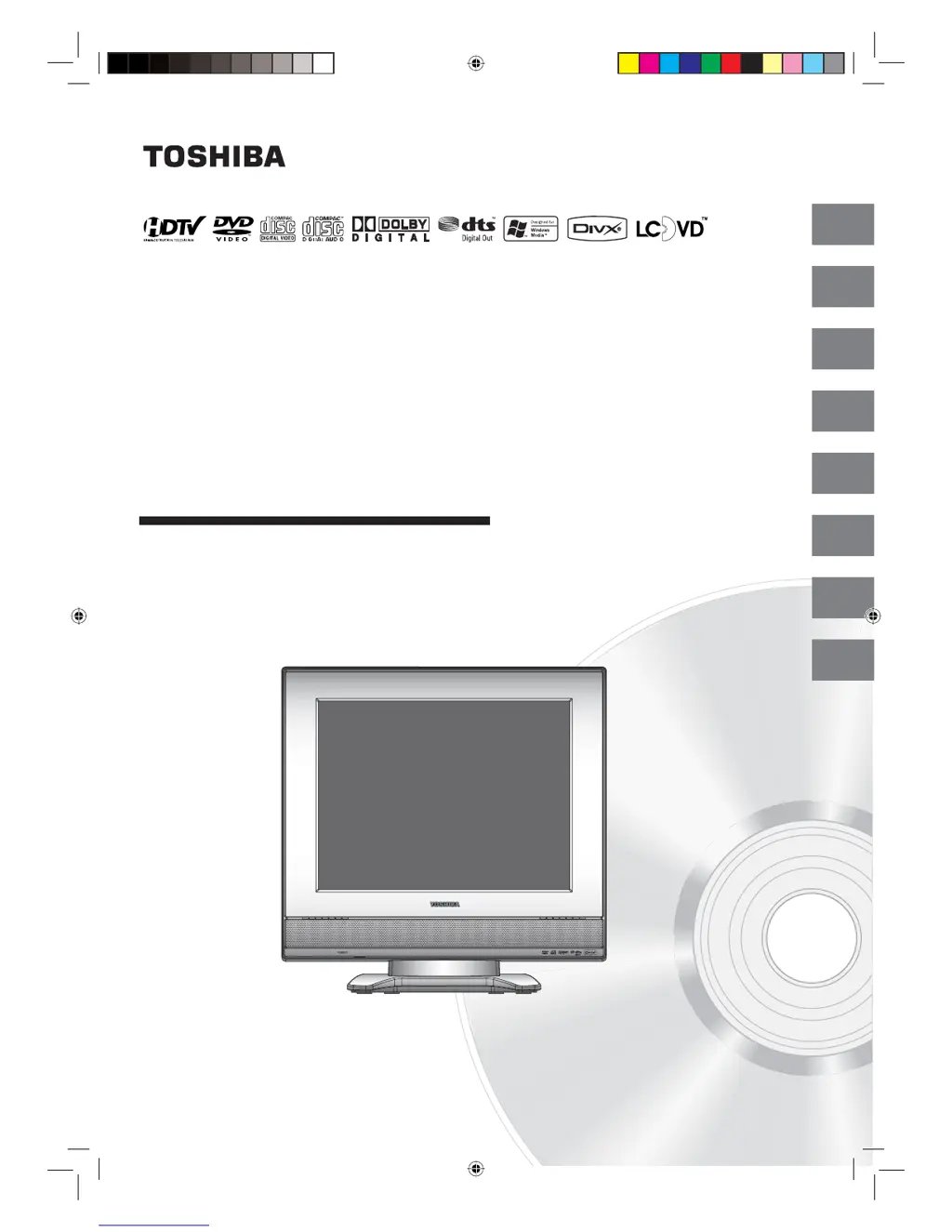
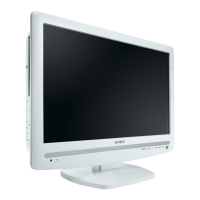
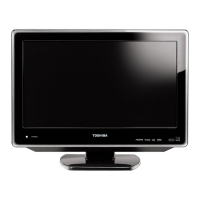
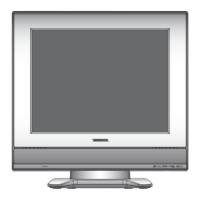
Toshiba 15DLV77 - User Manual

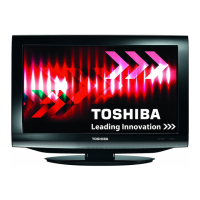
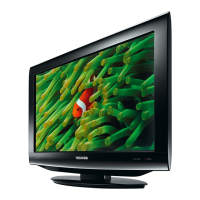
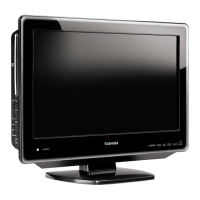
Toshiba 15DLV77
68 pages
Print Icon
To Next Page IconTo Next Page
Loading...
15DLV77
OWNER’S MANUAL
2
13
19
38
41
54
Introduction
Connections
Basic setup
Basic playback
Advanced playback
Function setup
61
Others
22
TV operation
©2007 Toshiba Corporation
Before operating the unit, please read this manual thoroughly.
15-inch Diagonal LCD TV/DVD
COMBINATION
*Screen size is approximate.
*
Book 5Z0-01.indb 1Book 5Z0-01.indb 1 9/11/2549 16:14:509/11/2549 16:14:50

Table of Contents

Other manuals for Toshiba 15DLV77

Questions and Answers

  • A
    alexisdavisSep 9, 2025
    How to remove horizontal or diagonal bars on Toshiba TV DVD Combo screen?
    • B
      bclarkSep 9, 2025
      If you see horizontal or diagonal bars on the screen of your Toshiba TV DVD Combo, check the antenna or cable TV connections and try reorienting the antenna. Also, check for any sources of interference.
  • X
    xadamsAug 23, 2025
    What to do if Toshiba 15DLV77 or remote key is not functioning?
    • C
      Caroline ElliottAug 23, 2025
      If the unit or remote operation key is not functioning on your Toshiba TV DVD Combo, turn off the unit and unplug the AC power cord for several minutes, then plug it back in.
  • B
    bpattersonAug 25, 2025
    What to do if my Toshiba 15DLV77 TV DVD Combo has poor or no picture?
    • R
      Rhonda CarrollAug 25, 2025
      If you're experiencing poor or no picture on your Toshiba TV DVD Combo, first, bear in mind that the station or cable TV service itself may be the source of the problem, so try another station. Check the antenna or cable TV connections and try reorienting the antenna. Also, check for any sources of interference. Finally, check the picture control adjustments.
  • T
    Terrance ColemanAug 26, 2025
    How to fix poor or no sound on Toshiba TV DVD Combo?
    • A
      Amanda MezaAug 27, 2025
      If you have poor or no sound on your Toshiba TV DVD Combo, try these steps: First, the station or cable TV might have issues, so try another station. Second, check the volume settings to ensure they are properly adjusted. Lastly, identify and eliminate any potential sources of interference.
  • B
    boydstevenAug 27, 2025
    What to do if my Toshiba 15DLV77 TV DVD Combo does not operate?
    • M
      Monica LeAug 28, 2025
      If your Toshiba TV DVD Combo is not operating, ensure the AC power cord is securely connected. Try plugging the unit into another AC outlet. If that doesn't work, unplug the unit, wait a few seconds, and then plug it back in.
  • K
    Kathleen OwensAug 29, 2025
    Why does my Toshiba 15DLV77 TV DVD Combo keep shutting off?
    • C
      Christopher RileyAug 29, 2025
      Your Toshiba TV DVD Combo might be shutting off because there is no broadcast on the tuned station, the auto shut-off feature is enabled, the sleep timer is set, or there was a power interruption.
  • C
    Christopher HornSep 17, 2025
    Why angle cannot be changed on Toshiba 15DLV77?
    • M
      Mackenzie LopezSep 18, 2025
      If the angle cannot be changed on your Toshiba TV DVD Combo, it's because multi-angles are not recorded on the DVD disc.
  • D
    Deborah DavisSep 22, 2025
    What does “?” on Toshiba 15DLV77 screen mean?
    • S
      Samantha GomezSep 22, 2025
      If a “?” appears on the screen of your Toshiba TV DVD Combo, it means that the function is prohibited with the unit or the disc.
  • G
    gordoncarolynSep 7, 2025
    Why does the picture wobble or drift on my Toshiba 15DLV77 TV DVD Combo?
    • D
      deanjenniferSep 8, 2025
      If the picture on your Toshiba TV DVD Combo wobbles or drifts, the station or cable TV might be experiencing problems, so try another station. Ensure channels are correctly set into memory. The cable TV company might be scrambling the signal. Check the antenna or cable TV connections and reorient the antenna.
  • T
    taylorabigailSep 4, 2025
    How to improve poor reception on some channels on my Toshiba TV DVD Combo?
    • E
      Elizabeth HarveySep 4, 2025
      If you're experiencing poor reception on some channels with your Toshiba TV DVD Combo, the station or cable TV might have problems, so try another station. The station signal could be weak, so try reorienting the antenna. Also, check for any sources of interference.

Summary

Introduction and Safety

Safety Instructions

Crucial safety warnings and guidelines for operating the unit safely.

Installation, Care, and Service

Guidelines for installation, maintenance, and servicing the unit.

Precautions and Handling

General handling, placement, and usage precautions for the unit.

Notes on Discs and Storage

Advice on handling, cleaning, storing discs and understanding disc structure.

Disc Information and Notes

Details on disc types, copyright, region codes, VCDs, and playable discs.

Connections

Antenna Connections

Instructions for connecting VHF/UHF antennas for optimal TV reception.

Cable TV Connections

Instructions for connecting to basic and scrambled cable TV services.

Connecting Audio;Video Inputs

How to connect VCRs, camcorders, and game consoles using audio/video jacks.

Connecting Optional Equipment with S-video and Component Video

Connecting devices with S-video and ColorStream (Component) video outputs.

Connecting Audio Equipment

Connecting amplifiers with Dolby Digital or DTS decoders.

Connecting Audio Equipment (MPEG;Digital)

Connecting amplifiers with MPEG audio decoders or digital audio inputs.

Basic Setup

Starting Setup

Initial setup wizard for language, TV/Cable selection, and channel tuning.

Setting the Language

How to set the on-screen display language to English, Spanish, or French.

Memorizing Channels

Programming favorite channels and managing the channel list.

TV Operation

Basic TV Operation

Turning on/off, volume control, channel selection, and basic TV modes.

Channel Programming

How to program favorite channels for quick access.

Closed Caption Settings

Enabling and customizing closed caption display options.

V-Chip Parental Control

Setting age-based content restrictions and managing passwords.

Picture Format and Mode Selection

Adjusting aspect ratios and selecting picture modes like Sports or Movie.

Picture and Sound Adjustments

Fine-tuning CableClear, color temperature, sound settings, and audio languages.

Signal Meter and Auto Shut-off

Checking signal strength and configuring the automatic shutdown feature.

Advanced Playback

Basic Disc Playback

Fundamentals of playing DVDs, VCDs, and CDs, including pausing and stopping.

Scene Navigation and Marking

Zooming, locating scenes, and marking specific points for playback.

Playback Modes

Utilizing repeat, A-B repeat, program, and random playback features.

Disc Content Features

Changing angles, selecting titles, and navigating DVD menus.

Audio and Subtitle Options

Selecting soundtrack languages and subtitle options for discs.

Disc Status and VCD Control

Viewing disc information and managing VCD PBC settings.

Media File Playback

Playing MP3, WMA, JPEG, and DivX files from discs.

File Browser Playback

Using file browser for repeat, random, and program playback of audio CDs.

Function Setup

Customizing DVD Settings

Adjusting menu, subtitle, audio languages, screen size, and picture modes.

Advanced Settings and Parental Control

Configuring DRC, parental levels, passwords, and DivX VOD.

Temporary Rating Level Cancellation

Procedure to temporarily bypass DVD disc rating levels.

Others

Language Code List

Reference for language codes used in menu, subtitle, and audio settings.

Troubleshooting Guide

Solutions for common operational problems and symptoms.

Reception Disturbances

Explains common TV interference and how to improve reception.

Product Specifications

Technical details of the TV/DVD unit, including dimensions and inputs/outputs.

Warranty Information

Details of the limited warranty and how to obtain service.

Toshiba 15DLV77 Specifications

General IconGeneral
Screen Size15 inches
Resolution1024 x 768
Display TechnologyLCD
Aspect Ratio4:3
DVD PlayerYes
OutputsHeadphone Jack
TV TunerNTSC
InputsComposite, S-Video, RF, Component

Related product manuals