EasyManua.ls Logo

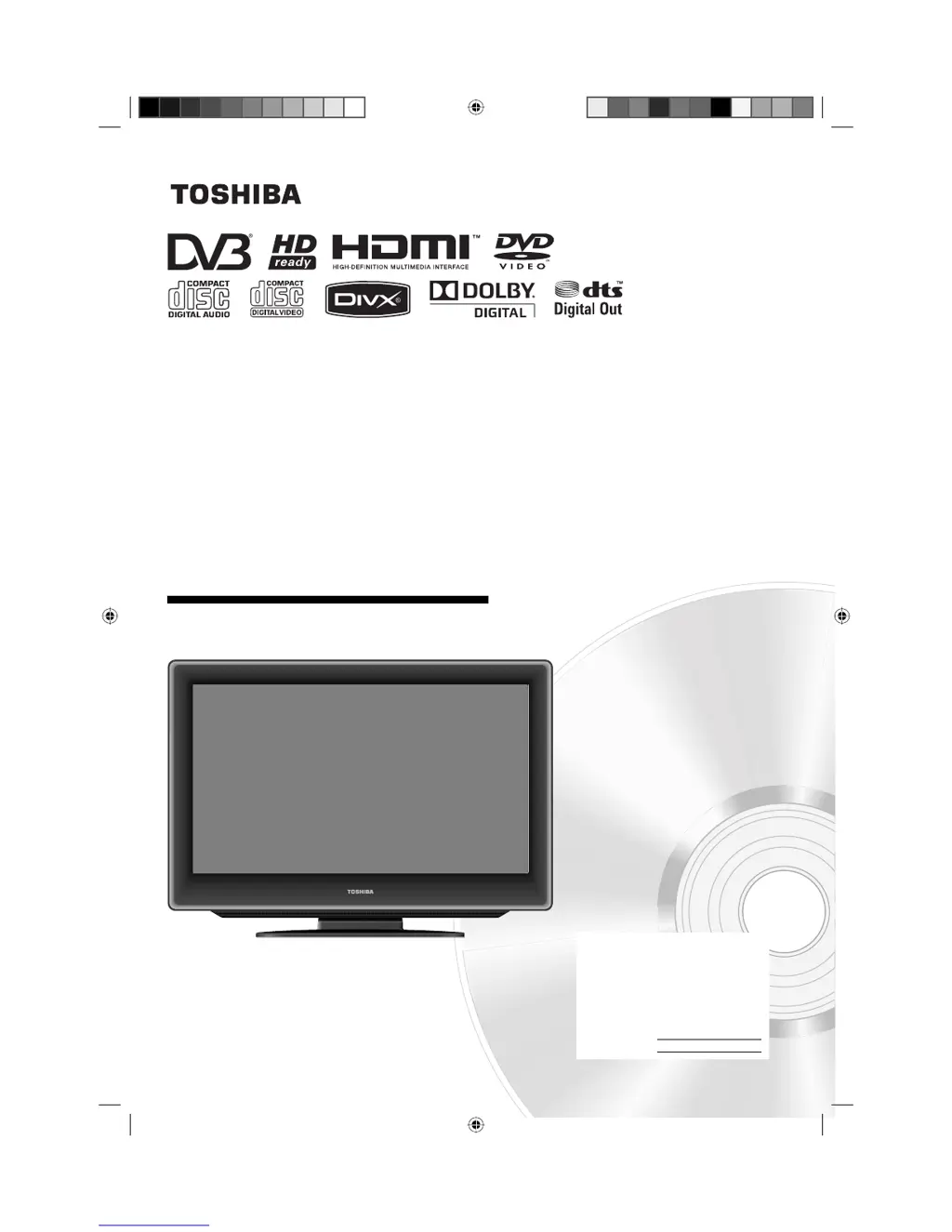
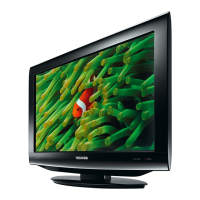
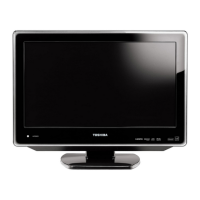
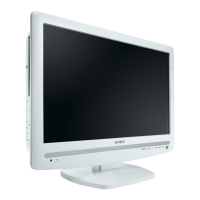
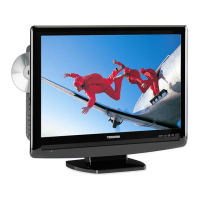
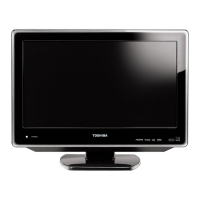
Toshiba 19DV616DG - User Manual

Toshiba 19DV616DG
60 pages
Print Icon
To Next Page IconTo Next Page
Loading...
19DV615DG
19DV616DG
22DV615DG
22DV616DG
26DV615DG
OWNER’S MANUAL
©2009 Toshiba Corporation
Before operating the unit, please read this manual thoroughly.
LCD TV/DVD COMBINATION
Ownerʼs Record
The model number and serial number
are on the back of your TV/DVD.
Record these numbers in the spaces
below. Refer to these numbers
whenever you communicate with your
Toshiba dealer about this TV/DVD.
Model number:
Serial number:
52R0131A_ENG.indd 152R0131A_ENG.indd 1 4/3/09 11:08:06 AM4/3/09 11:08:06 AM

Other manuals for Toshiba 19DV616DG

Questions and Answers

  • L
    ladamsAug 15, 2025
    How to fix Toshiba 19DV616DG TV DVD Combo with no picture and sound?
    • T
      Tasha DeanAug 15, 2025
      If your Toshiba TV DVD Combo shows no picture and no sound, first, ensure the device is switched on and properly connected to the mains power outlet. Next, select the correct input mode. If the problem persists, unplug the unit for one minute, then plug it back in.
  • C
    Carol CummingsAug 18, 2025
    What to do if Toshiba TV DVD Combo has blocky image?
    • J
      Justin MaldonadoAug 18, 2025
      If your Toshiba TV DVD Combo has a blocky image or the image stops intermittently, begin by checking all antenna connections. Then, move the antenna away from areas that might cause interference. As a last resort, try using an antenna booster.
  • E
    Erica StewartAug 21, 2025
    What to do if Toshiba 19DV616DG TV DVD Combo says 'Database empty'?
    • E
      Eugene DawsonAug 21, 2025
      If your Toshiba TV DVD Combo displays a 'Database empty' message, verify all antenna connections and then try auto tuning again.
  • J
    Jared RayAug 25, 2025
    Why my Toshiba TV DVD Combo does not start playback?
    • R
      Rebecca JonesAug 26, 2025
      If your Toshiba TV DVD Combo does not start playback, first, ensure a disc is inserted correctly with the label side facing forward. Check that the disc is playable, considering the disc type and color system. If the disc is dirty, clean it. Also, verify that the parental lock function is disabled or adjust the parental lock level.
  • S
    Steven ReynoldsAug 28, 2025
    How to fix Toshiba 19DV616DG with no reception?
    • R
      randallheatherAug 28, 2025
      If your Toshiba TV DVD Combo has no reception, make sure you have tuned in the TV stations and the antenna is connected properly. Also, ensure that the set is turned on and not in standby mode.
  • M
    Mark KeithSep 1, 2025
    Why Toshiba 19DV616DG TV DVD Combo playback picture has distortion?
    • D
      Derrick ParrishSep 1, 2025
      If the playback picture on your Toshiba TV DVD Combo occasionally shows distortion, the disc might be dirty. Eject the disc and clean it. Note that a small amount of picture distortion can sometimes occur and does not necessarily indicate a malfunction.
  • D
    David LoweSep 4, 2025
    Why Toshiba 19DV616DG switches off with missing antenna input?
    • B
      Brenda GrantSep 4, 2025
      This is normal behavior. When the antenna signal disappears, your Toshiba TV DVD Combo will switch to standby mode after 15 minutes.
  • D
    Diane ChavezSep 7, 2025
    Why I can't select TUNING option on Toshiba 19DV616DG?
    • S
      Suzanne HaasSep 7, 2025
      If the TUNING option is unselectable in the menu of your Toshiba TV DVD Combo, the unit might be set to AV mode. Press '1' on the remote control.
  • F
    foxjosephSep 12, 2025
    Why some digital channels cannot be viewed on Toshiba 19DV616DG?
    • G
      Gary OwensSep 12, 2025
      Contact your service provider to subscribe to view some digital channels on your Toshiba TV DVD Combo.

Toshiba 19DV616DG Specifications

General IconGeneral
Screen Size19 inches
Resolution1366 x 768
DVD PlayerYes
Aspect Ratio16:9
Contrast Ratio1000:1
Brightness250 cd/m²
Audio Output2 x 3W
Weight5.5 kg
HDMI Ports1
USB Ports1
InputsComposite, HDMI

Related product manuals