EasyManua.ls Logo

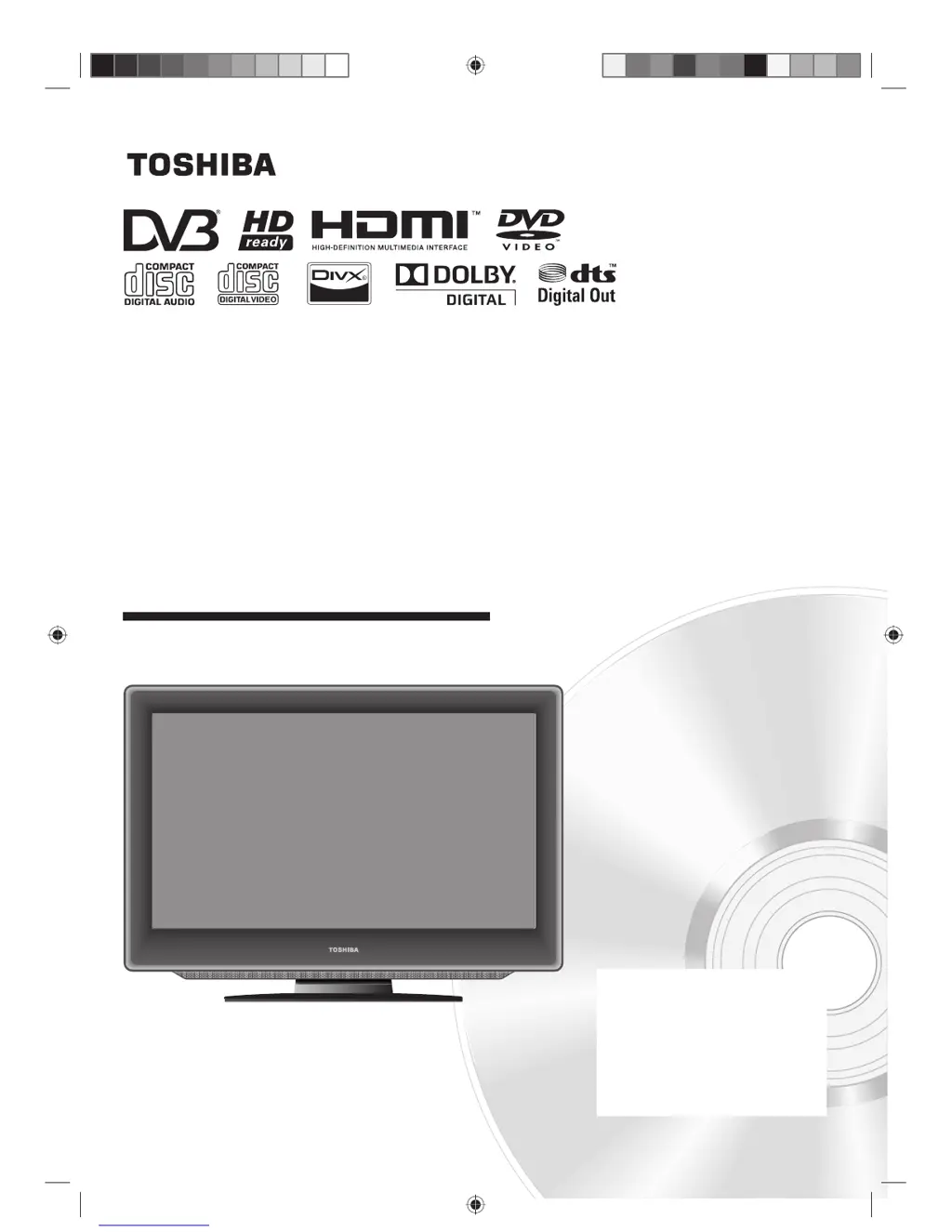
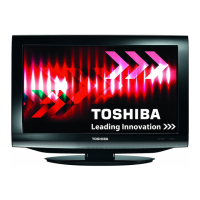
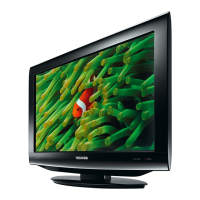
Toshiba 19DV665DB - User Manual

Toshiba 19DV665DB
67 pages
Print Icon
To Next Page IconTo Next Page
Loading...
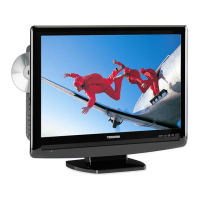
LCD TV/DVD COMBINATION
©2009 Toshiba Corporation
Before operating the unit, please read this manual thoroughly.
Owner’s Record
The model number and serial number
are on the back of your TV/DVD.
Record these numbers in the spaces
below. Refer to these numbers whenever
you communicate with your Toshiba
dealer about this TV/DVD.
Model number: _________________
Serial number: _________________
OWNER’S MANUAL
19DV665DB
19DV667DB
22DV665DB
22DV667DB
26DV665DB

Questions and Answers

  • J
    Joyce HowellAug 14, 2025
    What to do if my Toshiba TV DVD Combo has no picture and no sound?
    • A
      Andrew CoxAug 14, 2025
      First, switch on the TV DVD Combo. Ensure the mains power outlet is properly connected. Select the appropriate input mode. If the problem persists, unplug the unit for 1 minute, then plug it back in.
  • P
    Paula PalmerAug 17, 2025
    Why does my Toshiba 19DV665DB have no reception?
    • W
      William NixonAug 17, 2025
      Make sure you have tuned in the TV stations and the antenna is properly connected. Also, ensure that the TV DVD Combo is powered ON and not in Standby mode.
  • N
    Nichole AyersAug 21, 2025
    What to do if my Toshiba 19DV665DB unit does not start playback?
    • M
      Michael DiazAug 21, 2025
      Ensure that a disc is inserted and that it is a playable disc of the correct type and color system. Place the disc in the disc slot with the label side facing forward. Clean the disc if it's dirty. Also, check if the parental lock function is enabled and cancel it or change the parental lock level if necessary.
  • W
    wpottsAug 25, 2025
    What to do if my Toshiba 19DV665DB shows a blocky image?
    • J
      Jennifer ArmstrongAug 25, 2025
      Check all antenna connections to ensure they are secure. Move the antenna away from areas that might cause interference. Consider using an antenna booster to improve the signal.
  • C
    Carrie HarrisAug 27, 2025
    What does 'Database empty' mean on my Toshiba 19DV665DB TV DVD Combo?
    • B
      Brian HayesAug 28, 2025
      The 'Database empty' message suggests an issue with the TV DVD Combo's channel memory. Check all antenna connections and try auto tuning again to resolve this.
  • S
    ssandersAug 31, 2025
    Why does my Toshiba TV DVD Combo switch off with missing antenna input signal?
    • N
      nancy28Aug 31, 2025
      This is normal behavior. The Toshiba TV DVD Combo is designed to automatically switch to standby mode 15 minutes after the antenna signal is lost.
  • J
    James JohnsonSep 3, 2025
    Why can't I access the channel menu on my Toshiba TV DVD Combo?
    • M
      Michelle MoralesSep 3, 2025
      The “Channel” menu cannot be accessed because the unit is set to AV1/2 (19/22 inch) or AV1/2/3 (26 inch) mode.
  • D
    Dr. Lindsay DonaldsonSep 6, 2025
    Why does the playback picture on my Toshiba 19DV665DB TV DVD Combo have occasional distortion?
    • G
      George CrosbySep 6, 2025
      The disc may be dirty. Eject the disc and clean it. A small amount of picture distortion may sometimes appear, and this is not a malfunction.
  • K
    kylerodriguezSep 10, 2025
    What does 'X' on the screen of my Toshiba 19DV665DB mean?
    • P
      Patrick HowellSep 10, 2025
      The 'X' symbol indicates that the function you are trying to use is prohibited, either by the unit itself or by the disc you are using.

Summary

Safety and Precautions

General Safety Guidelines

Essential safety advice for proper operation, installation, and hazard prevention.

Specific Usage Cautions

Details laser product caution, headphone warning, DVB-T info, and LCD screen care.

Setup and Basic Operation

Controls and Initial Setup

Location of controls, remote operation, aerial connection, and auto setup.

Menu Navigation and Channel Tuning

Guide to menu operation, input selection, and automatic/manual channel tuning.

Basic TV Functions

Covers channel selection, volume, information display, and sleep timer.

Connectivity

Aerial and TV Connections

Guide to connecting aerials and external devices to TV inputs.

PC and Digital Source Connections

Connecting PCs, HDMI/DVI devices, and other digital sources.

Connecting Other Equipment

Connecting audio systems, video recorders, and other external devices.

Advanced Features and Media Playback

TV Features and Settings

Teletext, picture format, convenience functions, DTV settings, parental controls.

Disc and Media Playback

Playing discs, MP3/JPEG/DivX, playback modes, and customization options.

DivX and Parental Controls

DivX playback, VOD content, password management, and rating cancellation.

Status, Troubleshooting, and Legal

Status Message and Troubleshooting

Understanding status messages, troubleshooting issues, and product specifications.

Legal and Compliance Information

Details on GPL license, warranty, and EU conformity and disposal.

Toshiba 19DV665DB Specifications

General IconGeneral
Screen Size19 inches
Resolution1366 x 768 pixels
DVD PlayerYes
HDMI Ports1
USB Ports1
Display technologyLCD
Scart ports1

Related product manuals