EasyManua.ls Logo

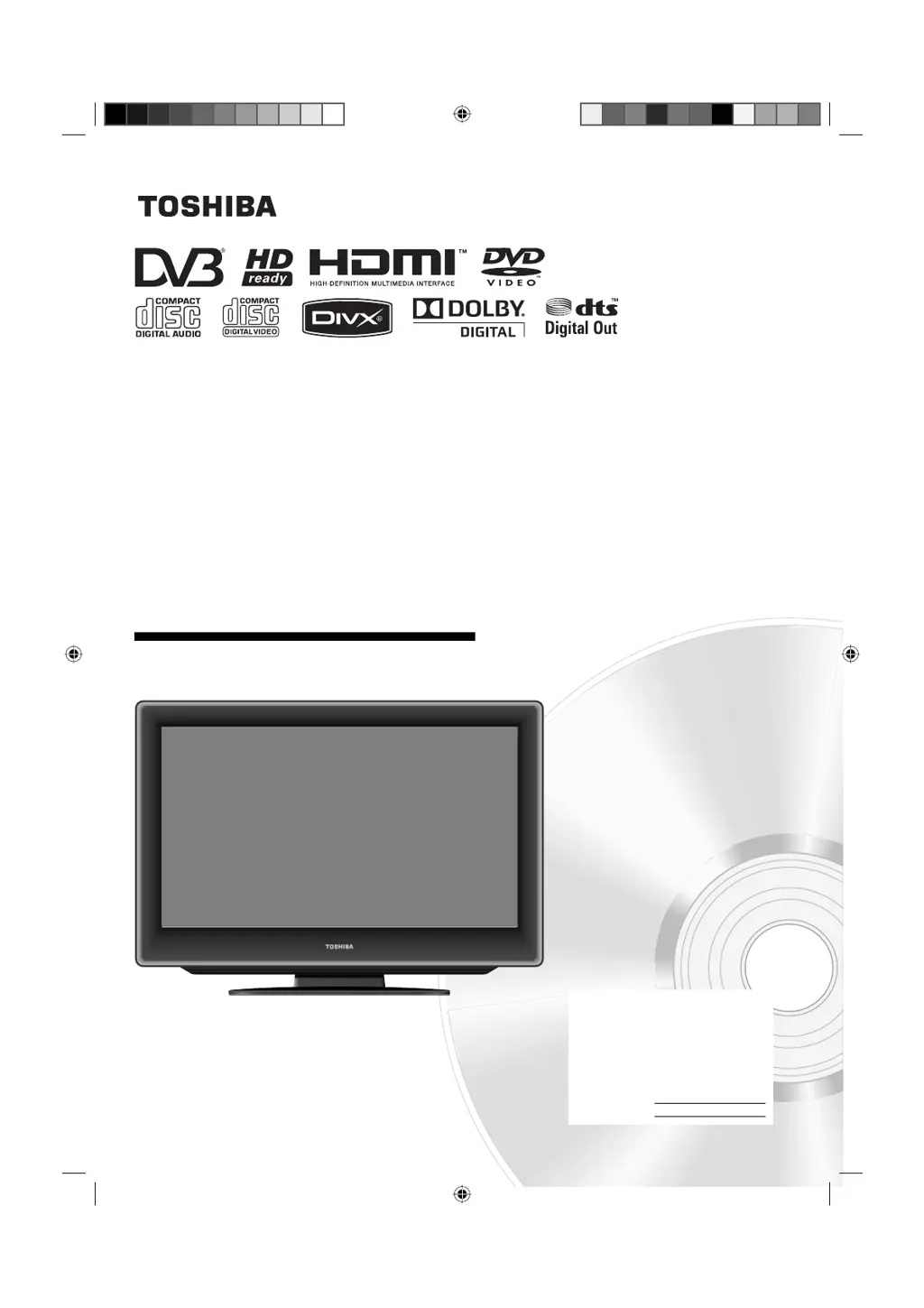
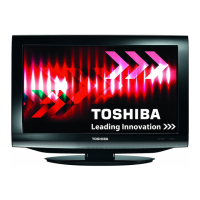
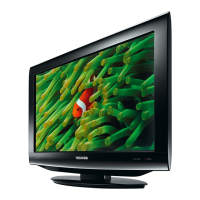
Toshiba 19DV615DB - User Manual

Toshiba 19DV615DB
60 pages
Print Icon
To Next Page IconTo Next Page
Loading...
19DV615DB
22DV615DB
26DV615DB
OWNER’S MANUAL
©2009 Toshiba Corporation
Before operating the unit, please read this manual thoroughly.
LCD TV/DVD COMBINATION
Ownerʼs Record
The model number and serial number
are on the back of your TV/DVD.
Record these numbers in the spaces
below. Refer to these numbers
whenever you communicate with your
Toshiba dealer about this TV/DVD.
Model number:
Serial number:
52R0201A_ENG.indd 152R0201A_ENG.indd 1 3/4/09 10:20:29 AM3/4/09 10:20:29 AM

Questions and Answers

  • L
    Lindsey Spencer MDAug 12, 2025
    What to do if my Toshiba 19DV615DB TV DVD Combo has no picture and no sound?
    • C
      Christopher HamiltonAug 12, 2025
      First, ensure the TV is switched on and properly connected to the mains power outlet. Select the appropriate input mode. If the issue persists, unplug the unit for one minute, then plug it back in.
  • M
    Mary CarlsonAug 16, 2025
    Why won't my Toshiba 19DV615DB TV DVD Combo start playback?
    • R
      Robin YoungAug 16, 2025
      There could be several reasons why your device isn't playing. Make sure a disc is inserted correctly, and that it's a playable disc type and color system for your unit. Ensure the label side is facing forward. Also, the disc might be dirty and need cleaning. Finally, check and cancel the parental lock function or change the parental lock level.
  • L
    Laurie DavisAug 20, 2025
    How to fix no reception on Toshiba TV DVD Combo?
    • S
      Scott CraneAug 20, 2025
      First, make sure you have tuned in the TV stations. Then, connect the antenna securely. Check that the TV is powered ON and not in Standby mode.
  • C
    Charles HarrisAug 25, 2025
    What to do if Toshiba 19DV615DB image is blocky or stops intermittently?
    • W
      Wanda RodriguezAug 25, 2025
      Check all antenna connections to ensure they are secure. Try moving the antenna away from potential sources of interference. You might also consider using an antenna booster to improve the signal.
  • N
    Nicholas ReynoldsAug 27, 2025
    How to resolve “Database empty” message on Toshiba TV DVD Combo?
    • B
      Brittany WagnerAug 27, 2025
      Ensure that all antenna connections are properly connected. After checking the connections, try running the auto tuning function again.
  • P
    Patricia CainAug 31, 2025
    Why does my Toshiba 19DV615DB playback picture have occasional distortion?
    • W
      wadetiffanyAug 31, 2025
      The disc may be dirty. Eject the disc and clean it carefully. Note that a small amount of picture distortion may sometimes occur and does not indicate a malfunction.
  • M
    Michael HallSep 4, 2025
    Why can't I select the TUNING option in the menu of my Toshiba TV DVD Combo?
    • M
      Melanie GonzalezSep 4, 2025
      The unit is likely set to AV mode. To resolve this, press 1 on the remote control.
  • J
    johnsonjoelSep 7, 2025
    Why does my Toshiba TV DVD Combo switch off when the antenna signal is missing?
    • J
      Janet McdonaldSep 7, 2025
      This is normal behavior. The TV is designed to automatically switch to standby mode 15 minutes after the antenna signal disappears.

Toshiba 19DV615DB Specifications

General IconGeneral
Screen Size19 inches
Resolution1366 x 768
Display TechnologyLCD
DVD PlayerYes
HDMI Ports1
USB Port1
Weight5.5 kg
Aspect Ratio16:9
Sound OutputStereo

Related product manuals