EasyManua.ls Logo

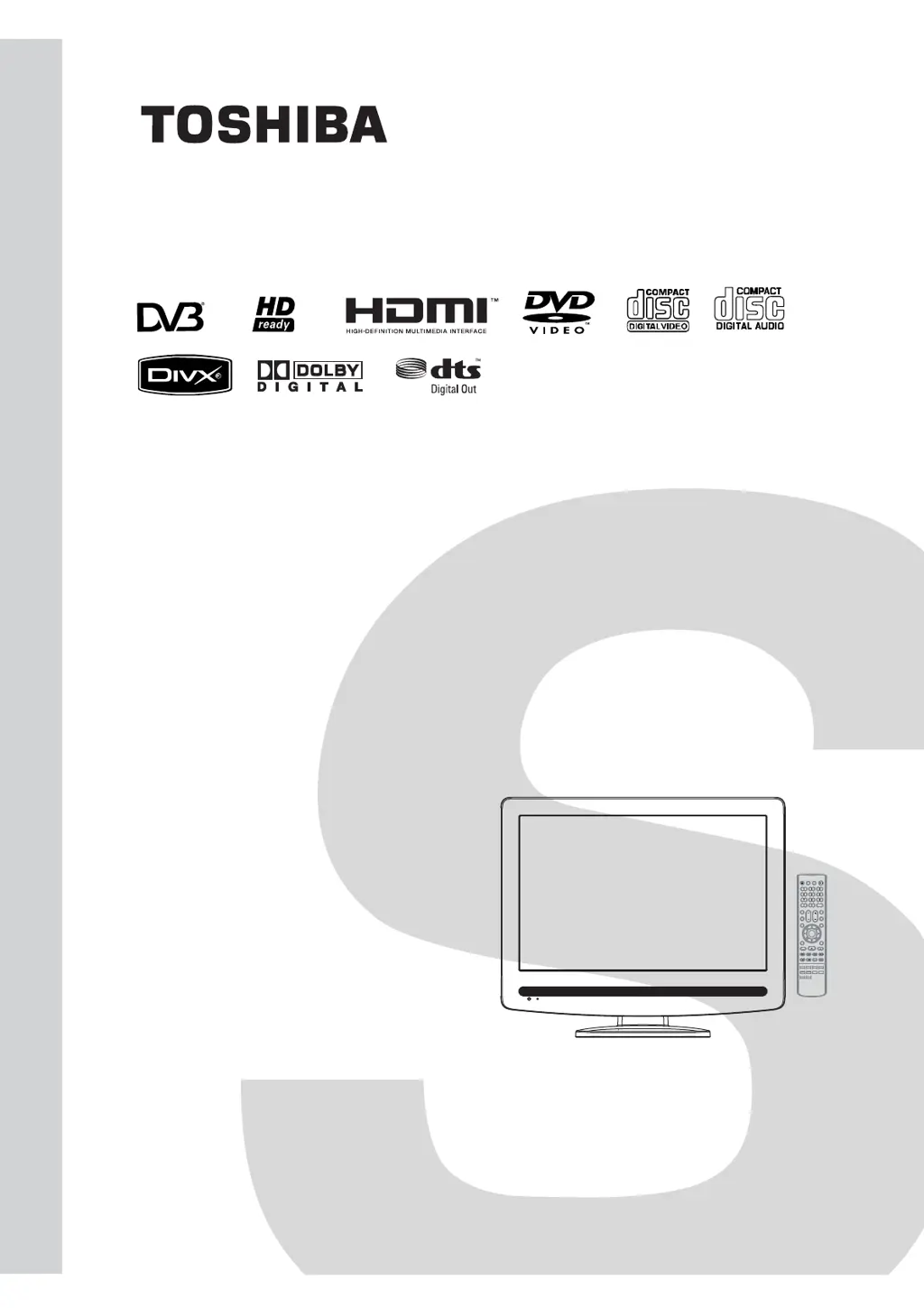
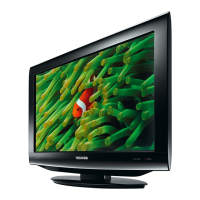
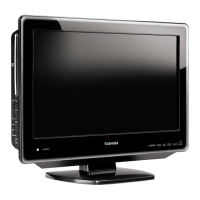
Toshiba 19DV555DG - User Manual

Toshiba 19DV555DG
176 pages
Print Icon
To Next Page IconTo Next Page
Loading...
SERVICE MANUAL
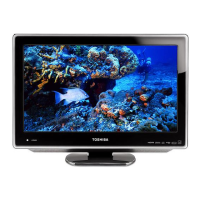
19 - inch Diagonal LCD TV/DVD
COMBINATION
DOCUMENT CREATED IN JAPAN, December, 2008 GREEN
FILE NO. 810-200897GR
The above models are classified as green products (*1), as indicated by the underlined serial numbers.
This Service Manual describes replacement parts for the green products. When repairing these green
product(s), use the part(s) described in this manual and lead-free solder (*2).
For (*1) and (*2), see the next page.
©2008 Toshiba Corporation
19DV555DB
19DV555DG
19DV556DB
19DV556DG

Questions and Answers

  • P
    Patricia KempAug 13, 2025
    How to fix no picture and sound on Toshiba TV DVD Combo?
    • M
      Mary BridgesAug 13, 2025
      First, ensure the Toshiba TV DVD Combo is switched on and properly connected to the mains power outlet. Then, select the appropriate input mode. If the issue persists, unplug the unit for 1 minute, then plug it back in.
  • C
    Courtney LambertAug 17, 2025
    Why is there no reception on my Toshiba 19DV555DG TV DVD Combo?
    • J
      Jason CarrilloAug 17, 2025
      Make sure that you have tuned in the TV stations. Also, connect the antenna and check that the Toshiba TV DVD Combo is ON and not in Standby mode.
  • M
    Melanie AndrewsAug 20, 2025
    What to do if Toshiba 19DV555DG does not start playback?
    • T
      Travis CoffeyAug 21, 2025
      The Toshiba TV DVD Combo might not start playback for several reasons. Ensure a disc is inserted. If a disc is already inserted, it might be unplayable, so try a playable disc, checking the disc type and colour system. A dirty disc can also cause this issue, so clean the disc. Finally, check if the parental lock function is enabled; if so, cancel it or change the parental lock level.
  • J
    Jeffrey GarciaAug 25, 2025
    How to fix blocky image on Toshiba TV DVD Combo?
    • J
      juan21Aug 26, 2025
      Check all antenna connections on your Toshiba TV DVD Combo. Move the antenna away from areas of possible interference. You might also want to try using an antenna booster.
  • P
    Patricia FloresAug 28, 2025
    What to do if “Database empty” message appears on Toshiba 19DV555DG TV DVD Combo?
    • S
      Stephanie BurnettAug 29, 2025
      Check all antenna connections on your Toshiba TV DVD Combo and try auto tuning again.
  • L
    Laura RochaSep 1, 2025
    Why does Toshiba TV DVD Combo playback picture have occasional distortion?
    • J
      Jeffery MelendezSep 1, 2025
      If the playback picture on your Toshiba TV DVD Combo has occasional distortion, eject the disc and clean it. Sometimes a small amount of picture distortion may appear, and this is not a malfunction.
  • A
    Alexis FrancisSep 5, 2025
    Why can't I select TUNING option in Toshiba 19DV555DG TV DVD Combo menu?
    • K
      Kevin PorterSep 5, 2025
      If the TUNING option cannot be selected in the menu of your Toshiba TV DVD Combo, it is likely because the unit is set to AV mode. Press 1 on the remote control to exit AV mode.
  • L
    Lisa FoxSep 8, 2025
    Why does Toshiba 19DV555DG TV DVD Combo switch off with missing antenna input signal?
    • A
      Amy DavisSep 9, 2025
      This is normal. 15 minutes after the antenna signal has disappeared, the Toshiba TV DVD Combo will change to standby mode.

Toshiba 19DV555DG Specifications

General IconGeneral
Audio systemstereo
Number of speakers2
Plug and PlayYes
Optical disc player typeDVD player
HD typeWXGA
Display diagonal19 \
Display brightness300 cd/m²
Display resolution1440 x 900 pixels
Display technologyLCD
Native aspect ratio16:9
Viewing angle, vertical160 °
Contrast ratio (typical)1000:1
Viewing angle, horizontal170 °
Playback formatsJPEG, MP3
Power requirementsAC 230V
Disc types supportedCD, CD-R, CD-RW, DVD, DVD+R, DVD+RW, DVD-R, DVD-RW
Headphone connectivity3.5 mm
Tuner typeAnalog & digital
Digital audio coaxial out1
Product colorBlack
LED indicatorsStand-by
Power consumption (sleep)1 W
Power consumption (typical)55 W
Weight and Dimensions IconWeight and Dimensions
Depth (without stand)207 mm
Width (without stand)472 mm
Height (without stand)401 mm
Weight (without stand)5100 g

Related product manuals