EasyManua.ls Logo

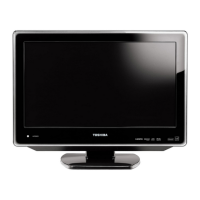
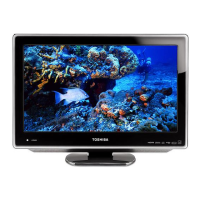
Toshiba 19LV610C - User Manual

Toshiba 19LV610C
72 pages
Print Icon
To Next Page IconTo Next Page
Loading...
19LV610C
22LV610C
26LV610C
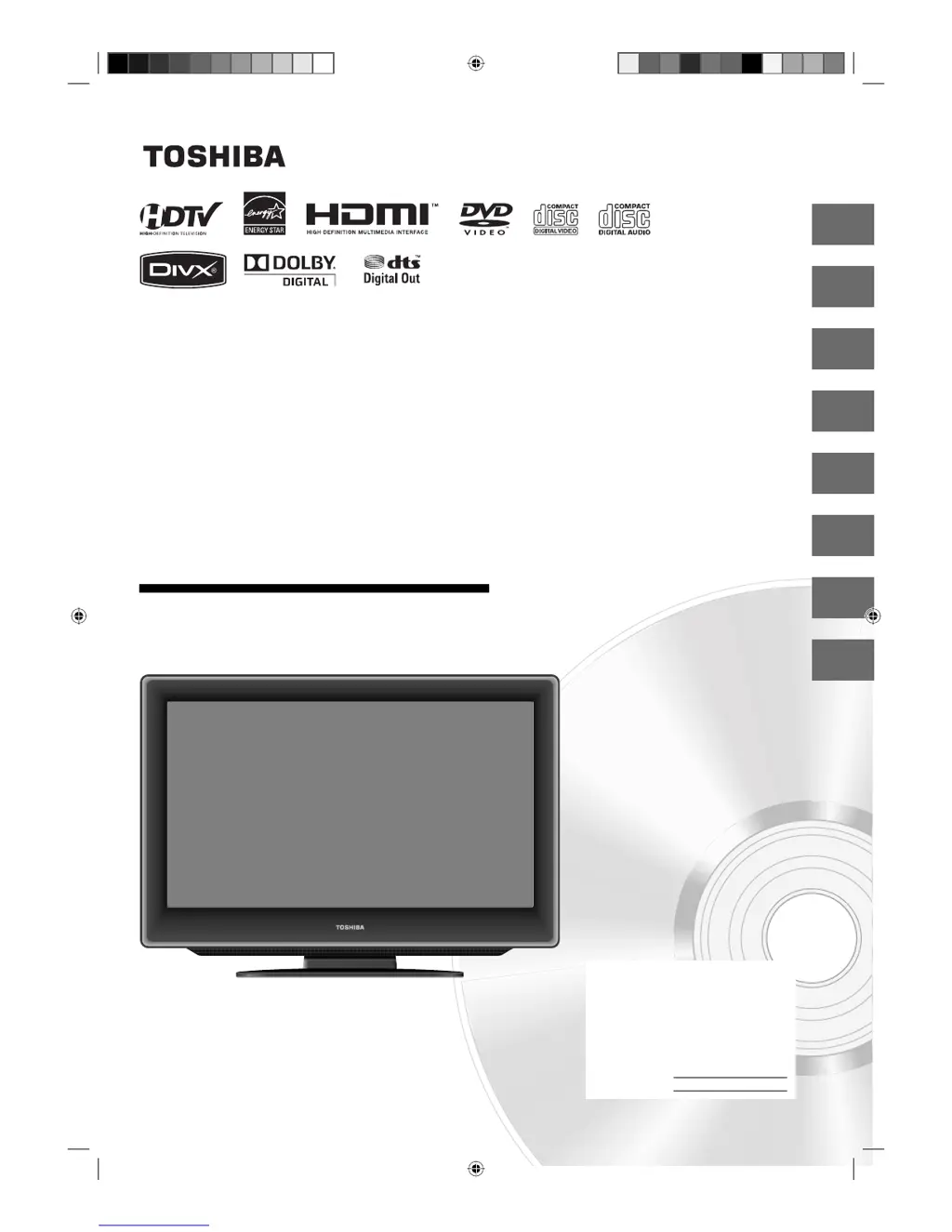
OWNER’S MANUAL
4
14
22
43
46
59
Introduction
Connections
Basic setup
Basic playback
Advanced playback
Function setup
65
Others
27
TV operation
©2009 Toshiba Corporation
Before operating the unit, please read this manual thoroughly.
19/22/26-inch
*
class LCD TV/DVD
COMBINATION
*Screen size is approximate.
Owners Record
The model number and serial number
are on the back of your TV/DVD.
Record these numbers in the spaces
below. Refer to these numbers
whenever you communicate with your
Toshiba dealer about this TV/DVD.
Model number:
Serial number:
52F0301A.indb 152F0301A.indb 1 2/13/09 12:02:35 PM2/13/09 12:02:35 PM

Table of Contents

Questions and Answers

  • M
    Michael WashingtonAug 19, 2025
    Why is my Toshiba TV DVD Combo remote control not working?
    • A
      Alison KellyAug 19, 2025
      If the remote control for your Toshiba TV DVD combo is not working, try the following: * Make sure you are aiming the remote directly at the remote sensor on the TV. * Ensure you are within approximately 5 meters of the TV and reduce the amount of light in the room. * Clear any obstructions that might be blocking the path of the remote's beam. * Replace the batteries in the remote, ensuring they are inserted correctly.
  • K
    Katelyn RichardsonAug 21, 2025
    How to fix Toshiba TV DVD Combo that does not operate?
    • A
      Amanda CruzAug 21, 2025
      If your Toshiba TV/DVD combo is not operating, ensure the AC cord is securely connected. If it is, try plugging the unit into another AC outlet. As a last resort, unplug the unit, wait a few seconds, and then plug it back in.
  • A
    Austin MooreAug 23, 2025
    How to improve reception on Toshiba TV DVD Combo?
    • S
      Susan RobinsonAug 23, 2025
      If you are experiencing poor reception on some channels with your Toshiba TV/DVD combo, try tuning to another station to rule out issues with the broadcast signal. If the signal is weak, try reorienting the antenna to better receive the weaker station. Also, check for any sources of possible interference that could be affecting the reception.
  • R
    Robert KelleyAug 26, 2025
    How to fix horizontal bars on Toshiba TV DVD Combo screen?
    • J
      Jane BrownAug 26, 2025
      If your Toshiba TV/DVD combo displays horizontal or diagonal bars on the screen, check the antenna or cable TV connections and try reorienting the antenna. Also, check for any sources of possible interference that might be causing the issue.
  • A
    Alicia MonroeAug 28, 2025
    Why is there no CATV reception on my Toshiba TV DVD Combo?
    • J
      Jessica JohnsonAug 28, 2025
      If your Toshiba TV/DVD combo is not receiving CATV, check all Cable TV connections to ensure they are secure. Also, make sure the Air/Cable selection is set to the Cable position. The problem may also be with the station or the cable TV system, so try another station.
  • D
    David McbrideAug 30, 2025
    Why does the picture wobble on my Toshiba TV DVD Combo?
    • H
      Heather SmithAug 30, 2025
      If the picture on your Toshiba TV/DVD combo wobbles or drifts, try tuning to another station to rule out issues with the broadcast signal. Also, ensure that the channels are properly set into memory. Check the antenna or cable TV connections and reorient the antenna. Keep in mind that the cable TV company might be scrambling the signal.
  • A
    Anthony JohnsonSep 1, 2025
    Why does my Toshiba TV DVD Combo keep shutting off?
    • M
      Mr. Joshua Williams DDSSep 2, 2025
      If your Toshiba TV/DVD combo is shutting off unexpectedly, it may be due to the auto shut off feature, the sleep timer being set, or an interruption in power.
  • K
    Karla WrightSep 4, 2025
    Why is there no reception above channel 13 on Toshiba TV DVD Combo?
    • J
      Joseph OconnorSep 4, 2025
      If you're not getting reception above channel 13 on your Toshiba TV/DVD combo, make sure the Air/Cable selection is in the appropriate position. If you are using an antenna, check the UHF antenna connections.
  • D
    Dr. David GentrySep 6, 2025
    How to turn on closed caption on Toshiba TV DVD Combo?
    • M
      Michelle BrownSep 6, 2025
      If the closed caption feature is not working on your Toshiba TV/DVD combo, try another channel, as the TV station may be experiencing problems or the program you're watching may not be closed captioned. Check the Cable TV connection or VHF/UHF antenna, repositioning or rotating the antenna. Set the “CC Setting” to “On” to turn on the closed caption decoder. Also, select the proper language in the menu options.
  • N
    Nicholas OwensSep 9, 2025
    What to do if playback doesn't start on Toshiba TV DVD Combo?
    • J
      James RodriguezSep 9, 2025
      If playback doesn't start on your Toshiba TV DVD Combo, it may be because no disc is loaded. The disc may be dirty, so clean it up. The unit cannot play CD-ROMs, etc.

Toshiba 19LV610C Specifications

General IconGeneral
Screen Size19 inches
Resolution1366 x 768
Aspect Ratio16:9
DVD PlayerYes
HDMI Ports1
Component Video Inputs1
Composite Video Inputs1
Audio OutputStereo
Weight10.8 lbs
Display TechnologyLCD
Display TypeLCD
USB Ports1
TV TunerATSC/NTSC
Sound Output2 x 3W

Related product manuals