EasyManua.ls Logo

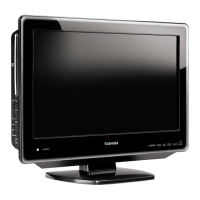
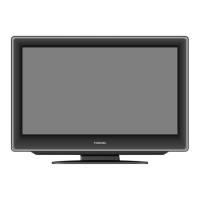
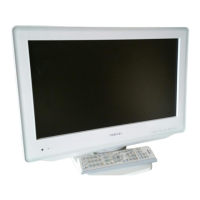
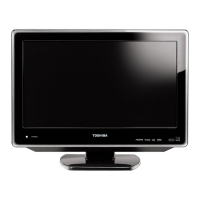
Toshiba 19DV550P - User Manual

Toshiba 19DV550P
76 pages
Print Icon
To Next Page IconTo Next Page
Loading...
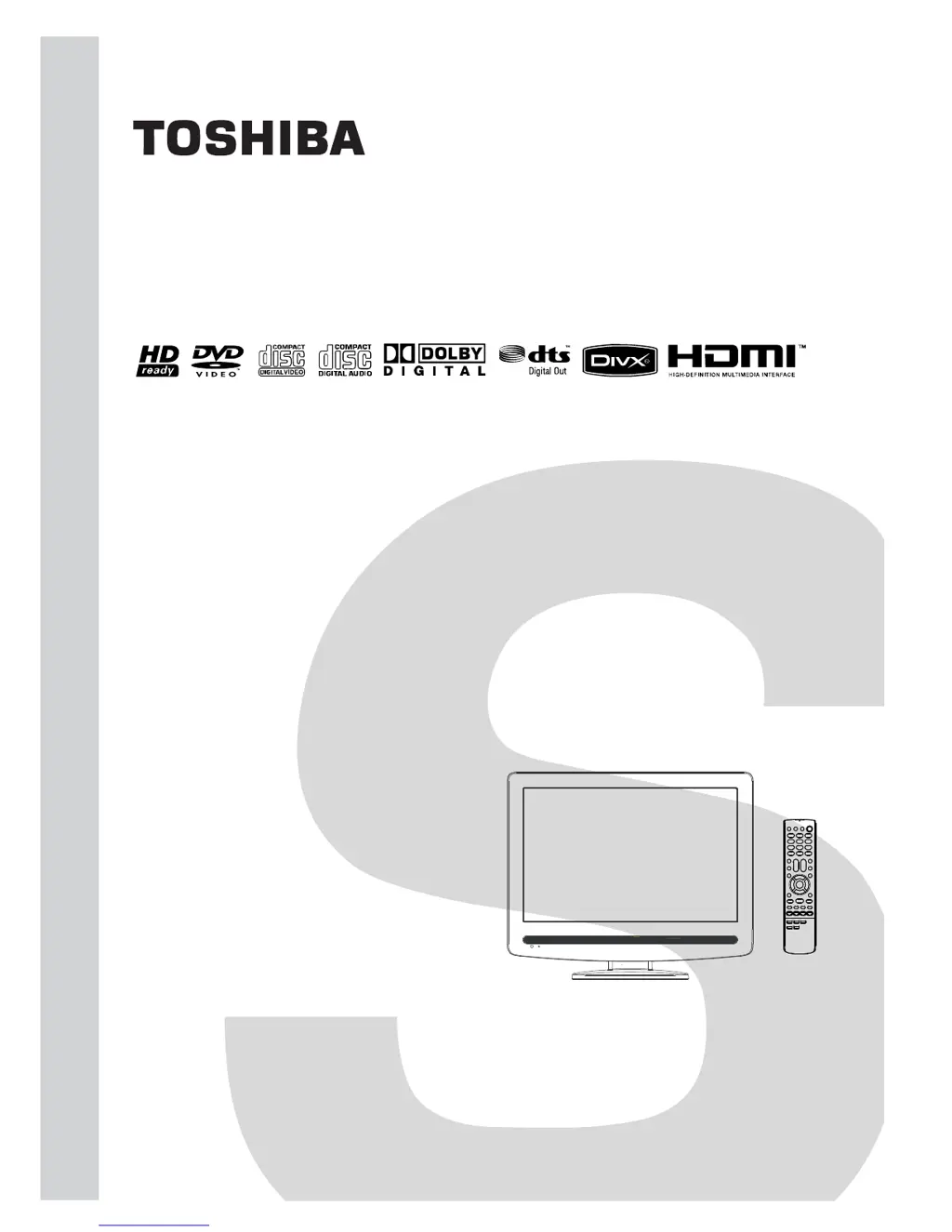
SERVICE MANUAL
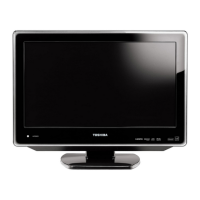
19-inch Diagonal LCD TV/DVD
COMBINATION
DOCUMENT CREATED IN JAPAN, December, 2008 GREEN
19DV550P
FILE NO. 810-200896GR
The above models are classified as green products (*1), as indicated by the underlined serial numbers.
This Service Manual describes replacement parts for the green products. When repairing these green
product(s), use the part(s) described in this manual and lead-free solder (*2).
For (*1) and (*2), see the next page.
©2008 Toshiba Corporation
19DV551P

Questions and Answers

  • A
    Angela MorganAug 19, 2025
    What to do if my Toshiba LCD TV has no picture and no sound?
    • E
      ejonesSep 12, 2025
      If your Toshiba LCD TV shows no picture and produces no sound, first ensure the TV is switched on and properly connected to the mains power outlet. Then, select the correct input mode. As a last resort, unplug the unit for one minute and then plug it back in.
  • M
    Michelle HessAug 21, 2025
    What to do if my Toshiba LCD TV unit does not start playback?
    • J
      jacquelinejohnsonAug 21, 2025
      If your Toshiba LCD TV unit isn't starting playback, consider these possibilities: 1. Ensure a disc is inserted. 2. Verify that the inserted disc is playable by checking the disc type and color system. Place the disc in the slot with the label side facing forward. 3. Clean the disc, as it may be dirty.
  • D
    David HamiltonAug 23, 2025
    What to do if my Toshiba LCD TV has no reception?
    • C
      Carolyn BowmanAug 23, 2025
      If your Toshiba LCD TV isn't receiving a signal, make sure you've tuned in the TV stations. Check the antenna connection. Also, verify that the TV is powered on and not in standby mode.
  • J
    jonesdavidAug 26, 2025
    Why does my Toshiba LCD TV switch off with missing antenna input signal?
    • K
      Kristie GrahamAug 26, 2025
      It is normal for your Toshiba LCD TV to switch off if the antenna signal is lost. The TV will automatically enter standby mode 15 minutes after the antenna signal disappears.
  • N
    Nathan StewartAug 28, 2025
    What to do if the playback picture on my Toshiba LCD TV has occasional distortion?
    • R
      Roger ShafferAug 28, 2025
      If you notice occasional distortion in the playback picture on your Toshiba LCD TV, the disc may be dirty. Eject the disc and clean it carefully. A small amount of picture distortion can sometimes occur and doesn't necessarily indicate a malfunction.
  • D
    Derek JohnsAug 30, 2025
    How to fix blocky image on Toshiba LCD TV?
    • B
      Bianca OlsonAug 30, 2025
      If you're seeing a blocky image or the image stops intermittently on your Toshiba LCD TV, start by checking all antenna connections. Then, try moving the antenna away from potential sources of interference. You might also consider using an antenna booster to improve the signal.
  • D
    Dr. Laura GreenSep 2, 2025
    What to do if ' ' appears on the screen of my Toshiba LCD TV?
    • S
      Samantha ParkerSep 2, 2025
      If you see ' ' displayed on your Toshiba LCD TV screen, you should cancel the parental lock function or adjust the parental lock level. This function might be restricted by the unit or the disc.
  • J
    Justin GilesSep 4, 2025
    How to fix Toshiba 19DV550P TV DVD Combo with no picture and sound?
    • J
      Jody AcevedoSep 4, 2025
      If your Toshiba TV DVD Combo has no picture and no sound, ensure the set is switched on and properly connected to the mains power outlet. Select the appropriate input mode. If the problem persists, unplug the unit for 1 minute, then plug it back in.
  • A
    aaronstephensSep 6, 2025
    Why my Toshiba TV DVD Combo has no reception?
    • S
      schmidttimothySep 6, 2025
      If your Toshiba TV DVD Combo isn't receiving any channels, first, make sure you've tuned in the TV stations. Connect the antenna securely. Also, ensure that the TV is powered ON and not in Standby mode.
  • K
    Krista WilsonSep 9, 2025
    What to do if Toshiba 19DV550P TV DVD Combo does not start playback?
    • D
      dwheelerSep 9, 2025
      If your Toshiba TV DVD Combo unit doesn't start playback, consider the following: 1. Ensure a disc is inserted. 2. Verify that the inserted disc is playable and compatible (check the disc type and colour system) and that it is placed correctly in the disc slot with the label side facing forward. 3. Clean the disc if it's dirty.

Summary

Safety and Installation Guidelines

Unit Precautions and Warnings

Safety regarding laser beam, headphone use, and LCD screen risks.

General Installation and Safety

Proper placement, stand use, and environmental safety tips for the unit.

Controls and Initial Setup

Automatic Setup Procedures

Initial installation, channel tuning, and language selection.

TV Operation

TV Station Tuning Methods

Automatic and manual station presetting procedures.

Electrical Adjustments

Adjustment Procedures Overview

General steps, tools, and cautions for electrical adjustments.

Troubleshooting

Troubleshooting Table

Quick reference for common issues and their solutions.

Detailed Troubleshooting Guides

Flowcharts for diagnosing LCD and DVD problems.

Toshiba 19DV550P Specifications

General IconGeneral
BrandToshiba
Model19DV550P
CategoryTV DVD Combo
LanguageEnglish

Related product manuals