THE GRAND TOUR
User's Manual
2-2
Left side
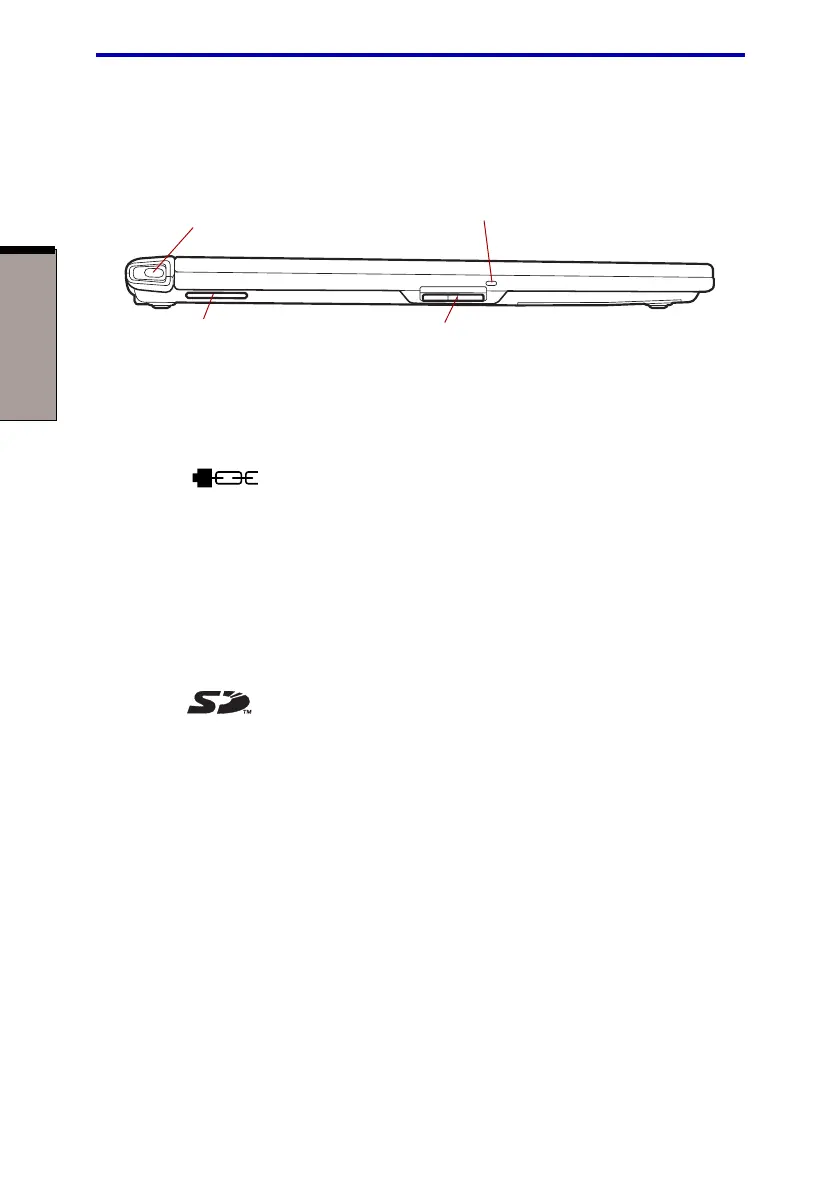
Figure 2-2 shows the computer’s left side.
Figure 2-2 The left side of the computer
Security lock A security cable attaches to this slot. The optional security
slot cable anchors your computer to a desk or other large object
to deter theft.
Fan vent Provides air flow for the fan.
CAUTION: Be careful not to block the fan vent. Also be careful to keep
foreign objects out of the vents. A pin or similar object can damage the
computer’s circuitry.
SD card slot This slot lets you transfer data from the device to your
computer.
CAUTION: Keep foreign objects out of the SD card slot. A pin or similar
object can damage the computer’s circuitry.
SD card indicator This indicator glows green when the computer is
accessing the SD card Slot.
SECURITY LOCK SLOT
SD CARD SLOT
SD CARD INDICATOR
FAN VENT



 To Next Page
 Loading...





