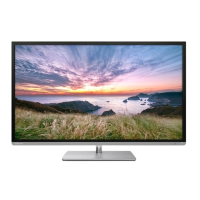
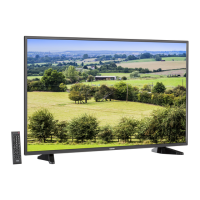
Pedestal stand Assembling
CAUTION: Before beginning pedestal assembly, carefully lay the front of the LCD Panel face down on a at,
cushioned surface such as a quilt or blanket. Leave the bottom of the unit protruding over the edge of the
surface and assemble as indicated.
Note:
Extreme care should always be used when attaching the pedestal stand to avoid damage to the LCD panel.
1
4
3
2
5
Warning: Ensure the power cable is not pinched
when attaching the pedestal stand as this could
cause an electric shock.
Warning: Ensure the power cable is not pinched
when attaching the pedestal stand as this could
cause an electric shock.
32PU200 Series / 40PU200 Series models
23PU200 Series models
M4 × 4
M6 mm
M5 × 4
M5 × 2
M5 × 3
– 2 –
233240PU200SeriesEN0620.indd2233240PU200SeriesEN0620.indd2 2012/06/268:04:392012/06/268:04:39



 To Next Page
 Loading...