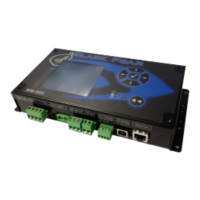
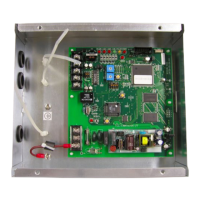
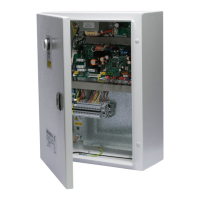
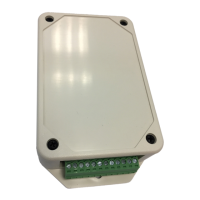
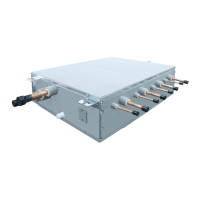
BN interface Installation Manual
5
-EN
1 Installation
Do not install the unit in any of the following places.
• Humid or wet place
• Dusty place
• Place exposed to direct sunlight
• Place where there is a TV set or radio within one meter
• Place exposed to rain (outdoors, under eaves, etc.)
BN Interface Installation and Orientation
Install and orient the interface using the DIN rail to mount the unit or wall mount or surface mount it as shown below.
Use the supplied mounting bracket to wall mount or surface mount the interface.
(3) Surface mount
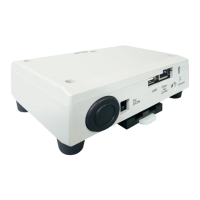
Use screws to secure the supplied rubber legs to the interface before surface mounting it.
(1) DIN rail mount
Install the interface on DIN rails mounted on a switchboard or elsewhere.
Front view Back view
(2) Wall mount
Use screws to attach the supplied
DIN rails to a wall and install the
interface on the DIN rail.
Wall mount A Wall mount B Wall mount C
Supplied rubber leg
Supplied rubber leg
mounting screw


 To Next Page
 Loading...