88
4.SETTING ITEMS (ADMIN)
1.ENTERING TO ADMIN MENU (Cont.)
4
5
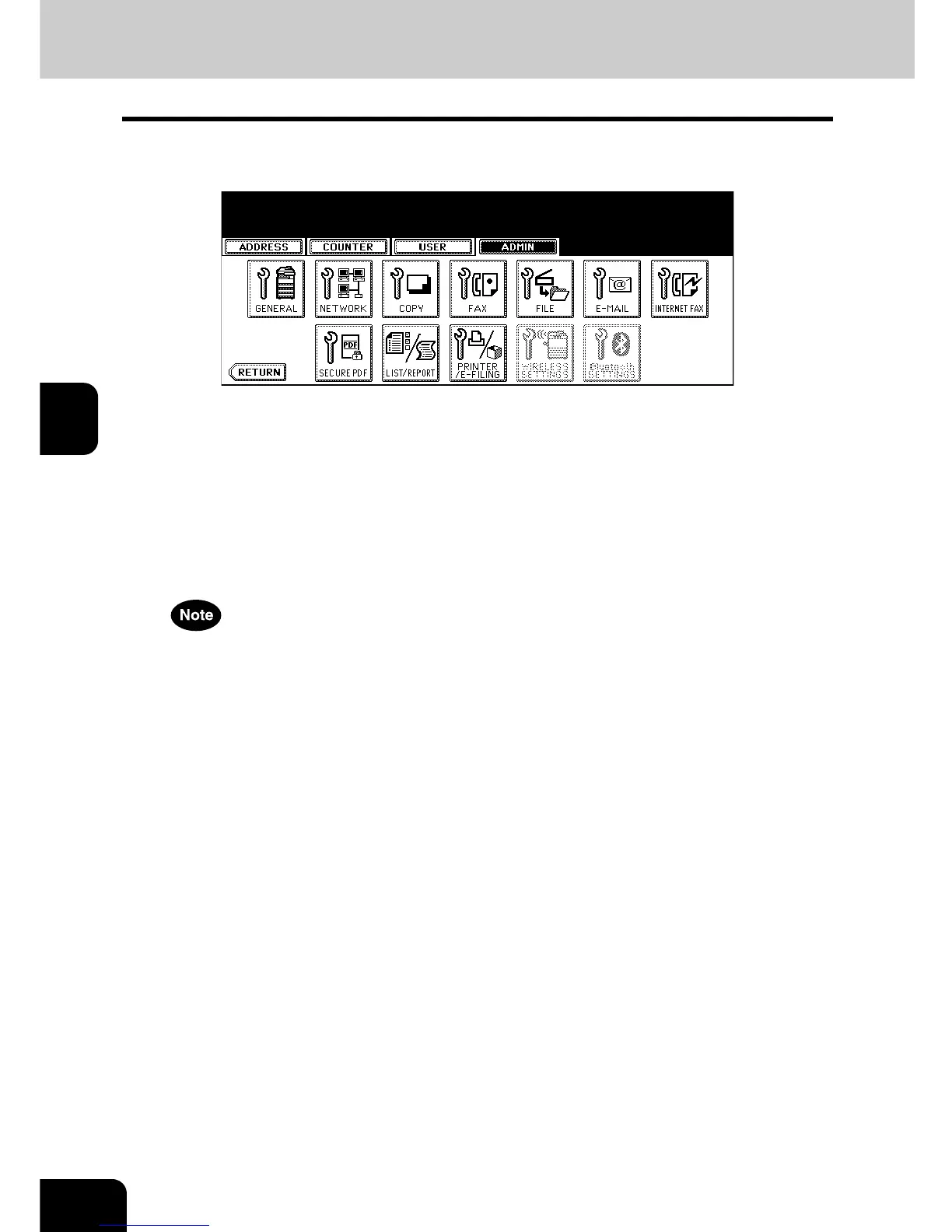
The ADMIN menu is displayed. Continue the administrative operation
that you require.
• P.89 “2.SETTING GENERAL FUNCTIONS”
• P.106 “3.SETTING NETWORK FUNCTIONS”
• P.136 “4.SETTING COPY FUNCTIONS”
• P.138 “5.SETTING FAX FUNCTIONS”
• P.152 “6.SETTING FILE FUNCTIONS”
• P.153 “7.SETTING E-MAIL FUNCTIONS”
• P.155 “8.SETTING INTERNET FAX FUNCTIONS”
• P.158 “9.SETTING SECURE PDF FUNCTIONS”
• P.160 “10.SETTING LIST/REPORT”
• P.167 “11.PRINTING LISTS”
• P.168 “12.SETTING PRINTER/E-FILING FUNCTIONS”
• There is also the [WIRELESS SETTINGS] button in the ADMIN menu. This button will be available only when
the optional Wireless LAN is installed. For the instructions on how to operate the WIRELESS SETTINGS,
please refer to the GN-1041 Operator’s Manual for Wireless LAN.
• There is also the [Bluetooth SETTINGS] button in the ADMIN menu. This button will be available only when
the optional Bluetooth is installed. For the instructions on how to operate the Bluetooth SETTINGS, please
refer to the GN-2010 Operator’s Manual for Bluetooth.



 To Next Page
 Loading...








