4 EDITING FUNCTIONS
ADF -> SADF 151
ADF -> SADF
You can switch the feeding mode when the RADF (Reversing Automatic Document Feeder) is used, from
“ADF” to “SADF”. The paper feeding mode has 2 types as follows:
ADF (Continuous feed mode): Feeds originals continuously when you press the [START] button on the
control panel while originals are being placed on the RADF. This is useful when you make more than one
copy in one operation. (Default setting)
SADF (Single feed mode): Feeds originals one by one automatically. This is useful when you usually only
have 1 original.
When the single feed mode (SADF) is set, place originals one sheet at a time. If you place more than one
original, the copied image may be skewed or the originals may misfeed.
1
Place paper in the drawer(s).
2
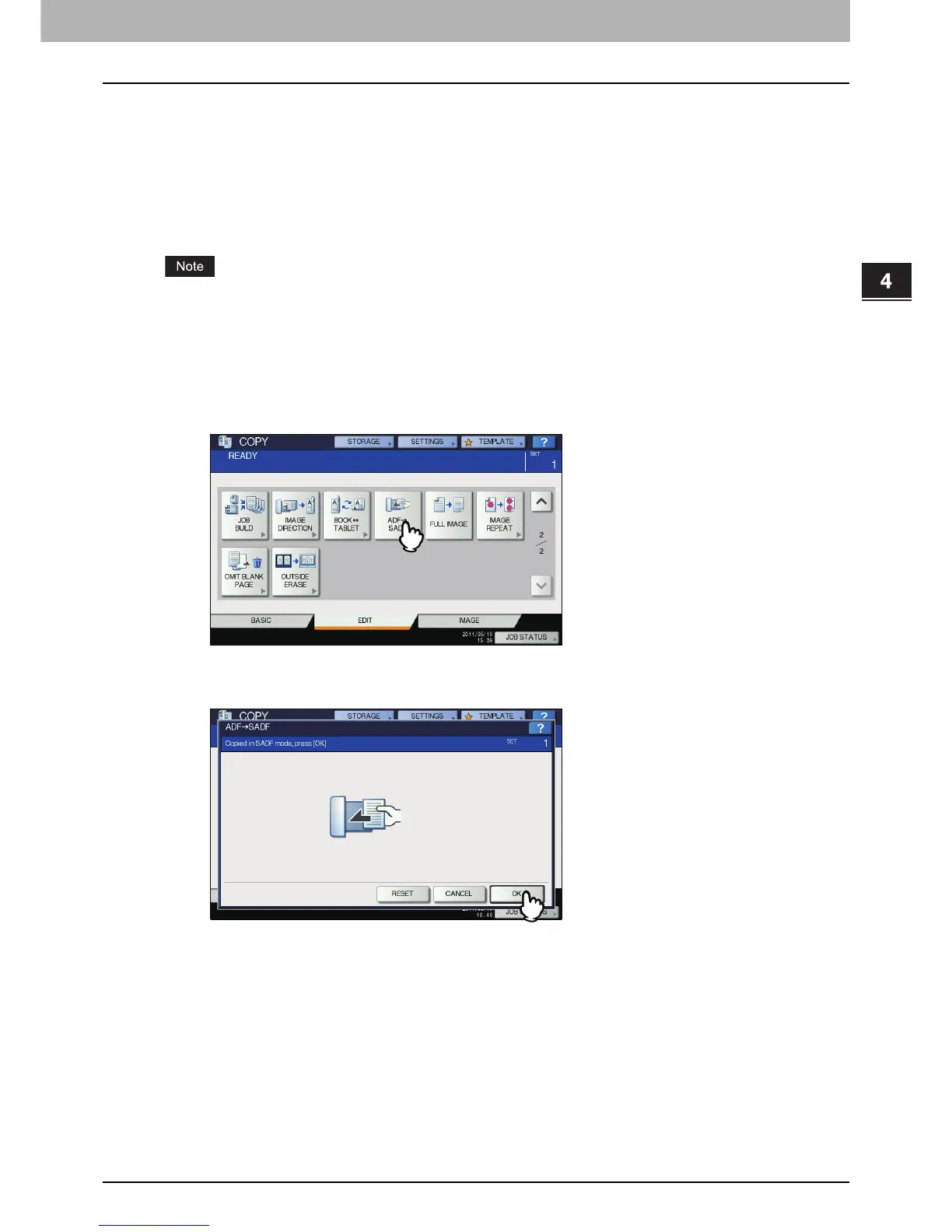
Press [ADF -> SADF] on the EDIT menu.
3
Press [OK].
The feeding mode is now set at “single feed mode”.
4
Select other copy modes as required.



 To Next Page
 Loading...






