2.PRINTING FROM WINDOWS
Setting Up Print Options 71
2 PRINTING FROM WINDOWS
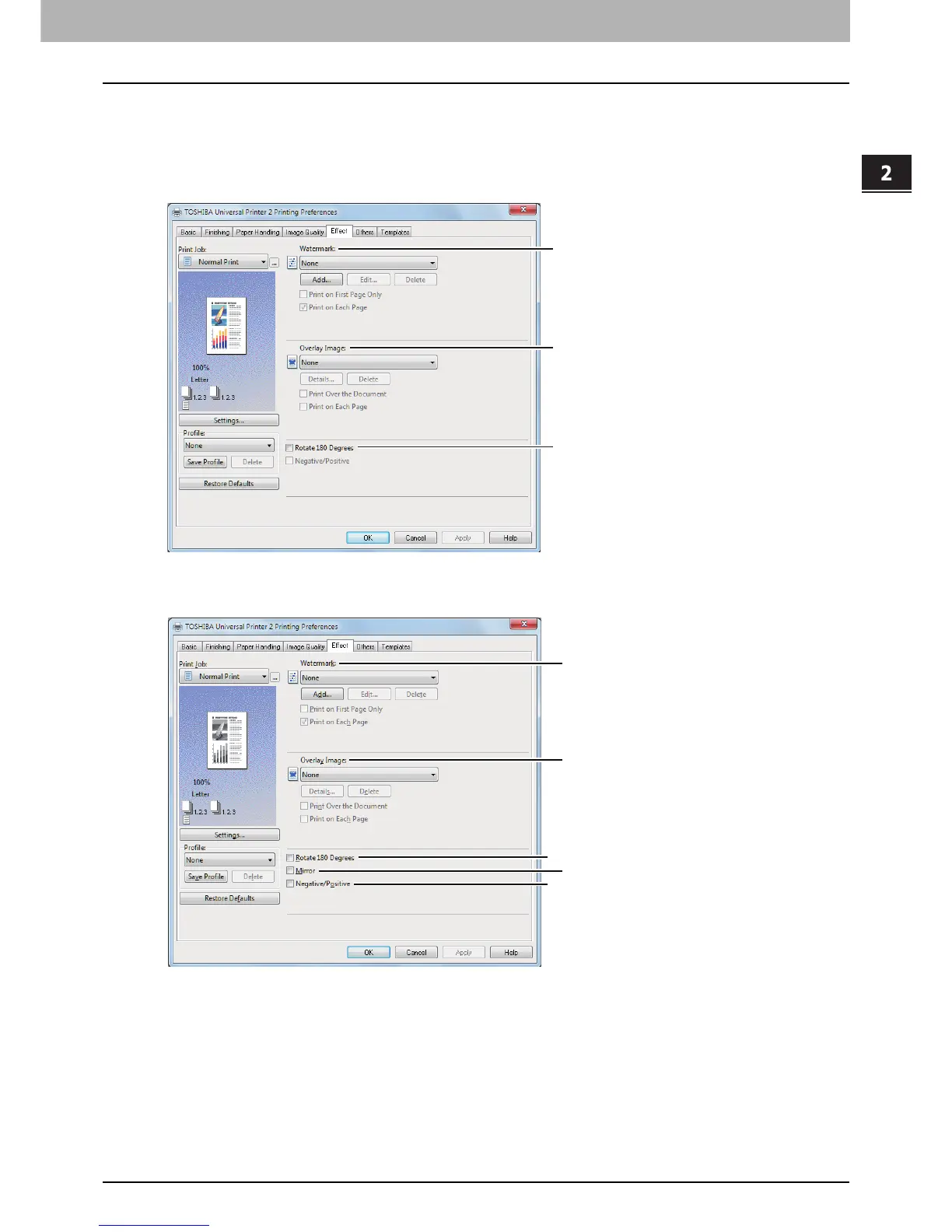
[Effect] tab
The [Effect] tab contains print options that add effects to your print jobs such as Watermarks, Overlay Image
printing, Rotate printing, Mirror printing, and Negative/Positive printing.
[Effect] tab for Universal Printer 2 (PCL6)
[Effect] tab for Universal Printer 2 (PostScript) / Universal XPS









 To Next Page