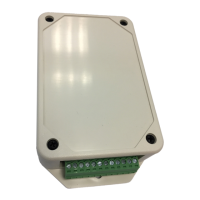
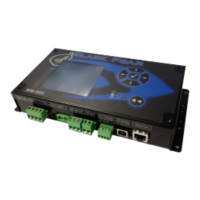
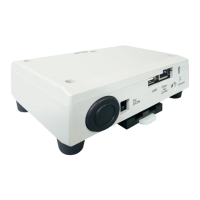
TCS-NET General Purpose Interface
Service Manual
5
Toshiba
1. Outline
This document describes how to troubleshoot individual problems in interfacing with general-purpose devices
using the TCB-IFCG1TLE. For information on Applications/Functions/Specifications, Installation, Connection of
Power cable and Signal wires, Setting, Trial Operation Check, Connection to External Devices, and so on, see the
Installation Manual of the TCB-IFCG1TLE.
2. Required Devices and Tools
• Screw driver (for +M4 screw)
• TESTER
• DYNA KIT (for TEST 4-3)
• The setting tool software for the advanced conjunction function for the general purpose interface must be
installed on the PC (with Windows 2000, XP or later) for TEST 4-3.
3. Checking the Board inside the TCB-
IFCG1TLE
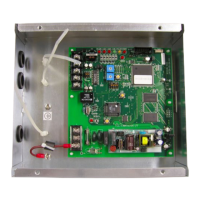
In troubleshooting procedures described in Section 4 or later, you need to check the settings, connections, and
LEDs of the board inside the case.
Disconnect the DC plug of the AC adapter, remove the screws located in the four corners of the case lid, and open
the lid of the case. Connect the DC plug again, and turn on the unit.
+00DE89308801_01EN_SVM_General_IF.book Page 5 Tuesday, January 20, 2009 6:44 PM



 To Next Page
 Loading...