TouchTunes Karaoke Installation and Setup Guide 900587-001 Rev 03
Replacement Microphones
Topics
Microphone Frequencies and Colors
Microphone Frequencies and Colors
In order to reduce the possibility of interference with other locations (or a second Karaoke installation within a single
location), TouchTunes Karaoke has three distinct frequency pairings of microphones and wireless microphone
receivers.
Each wireless receiver is pre-configured to operate with two microphones of
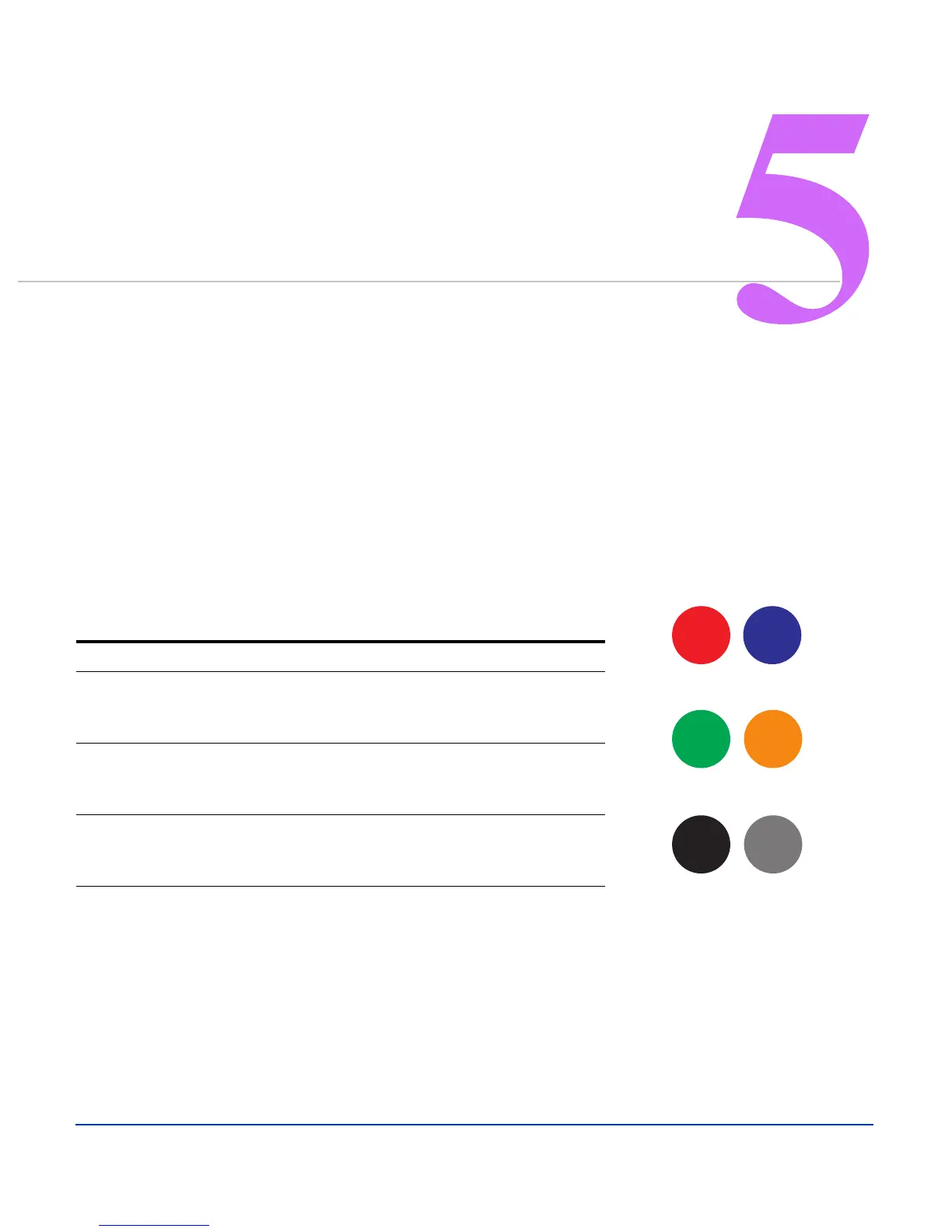
a set frequency,. The microphones within a pairing are color coded with a ring
around the center.
• If a location requires a single replacement microphone due to damage, note the color ring of the damaged
microphone to order a replacement microphone
• If the location has lost a microphone, you can consult the table below to determine the color of microphone that
was lost (for example, if they still have a blue microphone, you can assume they lost a red microphone)
• If both microphones are lost, ask the location to examine the sticker on the reverse of the wireless microphone
receiver. This sticker bears a kit part number, as well as two color coded dots which represent the color rings of
the compatible microphones.
Wireless Receiver Part Number Wireless Microphone Operating Frequency
KIT 1 - 700297-001 Microphone A - RED - 184.32MHz
Microphone B - Blue - 175.60MHz
KIT 2 - 700297-002 Microphone C- Green - 215.80MHz
Microphone D - Gold - 174.10MHz
KIT 3 - 700297-003 Microphone E - Black - 197.60MHz
Microphone F - Silver - 192.70MHz


 To Next Page