28
Activating the Jukebox
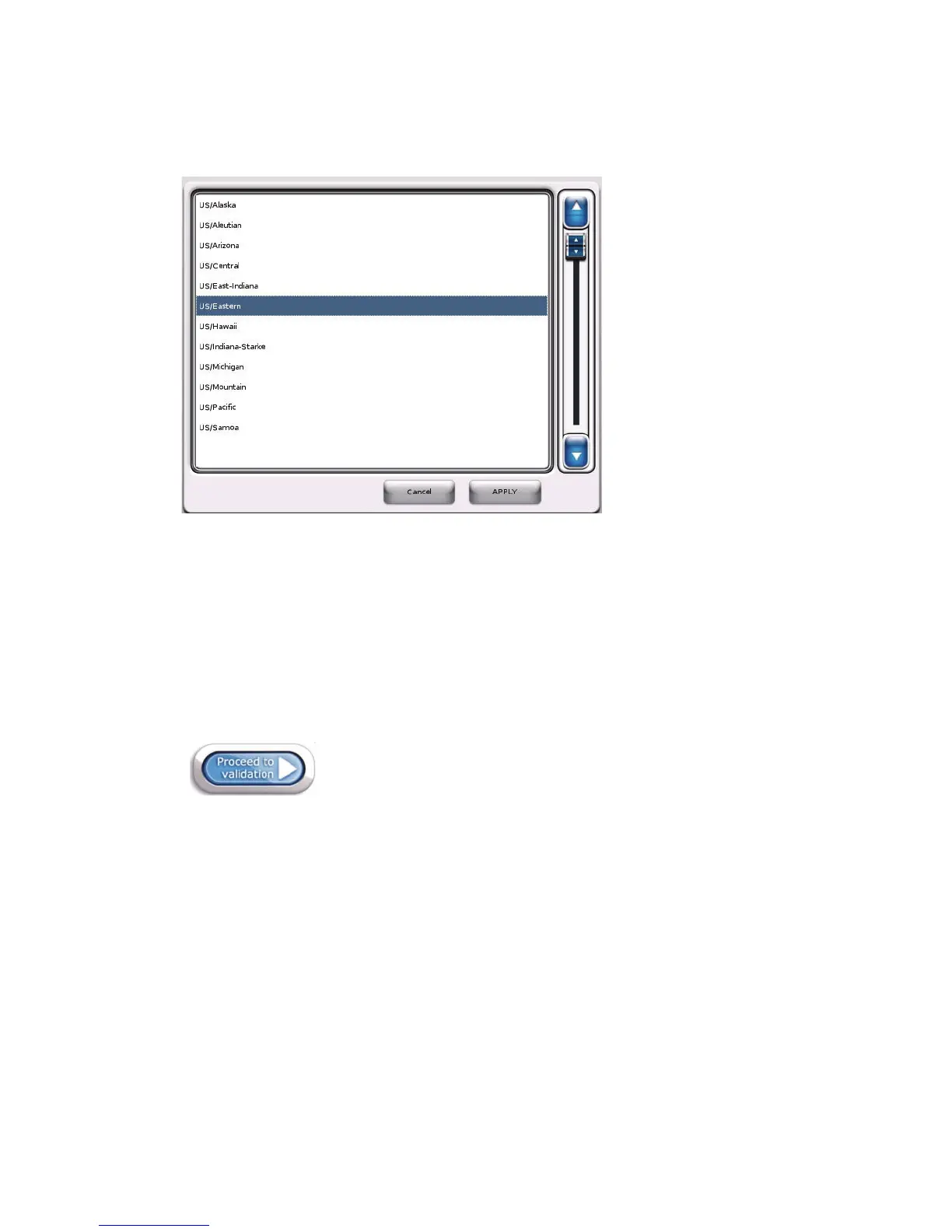
• Config: Use this button to display a scrolled window (as shown below) from which you can
select the location’s time zone. Use the scrolling controls to move up and down through the list,
touch a time zone to select it, and then press APPLY.
Time Zone Selection
The Connection type controls allow you to choose the type of network connection for the
jukebox. Depending on your selection, different settings will display in the lower area of the
screen, allowing you to specify connection parameters.
To choose a dynamic (DHCP) broadband connection:
1. Select DHCP to obtain an IP address automatically from the ISP or the location’s router.
2. Touch Proceed to Validation at the upper right-hand area of the screen to proceed to the
Communications screen.
Proceed to validation
To choose a static broadband connection:
1. Select Static to assign a static IP address, and then enter all configuration parameters as
supplied by the ISP.
The screen refreshes, with all Config buttons enabled to allow you to enter the required
information.
2. Select the Config button associated with the IP field.



 To Next Page