8
10
9
7
3
4
5
6
2
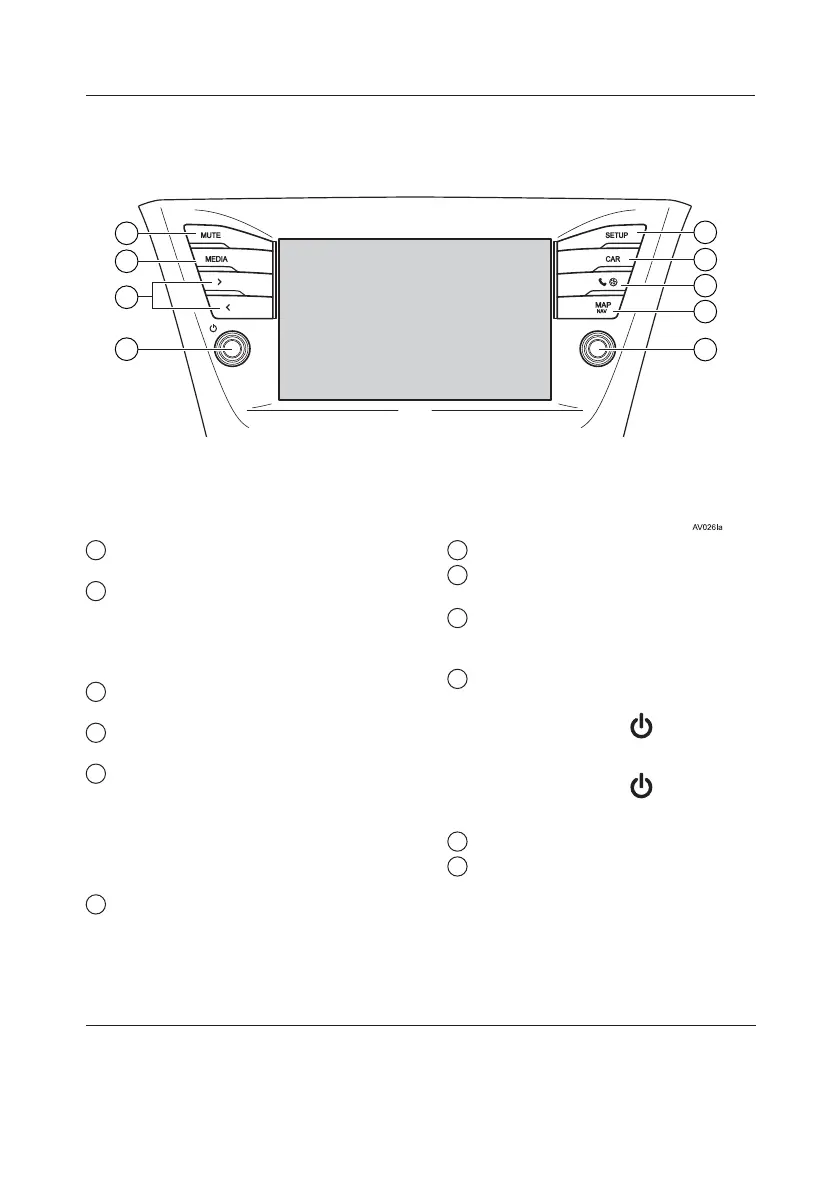
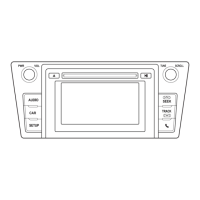
1 Touch to control the selected
functions.
2 Turn to select a radio station or a
track.
*
Press to enter selections.
*
Turn to change the map scale.
*
3 Press to customise the function
settings.
4 Press to access the vehicle
information system.
5 Press to access the Bluetooth®
hands-free system and applications.
Each time the button is pressed, the
screen will change between the phone
menu screen and the Toyota online menu
screen.
6 Press to access the navigation
system.
Each time the button is pressed, the
screen will change between the map
screen and navigation menu screen.
7 Press to turn mute on/off.
*
8 Press to select a radio station or a
track.
9 Press to access the audio system.
The audio system turns on in the last
mode used.
10 Turnorpress+/-toadjust volume
knob.
Press the volume knob /
to turn the
audio system on/off.
Press the volume knob /
and hold to
restart the system.
11 Press to eject a disc.
*
12 Insert a disc into this slot. The CD
player turns on immediately.
*
*
: If equipped
TOUCH-SCREEN MULTIMEDIA
5







 To Next Page