EasyManua.ls Logo

TP-Link Deco BE65-5G - Set Up Your Deco for Wi-Fi Router Mode (Part 2); Scan QR Code or Set Up Manually; Choose Operation Mode; Connect to the Decos Wi-Fi

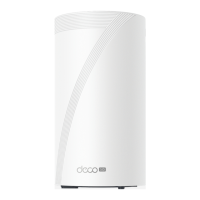
TP-Link Deco BE65-5G
26 pages
Print Icon
To Next Page IconTo Next Page
To Previous Page IconTo Previous Page
Loading...
10
6. Connect to the Deco's Wi-Fi
Connect to the Deco's Wi-Fi using the default
SSID printed on the product label.
4. Scan QR code or set up manually
Scan the QR code for a quicker setup. You can
also set it up manually.
5. Choose an operation mode
Select Use as a Wi-Fi Router.

Other manuals for TP-Link Deco BE65-5G

Related product manuals