3
Appearance
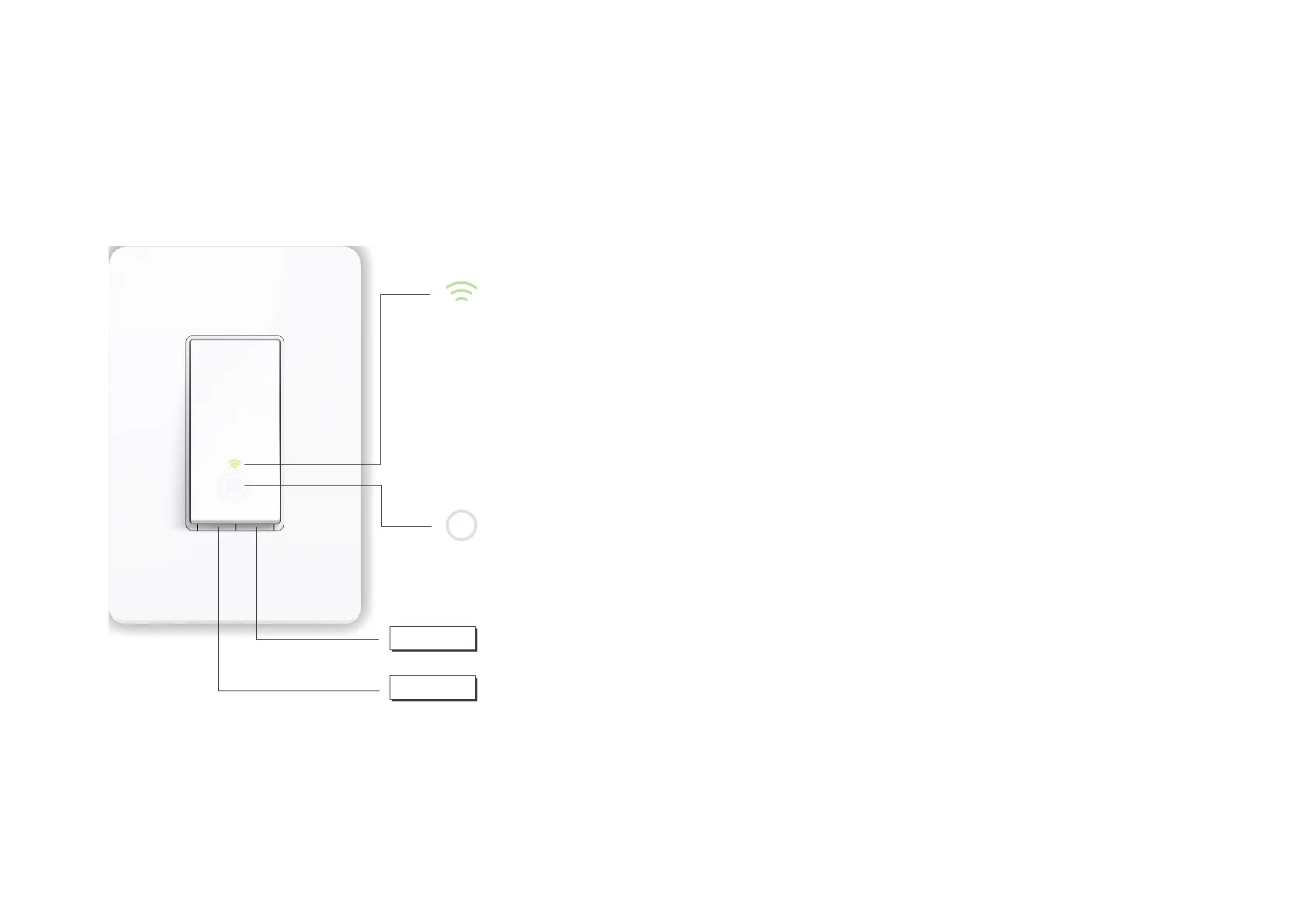
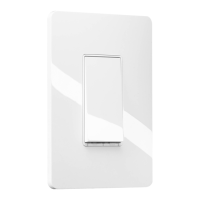
The Smart Switch is compatible with incandescent, LED, Halogen, and compact uorescent light bulbs. The switch also includes a white backlight LED
indicator to easily locate the switch at night. See the explanation below:
RESTART
Blinking Amber and Green: App-Cong mode initiated.
Green: Lit up for about 30 seconds when successfully connected to
the Wi-Fi network, then turns o.
Blinking Amber: Resetting.
Red: No Wi-Fi connection.
White: Lit up when the light is switched OFF to show the Smart
Switch location in the dark.
Press to reboot the Smart Switch.
Press and hold for about 5 seconds until the Wi-Fi status LED blinks
amber and green alternately to initiate App-Cong mode.
Press and hold for about 10 seconds until the Wi-Fi status LED blinks
amber rapidly to reset the Smart Switch to factory default settings.











 To Next Page