©2023 TP-Link 7106510701 REV6.0.0
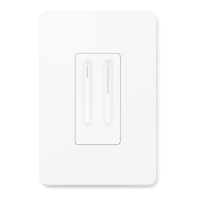
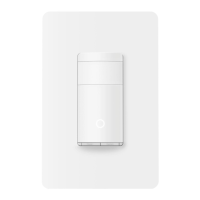
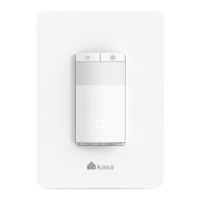
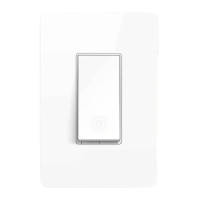
Smart Wi-Fi Light Switch, Two-Gang
Quick Start Guide
*Images may dier from your actual product.
Turn o the circuit breaker for all switches in the
wallbox. Check whether your power is o by
turning your switches on and o a few times. Make
sure your old switches are turned o before
continuing wiring.
1
Take a picture of the wires. Then label the wires
of the pulled-out switch.
4
• Neutral: Usually a bundle of white wires not connected to
the old switch. They may be folded up in the very back of
your wallbox. If the old switch is smart, then the neutral
wire may be connected to the switch.
• Ground: Usually a green or bare copper wire.
• Line/Load: Usually black, connected to the old switch.
Screw the switches to the mounting holes without fully tightening them. You may need to adjust their
positions for the wallplate.
6
Disconnect the wires from the pulled-out switch. Then connect the wires to one of your smart switches as
shown below. No need to distinguish between the Line and Load wires.
Follow the same steps to replace the other old switch with your smart switch.
5
OFF
Wire Your Switch
Remove the old wallplate. Use a voltage detector
to test terminals and other metal parts to conrm
that all power is o.
2
Unscrew one of the two old switches and pull it
out. Use a voltage detector to test all wires
connected to the old switch and in the wallbox to
conrm that all power is o for the wallbox.
3
Do NOT tighten the screws.
CAUTION !
1. Risk of Electric Shock - The product should be
installed by a qualied electrician.
2. High Voltage - Disconnect power supply at the
circuit breaker before servicing.
3. Use copper conductors only
Flip the page over to continue.
Power
Source
To Light

 Need help?





 To Next Page
 General